.png&w=1280&q=75)
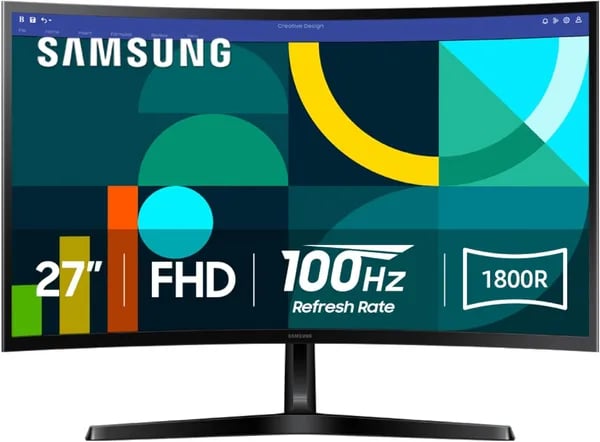
You know that tiny thrill when a new monitor arrives and suddenly your desktop feels like a proper workspace? I remember unboxing a curved 27" monitor on a rainy afternoon—same slim box, same little instruction pamphlet—and being surprised at how a modest curve made spreadsheets and weekend racing games feel more... cinematic. This outline walks you through the Samsung 27" Essential S3 (model LS27D366GANXZA), released August 19, 2024, and helps you decide whether its 1800R curve, Full HD 100Hz panel, and eye-care features fit your desk and your day.
1) Why the 1800R Curved Screen Feels Different
1800R Curved Screen: it wraps your Field of Vision
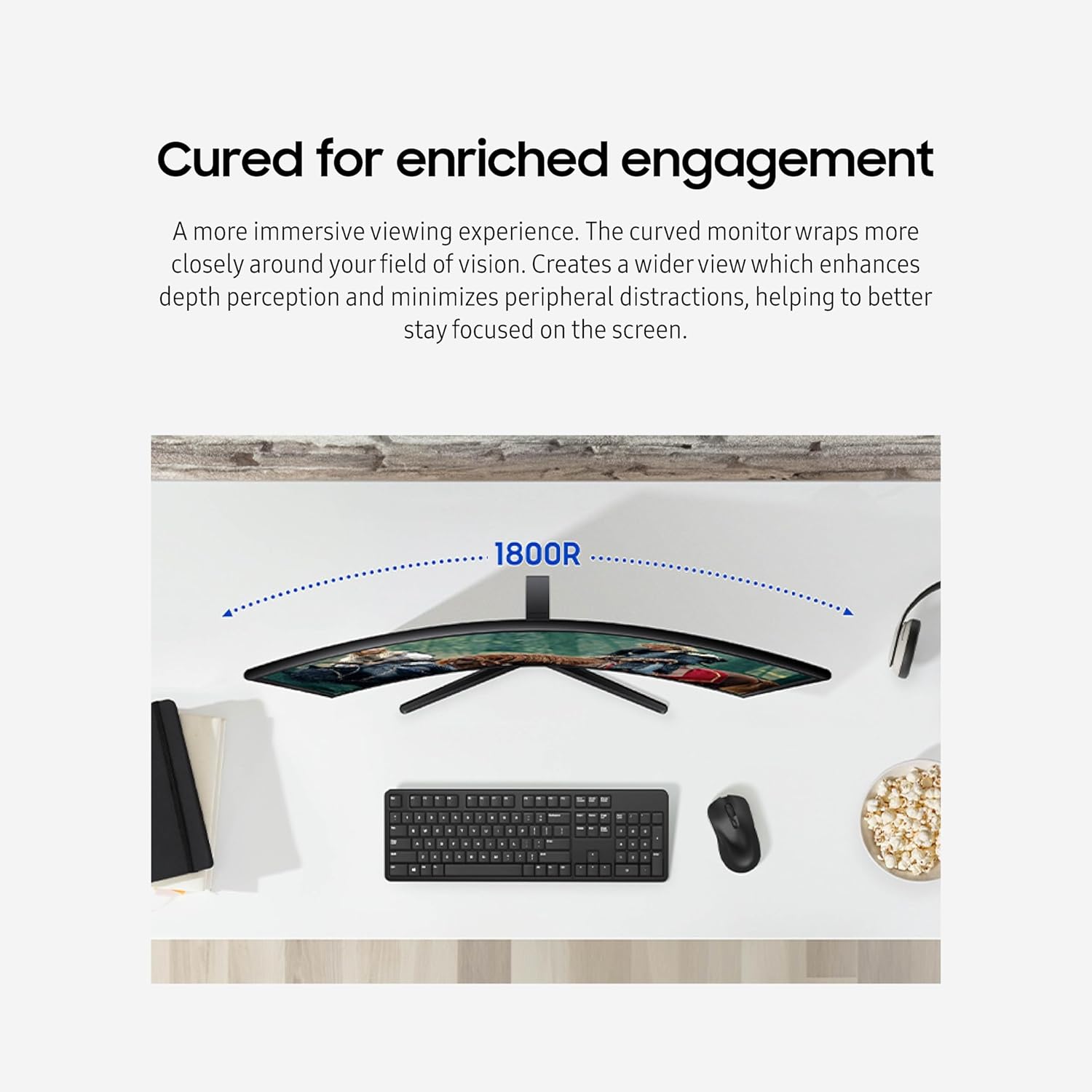
On the Samsung Essential S3, the 1800R Curved Screen isn’t a gimmick—it changes how you take in the whole display. At 27 inches, the curve gently bends the edges toward you, so your eyes don’t have to “reach” as far to track content. That small shift can mean less peripheral distraction and a stronger sense of depth, especially when you’re focused for hours.
A more natural, more Immersive Viewing Experience for everyday work
With a 27" Curved Monitor at 1920x1080 Full HD, spreadsheets and timelines can feel less flat because the sides sit closer to your gaze. When you’re bouncing between documents, email, and a browser, the curve helps keep the screen feeling “centered,” even when your eyes move left and right.
Games and movies feel bigger—without going ultra-wide
The curve adds subtle immersion that’s easy to appreciate in racing games, open-world scenes, or streaming shows. You get a wider-feeling view without paying for a 4K ultra-wide or needing a huge desk.
"I love the subtle immersion; it makes racing games feel bigger without taking over my desk." — Big Boyz
Practical bonus: thin bezels for clean dual-screen alignment
If you run two screens, the S3’s ultra thin bezels make it easier to line them up side-by-side with a smaller visual break between panels—great for a home office layout.
"The curve is perfect for my dual-monitor desk—minimal bezel gap and great depth." — Rachelle Fisher
Trade-offs to know
- Compact curve vs. ultra-wide immersion: 1800R on 27" feels natural, but it won’t replace the wrap of a true ultra-wide.
- Best fit: ideal as a single main display or a matched pair for a tidy dual-monitor setup.
 100Hz Refresh Rate, and Game Mode" />
2) Performance: Full HD, 100Hz Refresh Rate, and Game Mode
Full HD 100Hz: smoother daily use without the “gaming tax”
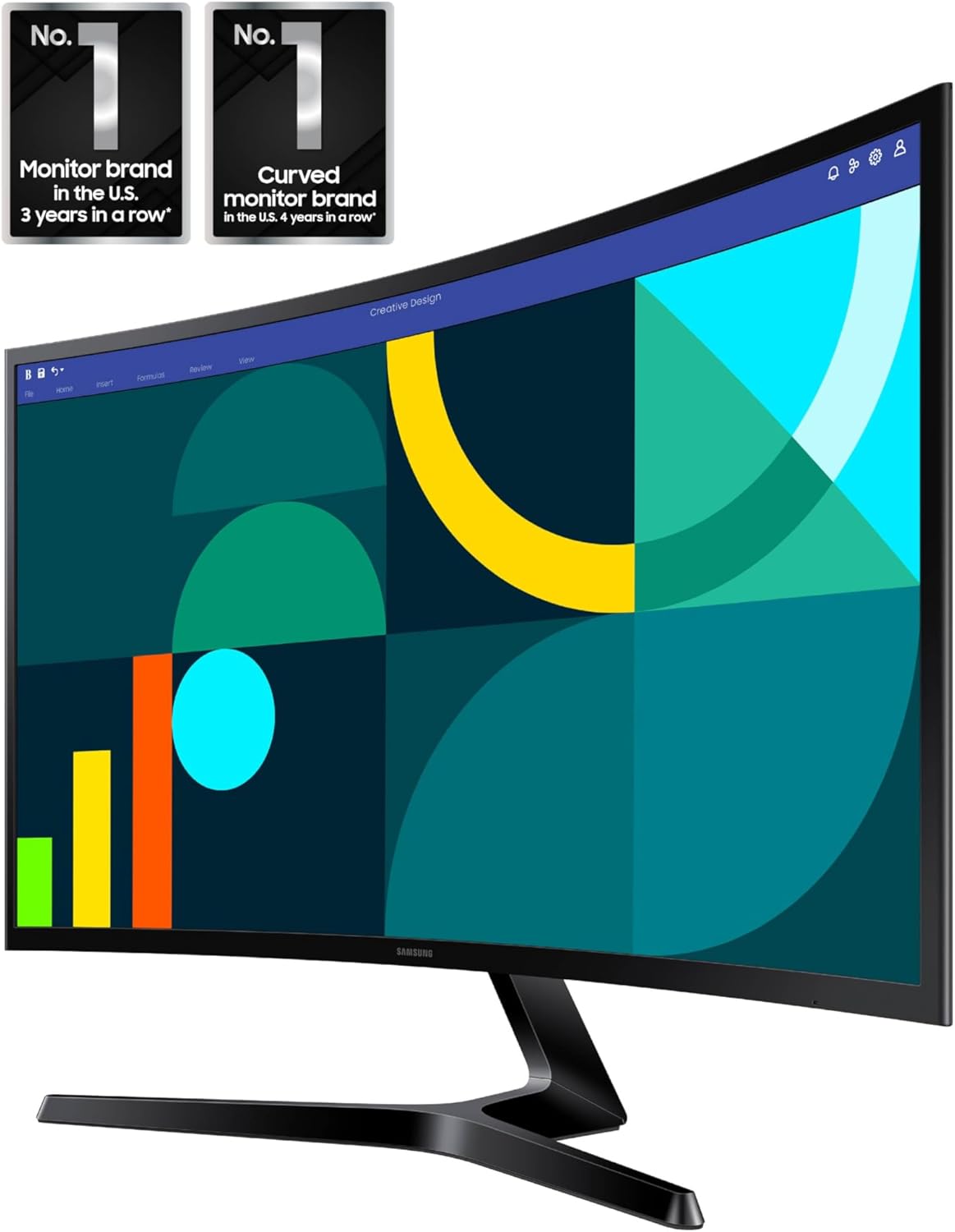
On a 27-inch screen, 1920x1080 Full HD keeps text readable and videos sharp, while the real upgrade is the 100Hz Refresh Rate. The monitor ships at 60Hz, but once you switch it to 100Hz, you’ll notice cleaner motion in everyday tasks—faster-feeling scrolling, smoother window dragging, and less “stutter” in streams and YouTube.
That extra headroom also helps in casual play. Pair the Full HD 100Hz output with the monitor’s 4ms Response Time and you get practical Motion Blur Reduction—less ghosting on moving edges in racers, sports games, and action titles compared to basic 60Hz office screens.
"The 100Hz option makes browsing and light gaming feel smooth—more than enough for my needs." — D. Peters
Game Picture Mode: quick color and contrast tuning
If you don’t want to mess with sliders, Samsung’s Game Picture Mode (Game Mode) is the easy button. It boosts visibility by adjusting color and contrast so scenes look punchier and details are easier to spot—handy for gaming and even streaming when a show looks a bit flat.
"Game Mode gave me better color right away for racing games without messing with settings." — MikeCap
Brightness and contrast basics (not HDR)
With 250 nits brightness and a 3000:1 contrast ratio, it’s well-suited for most home offices and bedrooms, especially with the curved VA-style look that helps blacks appear deeper. Just don’t expect HDR-level highlights in very bright rooms.
- Best for: work, study, streaming, and casual gaming
- Not aimed at: high-end competitive players—consider 144–180Hz+ options if that’s your priority
3) Eye Comfort, Build, and Everyday Usability
Advanced Eye Comfort + Eye Saver Mode (TÜV-Certified)
If you’re putting in long workdays or doing late-night edits, the Samsung Essential S3 leans hard into comfort. Its Advanced Eye Comfort is TÜV-certified, which is a strong sign you’re getting real blue light reduction and Screen Flicker Minimized behavior—not just marketing. Turn on Eye Saver Mode when you want a warmer, easier-on-your-eyes look for reading, spreadsheets, or browsing.
Super Slim Design that’s easy to place
The Super Slim Design keeps your desk looking clean, especially in a home office or a dual-monitor setup. With the stand, it measures 9.2 x 24.5 x 18.4 inches and weighs 8.4 lb, so you can reposition it without a struggle, yet it still feels sensible on a standard desk.
HDMI Connectivity, setup, and daily trade-offs
Setup is simple, and several buyers say you’re basically plug-and-play.
"Setup was straightforward—HDMI included and it worked out of the box." — Brandi
- HDMI Connectivity: You get one HDMI plus D-sub. If you juggle a laptop and console, plan on an HDMI switch.
- No built-in speakers: You’ll want headphones or external speakers—many users prefer this anyway for better sound.
- Stand stability: A few people note some wobble or limited tilt. A desk mount upgrade can fix both comfort and stability.
"The stand wobbled a bit, but a $40 Vivo mount fixed it and made the angle perfect." — Olive Muffin
4) Price, Availability, Warranties, and Amazon Standing
Competitive Pricing (and Refurbished Options)
The Samsung Essential S3 (released August 19, 2024) stands out mainly because of its Competitive Pricing. Right now, you can grab it new for $119.99, which is 33% off the previous $179.99. If you’re trying to save a bit more, there are Refurbished Options listed as Used - Like New for about $107.90.
| Condition | Price | Notes |
|---|---|---|
| New | $119.99 | 33% off $179.99 |
| Used - Like New | $107.90 | Budget-friendly alternative |
Stock is typically steady, with Free Shipping Available and a purchase limit of up to three monitors per order—handy if you’re building a dual-screen setup (or outfitting a small office).
Delivery Speed + Extended Holiday Protection
Depending on your location, delivery can be fast—sometimes as soon as Jan 3–4, 2025. You also get extra peace of mind during holiday buying: eligible purchases in the 2025 holiday season may include an extended FREE refund/replacement window until Jan 31, 2026.
30 Day Returns (Read the Fine Print)
Amazon also supports 30 Day Returns for new, unopened items or units that arrive dead on arrival. Keep in mind that condition rules can apply, and restocking fees may be charged in some cases.
Amazon Standing: Reviews, Rank, and Buyer Confidence
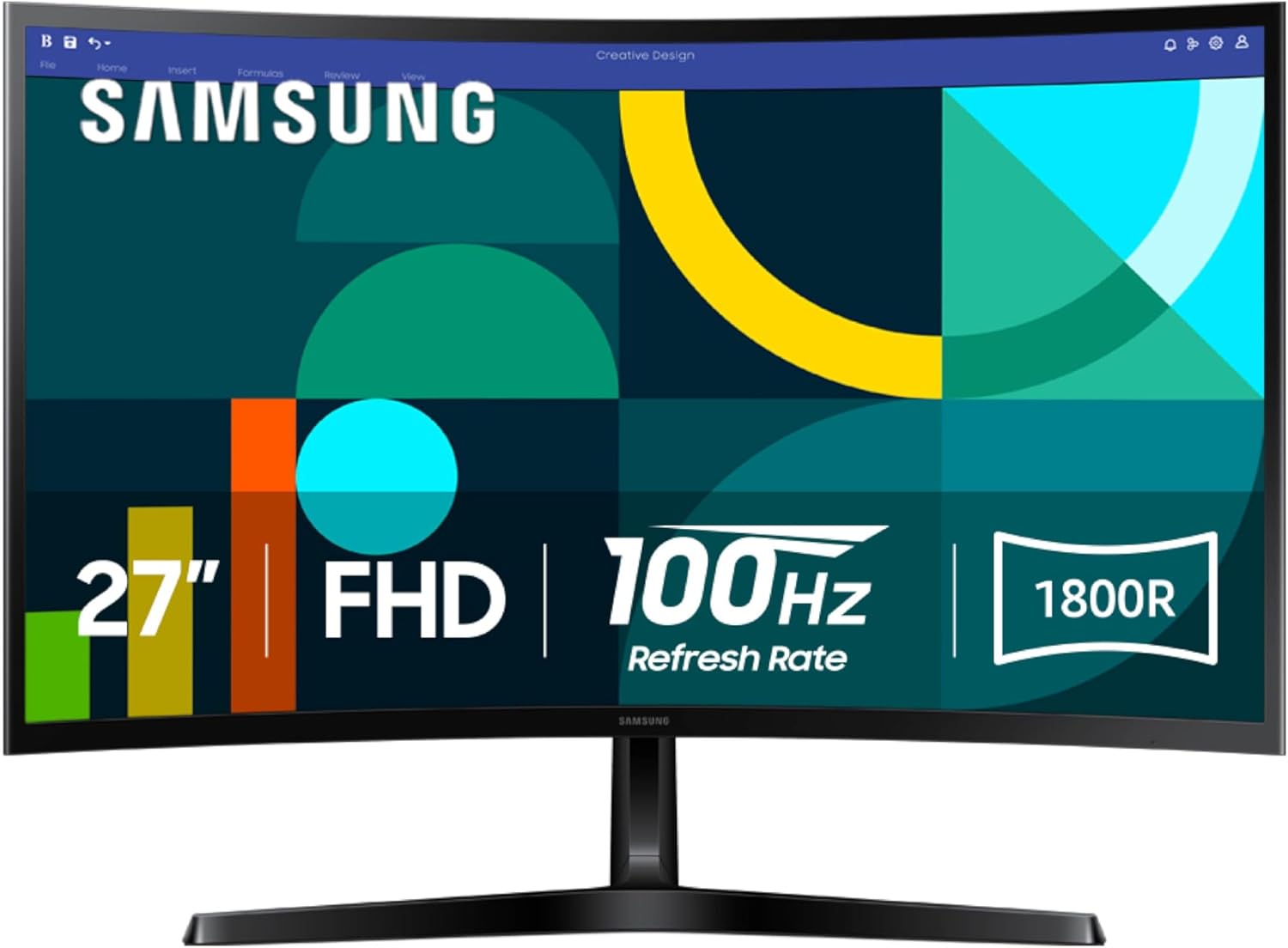
This monitor carries the Amazon’s Choice badge, with 10,000+ units sold. It’s ranked #198 in Electronics and #2 in Computer Monitors, backed by 1,557 reviews averaging 4.5 stars (with 78% five-star ratings).
"Great value for the price—bought two for my office and couldn't be happier." — Rachelle Fisher
"Amazon's Choice for a reason: solid reviews and quick delivery." — D. Peters
5) Competitors, When to Upgrade, and a Quick Buying Checklist
Competitive Pricing vs. “More Specs” Rivals
You’ll see the Samsung Essential S3 surrounded by budget picks from Sceptre, Acer, SANSUI, KOORUI, KTC, and MNNM. Many of these alternatives trade Competitive Pricing for higher resolution (QHD/UHD), faster refresh (up to 180Hz), or wider color (up to 125% sRGB and 95% DCI-P3). Curves vary too—some go 1500R, others match Samsung’s 1800R.
| Example | What you get | Price |
|---|---|---|
| KTC 27" QHD | QHD + 100Hz | $97.74 |
| KTC 27" 4K | 4K + 160Hz | $299.99 |
"If you want higher refresh and color precision, look to QHD or 4K options from KTC or Acer." — MikeCap
"For most people, the S3 hits the sweet spot between price and performance." — Brandi
When You Should Upgrade (or Pick Another Model)
Stick with the S3 if you want a curved 27" screen, a smooth 100Hz Refresh Rate, and simple everyday use. Skip it if you need:
- 144–180Hz+ for competitive shooters (look for FreeSync/GSync support too).
- QHD or 4K for sharper text, spreadsheets, or editing timelines.
- Expanded color (125% sRGB / 95% DCI-P3) for photo/video work—an IPS Panel Display option often helps here.
- HDR that’s more than a checkbox, plus better brightness.
Quick Buying Checklist (Use This Before You Click “Buy”)
- If your desk is shallow, measure depth—curved screens sit closer.
- If you’ll connect two devices, remember: one HDMI port (plan an HDMI switch).
- If you hate wobble, budget for a VESA arm/stand upgrade.
- If you need built-in audio, skip this (no speakers).
- If you’re saving money, compare Refurbished Options vs. new pricing.
Wild Cards: Tiny Anecdotes, a Hypothetical, and a Quote
A tiny anecdote: your cooking-class “second screen” moment
Picture this: you’ve got an online cooking class playing on your laptop, and the Samsung Essential S3 sits to the side as your dedicated recipe screen. With that 1800R curve, you don’t keep losing your place when you glance up mid-chop—your ingredients list stays centered, and the Immersive Viewing Experience feels oddly calming when the kitchen gets hectic. The 27-inch size is big enough to read measurements at a glance, but it still fits on a crowded counter or a small desk. And because of the Super Slim Design, it doesn’t feel like a bulky “office” object invading your home space.
A hypothetical refresh: one small tweak, way more flexible
Now imagine Samsung drops a refreshed S3 with a second HDMI and built-in speakers. You could keep your work PC plugged in, leave a console or streaming stick connected, and stop swapping cables. And if the speakers were decent, you might even retire that little desktop soundbar—especially for casual YouTube, Zoom calls, or background playlists while you work. It wouldn’t need to be “audiophile” quality; it would just need to be convenient.
A shareable pull-quote block (straight from real users)
When you’re deciding, it helps to hear voices that sound like yours—people setting up fast, pairing with everyday laptops, and caring about value more than flashy specs. Users like D. Peters, MikeCap, Brandi, and Olive Muffin echo that “plug it in and get on with your day” vibe.
“Perfect curve and slim profile—value for money.” — Big Boyz
“Easy installation and compatibility with my HP—highly recommend.” — Rachelle Fisher
If you want a curved screen that feels practical, photo-ready, and easy to live with, you could do a lot worse than the Samsung Essential S3.



