.png&w=1280&q=75)
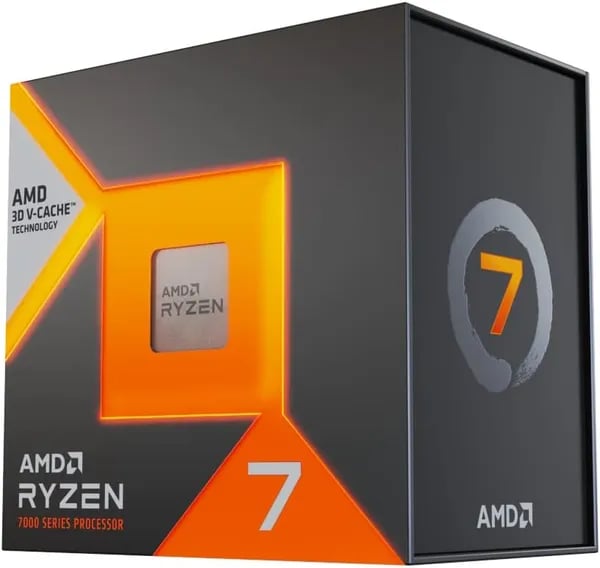
You know that feeling when you boot up a game and the stutter vanishes? That was me the first time I tried a 7800X3D—sudden smoothness in Elden Ring at 1440p, a grin, and a coffee gone cold because I forgot to drink it. This outline walks you through why the AMD Ryzen 7 7800X3D should be on your wishlist, using practical data, hands-on tips, and a couple of offbeat analogies (yes, a CPU can feel like a trustworthy dog).
1) Why this chip matters to you (When smoothness beats specs)
AMD Ryzen 7 7800X3D: gaming feels better when frames stay steady
If you care more about how a game feels than what a benchmark chart says, the AMD Ryzen 7 7800X3D is built for you. On paper, you’ll see solid numbers—8 cores / 16 threads, a 4.20 GHz base clock, and a 5.0 GHz peak boost noted in benchmarks. But the real reason this CPU stands out is simple: it targets Gaming Performance where it matters most—frame stability, not just peak FPS.
3D V-Cache + L3 Cache: the “smoothness” upgrade you actually notice
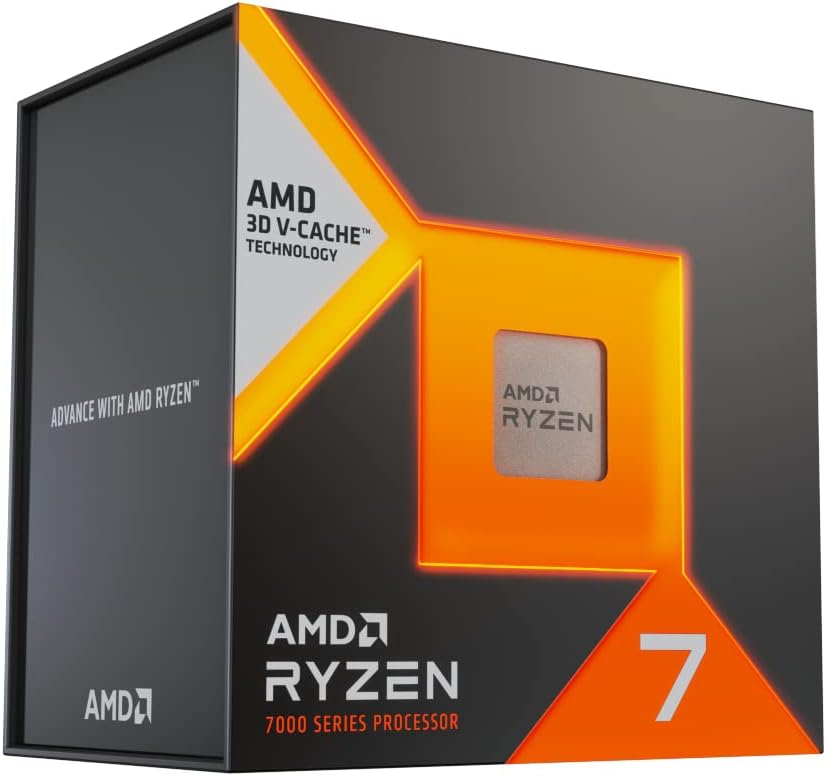
The headline feature is 3D V-Cache, which stacks cache to deliver a massive 96 MB L3 Cache (plus 8 MB L2). In many cache-sensitive games and CPU-heavy moments—busy cities, big battles, heavy mods—this extra L3 cache helps keep the CPU fed with data, reducing stalls that can show up as dips or stutter. That’s why the 7800X3D often feels smoother than non-X3D chips, even when average FPS looks close.
Mark Reynolds, PC Hardware Editor: "The 7800X3D flips the script — it’s the CPU you pick when gaming frame stability matters more than synthetic multi-core scores."
Zen 4 Architecture efficiency: strong performance without the heat drama
Under the hood, the Zen 4 Architecture and 5 nm process help balance speed and efficiency. With a 120W TDP, you’re getting high-end gaming output without needing extreme power draw. In real builds, that usually means quieter cooling and more consistent boost behavior during long sessions—exactly what you want for competitive play or marathon RPG nights.
Built for 1440p/4K with a real GPU
If you’re pairing a strong card like an RTX 4070 or 3080 10GB, this chip is a great match for 1440p and 4K. At those settings, you’re often GPU-limited—but the 7800X3D still helps by keeping lows higher and frame pacing cleaner, especially in demanding open-world titles.
- Best for: smooth gaming, high 1% lows, modded or CPU-heavy games
- Less focused on: chasing the top multi-core rendering scores
- Platform bonus: AM5 supports DDR5 and PCIe 5.0 for a more future-ready build
2) Real-world gaming performance (What you’ll actually feel and see)
Gaming Benchmarks that match what you feel in-game
On paper, the Ryzen 7 7800X3D looks strong. In real play, it’s even clearer: you get smoother Frame Rates, better frame pacing, and fewer “why did it hitch?” moments. Across many Gaming Benchmarks, it’s often reported to beat the Intel Core i9-13900K by ~12% on average, and in a few CPU-heavy titles it can reach up to 40%. That extra headroom shows up most in busy scenes—crowded towns, big fights, heavy physics, or lots of AI—where weaker CPUs dip hard.
Aisha Patel, Gaming Performance Analyst: "In real play, the 7800X3D turns stutter into silence — especially in heavily modded or CPU-bound scenarios."
Where the wins show up most: 1440p and 4K Gaming
If you play at 1440p or care about 4K Gaming, the 7800X3D’s 3D V-Cache helps keep your GPU fed and your frame times steady. In some benchmarks, non-X3D chips can trail by 30–40 FPS in the same setup, especially when the game leans on the CPU. The result is simple: your “average FPS” might look great on many CPUs, but the 7800X3D is the one that keeps the lows from ruining the feel.
Real titles players call out
Community feedback consistently highlights big gains in:
- Red Dead Redemption 2 (fewer drops in dense areas)
- Elden Ring (better consistency during heavy effects)
- Starfield (stronger CPU-bound performance)
- Skyrim (modded) and Fallout (modded) where scripts and NPCs hammer the CPU
Many users also report “night and day” smoothness improvements versus older CPUs, including upgrades from chips like the 7900X.
Low Power Consumption, cool temps, and quiet sessions
With a 120W rating and strong efficiency, you typically see 40–70°C under a decent air cooler or AIO. That means Low Power Consumption you can actually notice: less fan noise, fewer temperature spikes, and stable performance even in long gaming sessions.
User review snapshot
As of late 2025, the chip sits around 4.8/5 from 6,800+ reviews, with a reported 92% five-star sentiment—strong proof that the Gaming Performance isn’t just lab talk.
3) Build notes: pairing, cooling, and AM5 compatibility (The practical checklist)
AM5 Platform pairing: motherboard + DDR5 Support (and PCIe 5.0)
To get the most from the Ryzen 7 7800X3D, start with a solid AM5 Platform board and fast memory. A popular, no-drama match is the Asrock B650 Steel Legend WiFi 6E, which gives you modern features without going overboard on price.
AM5 also locks in DDR5 Support and PCIe 5.0 readiness, so you’re not rebuilding your whole system when you upgrade later. That matters if you want a clean path to future chips (yes, even the next waves like Zen 6) and next-gen storage/GPU options.
Thermal Control: keep it cool, quiet, and stable
The 7800X3D is known for strong efficiency, but you still want good Thermal Control for consistent boost clocks and low noise. Many builders report a comfortable 40–70°C range with the right cooler.
- Best value air cooler: Thermalright Peerless Assassin 120 SE
- Alternative: a modest 240mm AIO if you prefer the look or need case clearance
Tip: don’t cheap out on thermal paste application or case airflow—those two small details often decide whether your PC stays whisper-quiet under load.
GPU pairing: the “sweet spot” for 1440p/4K
For gaming headroom at 1440p or 4K, pair the 7800X3D with a mid-high GPU so neither part holds the other back. Two proven examples:
- RTX 3080 10GB for strong raster performance
- RTX 4070 for great efficiency and modern features
Installation + Overclocking Support: practical do’s and don’ts
- Handle the AM5 socket carefully—the pins are fragile.
- Update BIOS on your AM5 board for best stability and memory compatibility.
- Enjoy simpler behavior: no hybrid cores, so you avoid thread scheduling headaches.
- Overclocking Support: it’s unlocked for basic tuning (especially undervolting), but X3D chips are more limited than non-X3D parts—focus on stability and temps.
Carlos Mendez, System Builder: "Treat the AM5 pins with respect — it's simple to install, but you don’t want a damaged socket on day one."
4) Pricing, availability, and buying tips (How to get the best deal and stay safe)
Ryzen 7 7800X3D Review: current price and why it’s competitive
Right now, the Ryzen 7 7800X3D is listed on Amazon at $399, marked down from $449. For a gaming-first chip with 3D V-Cache, that’s a strong value and a big reason this CPU keeps showing up in “best gaming CPU” lists. With 6,800+ reviews and a 4.8/5 rating (late 2025), demand can move pricing fast—so if you see $399 in stock, it’s usually a solid time to buy.
Should You Buy used? “Like New” vs new (peace of mind math)
You may also spot Used - Like New options around $376.87. That’s only about a $20–$30 savings after prices shift, and many reviewers still recommend buying new for reliability and simpler support. If you’re asking Should You Buy used, weigh the small discount against the risk of missing accessories, unknown handling, or more complicated warranty outcomes.
- Buy It If you want the safest, simplest experience: choose new.
- Buy It If you’re comfortable inspecting parts and returns: consider Used - Like New.
Amazon perks that help you stay safe
Amazon adds confidence with Prime shipping, clear warranty support, and extended holiday returns through January 31, 2026. You can also order up to 30 units, which is useful for labs, small builders, or group upgrades.
Nina Brooks, Retail Tech Analyst: "The launch price and Amazon protections make this an easy choice for buyers who want performance without drama."
Buying tips: avoid common mistakes and get the best deal
- Check the seller and condition carefully; prefer Ships from Amazon when possible.
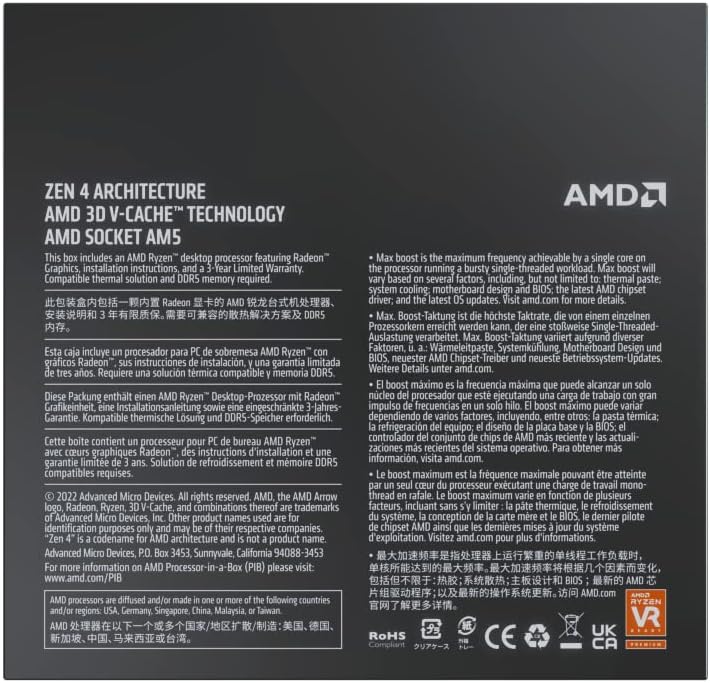
- Use the listing’s images/specs to confirm AM5 compatibility for your Future-Proof Platform build.
- Compare alternatives on-page (Ryzen 5 5600X, Ryzen 7 5700X, or compact PCs like BEASTCOM/GEEKOM) to confirm the 7800X3D fits your goals.
- Budget for cooling—this chip’s Low Power Consumption helps, but good cooling keeps performance steady.
International availability notes
Buyers in places like Brazil and Singapore report smooth delivery and solid packaging. Just double-check import fees, delivery dates, and return eligibility for your region before you place the order.
5) Wild cards: analogies, scenarios, and a quick FAQ
A quick analogy: your “marathon sprinter” Gaming Behemoth
Think of the Ryzen 7 7800X3D like a marathon sprinter who still has a sudden burst of speed when the terrain gets tricky. That “burst” is the 96MB 3D V-Cache: when games hit CPU-heavy moments (busy cities, big fights, lots of AI), it helps keep frame pacing smooth instead of spiky. In 2025 comparisons, it still shows why it’s a Gaming Behemoth, often landing around ~12% faster than the i9-13900K on average, and up to 40% in some titles—the kind of gap you actually feel at 1440p and even 4K with the right GPU.
What-if scenarios: Should You Buy for Content Creation or Rendering Workloads?
If your week is mostly Rendering Workloads—long 3D renders, heavy CPU encoding, or constant compile jobs—the Ryzen 9 7950X can still be the better pick because raw core count wins many Multi-Core Tasks. But if you split your time between gaming and Content Creation, the 7800X3D is the great middle ground: you get top-tier frame stability without giving up “real work” performance. As Elena Griggs, Content Creator, puts it:
“For creators who also game, the 7800X3D feels like getting two tools in one pouch — nimble and dependable.”
Also, it runs impressively cool for its class—many users report 40–70°C with a solid air cooler or a modest AIO, which is nice when you’re benchmarking so long your coffee gets cold.
Quick FAQ (and the final nudge)
Is it future-proof? Yes. AM5 plus DDR5 and PCIe 5.0 gives you a clean upgrade path for later Zen chips.
Do you need an expensive cooler? No, but don’t cheap out—pair it with a quality air cooler (or a sensible AIO) for quiet, steady boosts.
If you want the best value, match it with an appropriate GPU (RTX 4070/3080-class or better) and good airflow. The trade-off is simple: slightly less absolute multi-core muscle than 16+ core chips, but a smoother, faster gaming experience that makes the 7800X3D an easy “yes” if frame stability matters most.



