.png&w=1280&q=75)
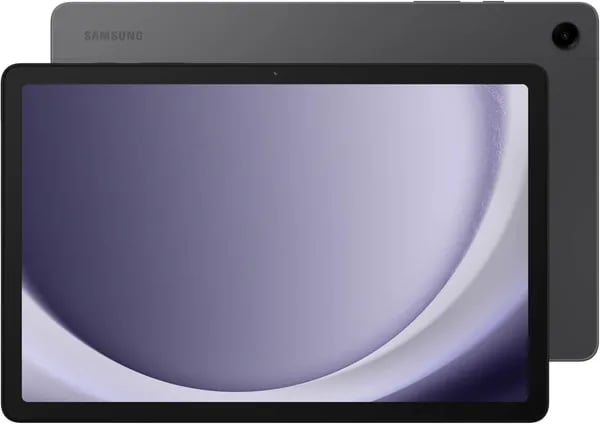
You know that satisfying scroll where the screen feels smooth and the audio actually matters? I had that moment on a cheap flight last month when I pulled out an 11-inch tablet to stream a movie for my kid. The Samsung Galaxy Tab A9+ surprised me — it didn’t behave like a bargain bin device. This post walks you through why this slate might be the one you hand to your kid for homework, bring on trips, or keep on the couch for family movie nights.
First impressions: the screen and sound that punch above weight
A bright screen that looks “more expensive” than it is
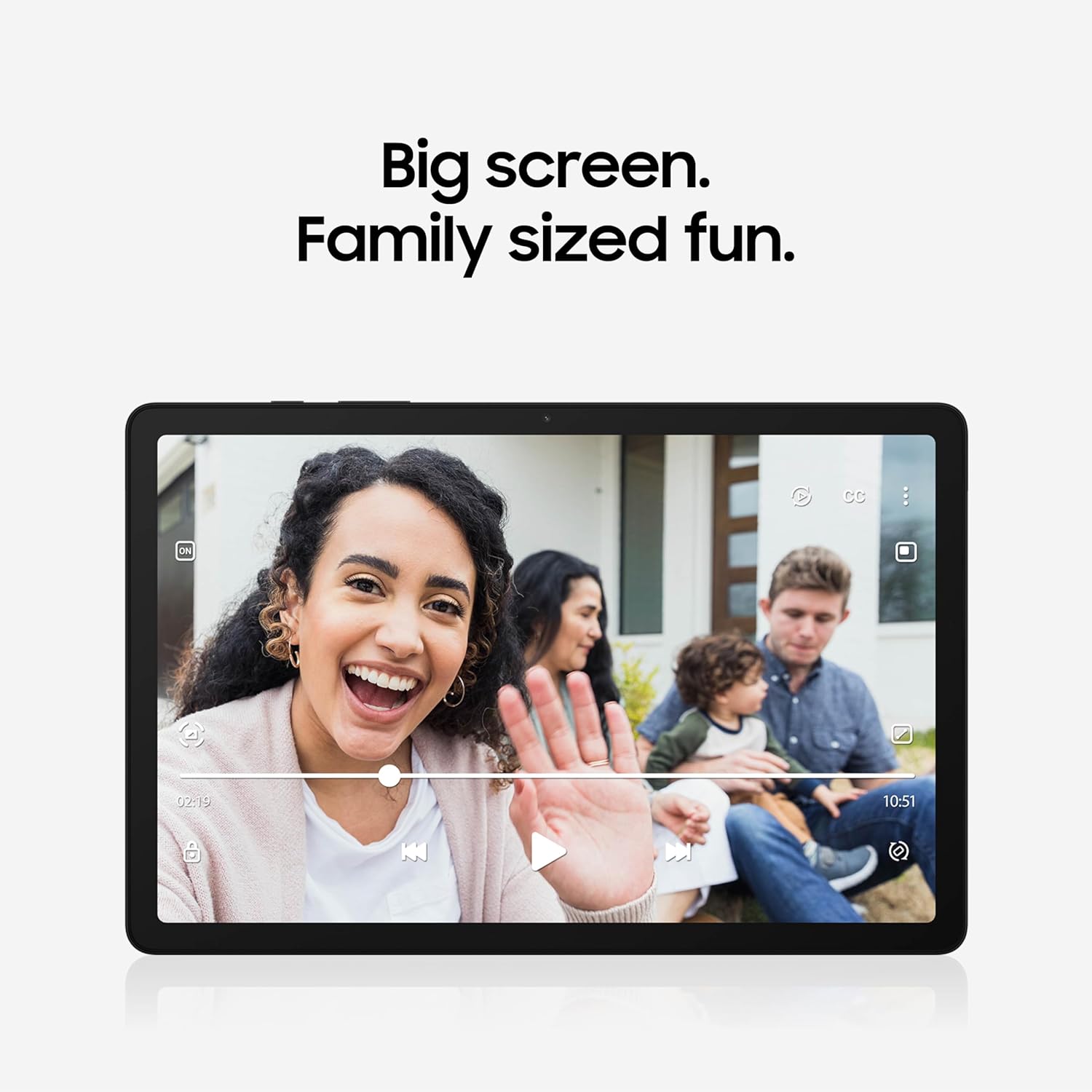
The first thing you’ll notice is the 11 inch screen. Samsung’s display specs are strong for a family tablet: a 1920 x 1200 resolution, a smooth 90Hz refresh rate, and up to 480 nits brightness. In real use, that means your shows look crisp, scrolling feels less “jumpy,” and the bright screen stays comfortable in most indoor lighting—kitchen counters, couches, and even a bright hotel lobby.
That 90Hz smoothness is especially nice when you’re bouncing between apps, flipping through recipes, or letting kids swipe through learning games. It’s a small detail that makes the tablet feel faster than many budget options.
Samir Patel, Tech Reviewer: "The Tab A9+ delivers a bright screen and layered sound that belies its price — perfect for family movie nights."
Quad speakers + Dolby Atmos: loud, clear, and surprisingly immersive
Audio is where the Galaxy Tab A9+ really over-delivers. You get quad speakers tuned with Dolby Atmos, and it shows the moment you press play. Dialogue is easier to hear, music has more space, and games feel more alive—without you needing to grab headphones every time.
For family use, this matters: you can prop it up on a table for a quick episode, or hand it to the kids in the back seat, and it still sounds full enough to enjoy.
Maria Lopez, Parent & Blogger: "We used it on a road trip and the kids stayed entertained; the screen kept things readable even in a sunny hotel lobby."
Lightweight, slim, and easy to hold
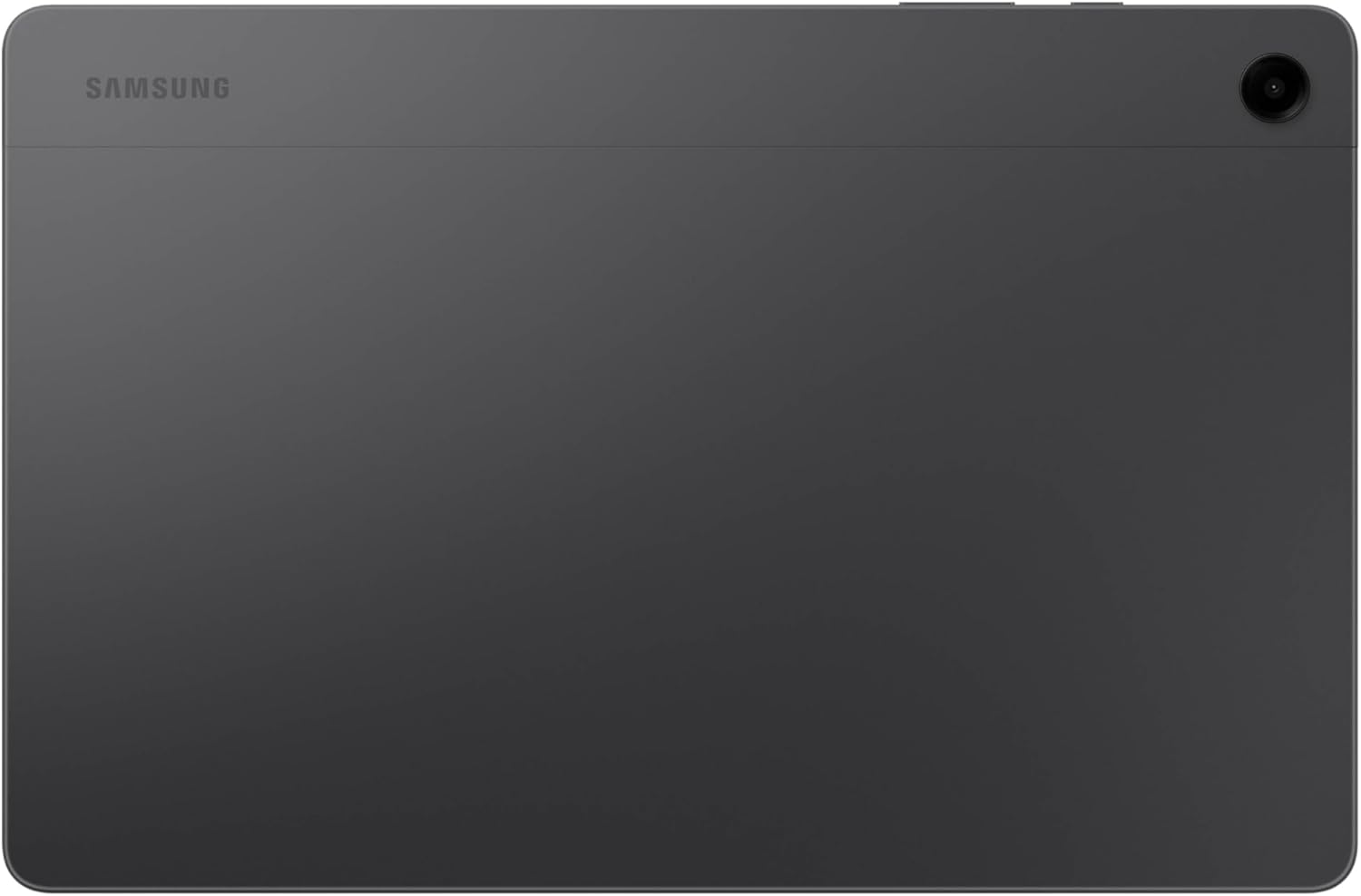
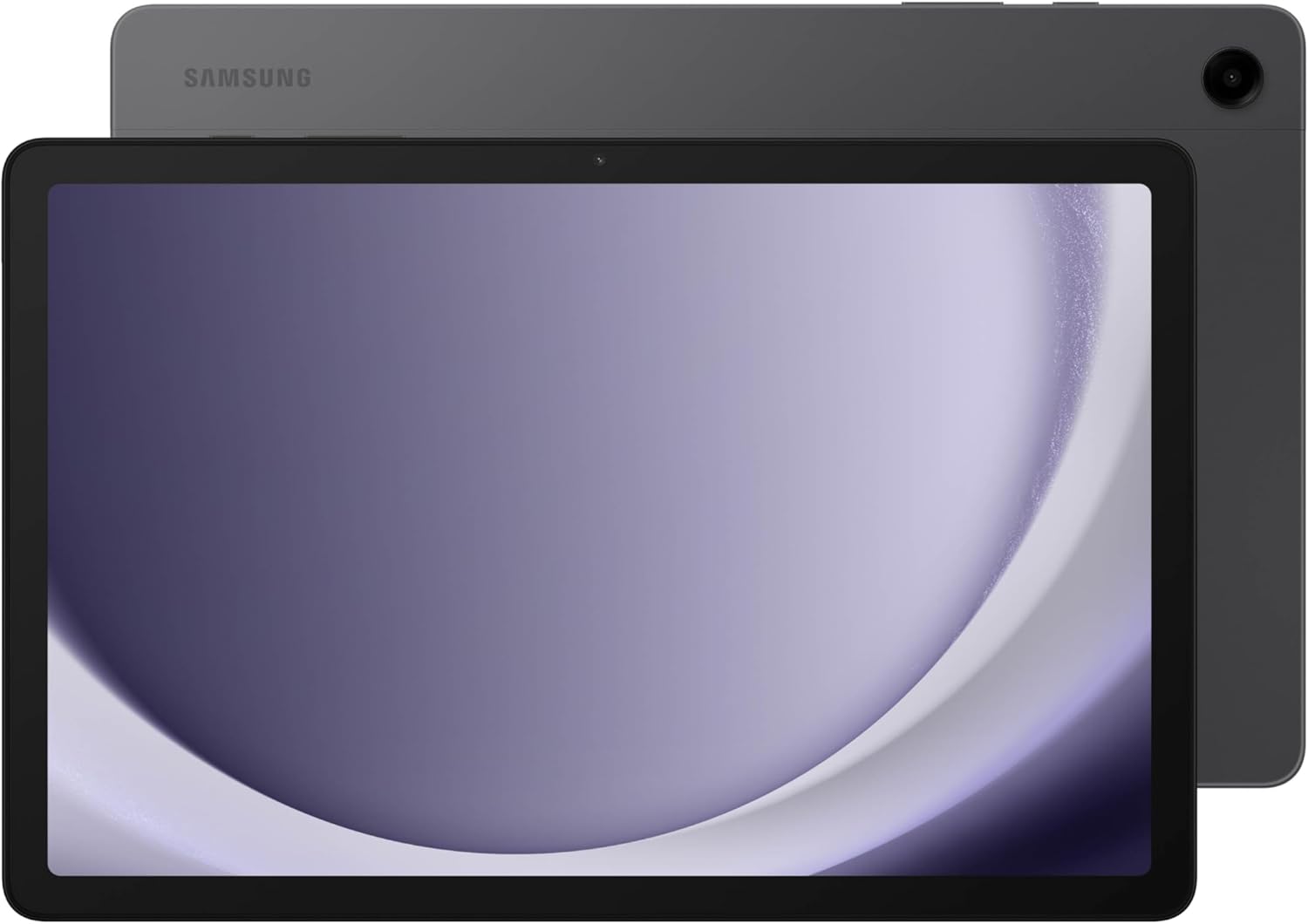
The slim Graphite build feels clean and sturdy, and at around 480g, it’s easy to hold for long reading sessions or a full movie. It’s the kind of tablet you can pass around the house without anyone complaining it’s too heavy.
| Feature | What you get |
|---|---|
| Display | 11-inch LCD, 1920 x 1200 |
| Refresh rate | 90Hz |
| Brightness | Up to 480 nits |
| Audio | Quad speakers + Dolby Atmos |
| Weight | ~480g |
Under the hood: performance, memory, and real-world multitasking
Snapdragon 695 power that feels fast in daily use
When your family tablet has to handle streaming, schoolwork, and casual games, processor speed matters. The Galaxy Tab A9+ runs on the snapdragon 695 (Qualcomm Snapdragon 695 5G, SM6375) paired with the Adreno 619 GPU. That combo is a sweet spot for an affordable tablet: smooth video playback, quick app launches, and enough graphics power for moderate gaming without the stutters you dread on many budget models.
Samir Patel, Tech Reviewer: "For day-to-day use the Tab A9+ is surprisingly snappy — Samsung balanced memory and storage well for families."
RAM and storage options that fit how your household uses a tablet
You can choose 4GB or 8GB RAM. If you mostly stream, read, and browse, 4GB can work. If you expect heavier multitasking (or multiple family members switching apps all day), 8GB feels more relaxed and responsive.
For storage options, you’ll typically see 64GB or 128GB (and some markets list up to 256GB). The best part is expansion: add a microSD card up to 1TB to stockpile movies, music, photos, and offline downloads for trips. Just note that SD cards are best for media—most apps can’t be stored there.
Multi-Active Windows: real multitasking (up to three apps)
Samsung’s Multi-Active Windows turns the Tab A9+ into a practical “everyone’s busy” device. You can run split-screen and even keep up to three apps open at once—perfect for homework sessions or planning a family day.
- Play a lesson video while taking notes
- Keep a browser open next to a worksheet or PDF
- Chat with family while you shop or compare prices
Ethan Brooks, Education Tech Coach: "Students can run a video lecture, notes app, and browser at once — real multitasking on a budget."
 Samsung Kids, and use cases" />
Family-first features: parental controls, Samsung Kids, and use cases
Samsung Kids: a safer space built for sharing
When you’re buying a family tablet, the big question is simple: can you hand it to your child without stress? The Galaxy Tab A9+ helps with the preloaded samsung kids app, which creates a kid-friendly home screen with curated content and clear boundaries. Instead of digging through the Play Store and hoping you picked the right apps, you can start with a guided setup and keep your child in a more controlled environment.
Maria Lopez, Parent & Blogger: "Samsung Kids saved me from endless app-hunting — the curated content is a time-saver."
Parental controls that keep screen time (and spending) in check
Built-in parental controls let you manage what your child can access and for how long. That means fewer surprises—like accidental downloads, random videos, or switching into your accounts. It’s especially useful in busy moments: you can set your child up in Samsung Kids while you keep the rest of the tablet “adult-ready.”
Real-life example: you can let your kid explore a drawing or learning app while you quickly reply to an email. With kid mode on, their taps stay contained, and you don’t lose your place.
Use cases: homework, play, and split screen for real life
The Tab A9+ fits everyday family routines, from learning to downtime. And when you need to multitask, split screen (Multi-Active Windows) helps you do more without grabbing another device.
- Homework: keep a lesson video open while your child takes notes in another window.
- Supervised play: kid-friendly games and activities inside samsung kids.
- Travel: download movies and music for offline use.
Ethan Brooks, Education Tech Coach: "For blended learning, this tablet hits the sweet spot between control and capability."
Pick the right version for your family
You can match style and connectivity to your needs, including Kids Edition colors (Yellow or Red) and either WiFi or LTE models for families who want access on the go.
Storage is also family-friendly: add a microSD card up to 1TB for media. Just note that SD cards are best for videos, photos, and downloads—most apps can’t be installed to the SD card.
Battery life, charging quirks, and daily habits you’ll appreciate
Big battery capacity that fits real family days
The Galaxy Tab A9+ comes with a solid 7040mAh battery capacity (per spec sheets). In plain terms, that’s the kind of power that lets you hand it around the house without hunting for an outlet every few hours. Samsung’s specs point to up to 14 hours of use, and most real-world routines land closer to around 12 hours—still a long battery run for streaming, homework, light gaming, and video calls.
| Battery detail | What you can expect |
|---|---|
| Battery capacity | 7040mAh |
| Typical battery life | ~12 hours (mixed use) |
| Spec-sheet usage | Up to 14 hours |
Charging controls you’ll actually use (especially at home)
One of the most family-friendly touches is the built-in battery care tools. If this tablet lives on a kitchen counter, nightstand, or kids’ desk, you can cap charging at 80% to help the battery stay healthier over time. You can also disable fast charging when you don’t need speed—another simple way to reduce long-term wear.
Samir Patel, Tech Reviewer: "The battery management tricks here are rare at this price — perfect for a bedside device you keep plugged in."
The “charging quirk”: you may need to buy your own charger
Here’s the practical part: the Tab A9+ often ships without a charger. It charges via USB-C, so you can use a compatible USB-C adapter you already own, or plan to pick one up. If your household is sharing devices, having a dedicated charger in a common spot saves daily friction—especially if you rely on fast charging for quick top-ups.
Taylor Ng, Frequent Traveler: "On long trips the Tab A9+ lasted a whole day of mixed use; just bring a charger if you plan heavy streaming."
Small daily conveniences that feel “family-proof”
- Double-tap to wake so you’re not wearing out buttons.
- Quick Share for easy file sending between compatible Galaxy/Android devices and Windows PCs.
- Smart View to mirror to a compatible Samsung TV for group watching.
Price, accessories, real-world verdicts and who should look elsewhere
Galaxy Tab A9+ price: family fun under $200
If you’re trying to stretch your budget without buying a “toy” tablet, the galaxy tab a9+ hits a sweet spot. On Amazon, you’ll often see it around $139.99 new, with New & Used options starting near $126.19. That pricing (especially since it was positioned as an affordable family tablet when it launched) makes it easy to justify as a shared screen for family fun, homework, travel, and streaming—without the sticker shock of premium models. Just remember one common surprise: like many newer tablets, you may need to buy your own charger.
Accessories that make it “kid-proof” fast
A big reason this tablet works for families is how cheap it is to protect. Brands like MoKo, TiMOVO, Fintie, and ProCase sell cases, folio covers with auto wake/sleep, and screen protectors starting around $7.99. Add a rugged case and a protector, and you’ll worry a lot less when the tablet gets passed from the couch to the back seat to the kitchen table. If you’re choosing between configs, paying extra for 128GB storage can also reduce “storage full” headaches—especially if your household downloads lots of movies and offline media.
What user reviews say in the real world
It’s not just specs on paper: as of June 2025, user reviews average about 4.4/5 from nearly 20,000 Amazon ratings, and it’s ranked #1 in Computer Tablets (and sits among the Top 25 Electronics sellers). Many buyers highlight the bright screen, smooth everyday speed, and strong value.
BG, Verified Buyer: “Best Bang For The Buck Tablet — snappy, bright, and reliable for family use.”
Leah Chen, Tech Buyer: “For the price, you're getting features that used to live in higher-end slates.”
Who should look elsewhere
If your top priority is photography, this isn’t your best pick. The 8MP camera on the back (with autofocus) and the 5MP front camera are fine for video calls and quick scans, but they won’t replace a good phone camera. And if you need a different OS or higher-end configurations, alternatives like Fusion5, DigiLand, FUNYET, YLEEBG, or CHUWI may fit better. For most families, though, the Galaxy Tab A9+ is the easy, affordable “everyone can use it” tablet.



