.png&w=1280&q=75)
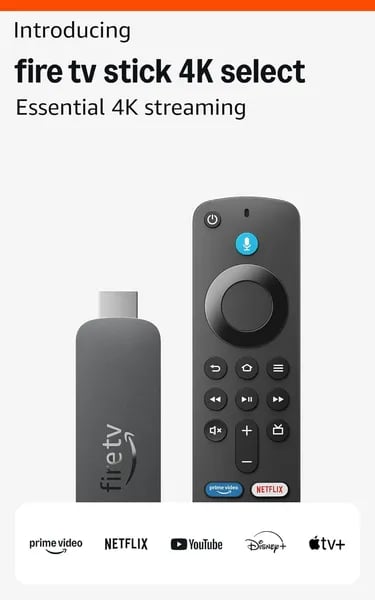
You know that moment when you plug something in and it just works? That’s the vibe the Fire TV Stick 4K Select aims for. Picture this: you, an older TV that won’t get app updates anymore, and a $39.99 dongle that promises to wake it up. I once handed one of these to a friend who’d almost replaced her whole TV set — three minutes later she was watching a movie in 4K and swearing she’d never buy a new TV just for apps again. This outline walks you through why you might feel the same — and where you might hesitate.
1) First Glance: Value, Specs, and Big Wins
Fire TV Stick 4K Select value: real 4K streaming at $39.99
If you want a simple, low-cost upgrade, the Amazon Fire TV Stick 4K Select (ASIN: B0C6W3D4RM) hits a sweet spot. For $39.99, you get crisp 4K streaming with HDR10+, which is a big win at this price. It’s positioned below the 4K Max in raw specs, but it delivers better value than most HD sticks when your TV can show 4K.
Fast feel: quick launches and smooth navigation
Amazon calls it the fastest 4K stick under $40, and in day-to-day use that shows up as quick app launches and snappy menu movement. It’s built for mainstream streaming, not tinkering, so you spend less time waiting and more time watching. Reported sales also back up the hype, with 10,000+ units bought.
Makisha Williams (Dec 27, 2025): “Excellent picture quality, vibrant colors, and speedy performance.”
Specs that matter (and one limit to know)
- Price: $39.99
- Storage: 8GB
- Memory: 1GB RAM
- Video: 4K Ultra HD + HDR10+ (note: no Dolby Vision support on Vega OS)
- Return window: 30 days
Huge catalog: paid apps plus tons of free viewing
You get one hub for Prime Video, Netflix, YouTube, Disney+, Max, Hulu, Peacock, Paramount+, and more. On top of that, Amazon highlights access to 1.8 million movies and TV episodes, including 400,000+ free ad-supported episodes—perfect when you just want something on without adding another subscription.
2) Setup, Day-to-Day Use, and the 'It Just Works' Moment
Easy Setup: plug in, connect Wi‑Fi, scan, stream
With the Fire TV Stick 4K Select, you don’t need a tech degree. You plug it into HDMI, connect the included micro-USB power cable, pick your network, and follow the on-screen steps. The quick Easy Setup flow can include a QR-code login, so you’re not stuck typing long passwords with arrow keys. In real use, that means you can go from box to binge in minutes.
One practical tip: because it uses micro-USB power, use a stable wall adapter for consistent 4K playback—TV USB ports can be hit-or-miss.
Remote + Alexa: fast, simple, and surprisingly polished
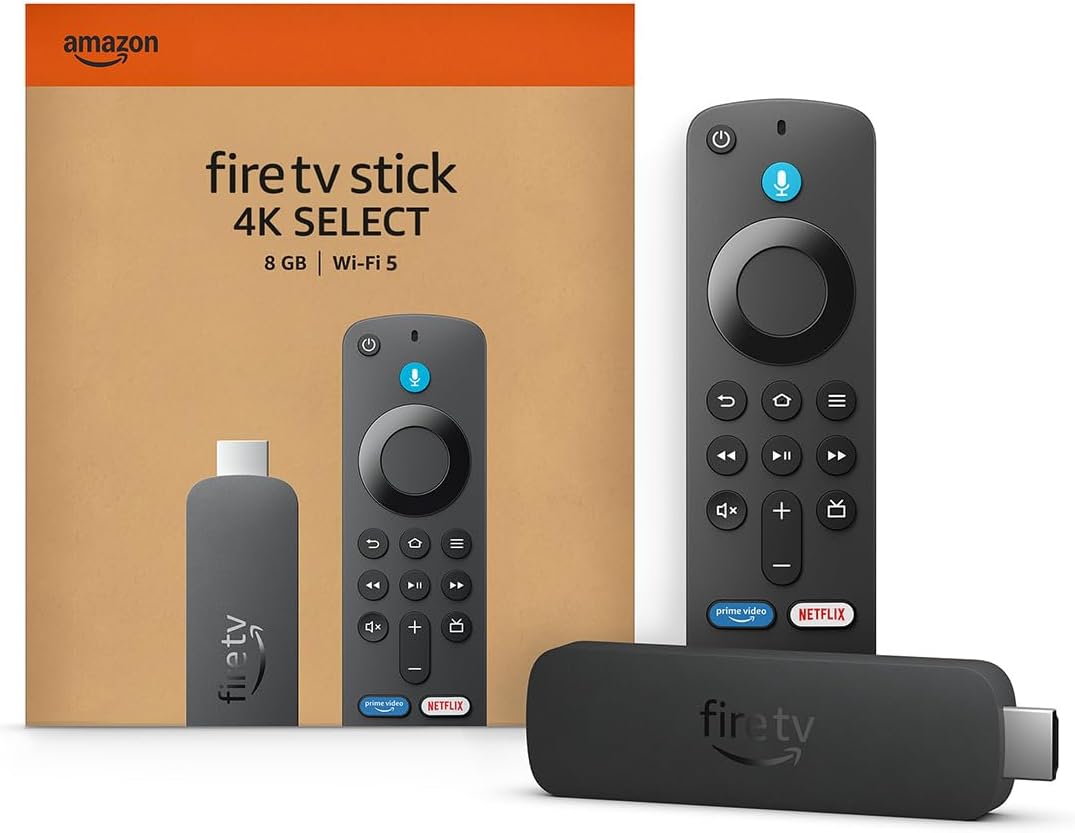
The remote feels solid in your hand, pairs quickly, and the dedicated Alexa button makes searching across apps feel effortless. Day to day, the 1.7 GHz quad-core CPU keeps menus snappy and app launches quick, so you spend less time waiting and more time watching. Just remember: the 1GB RAM is part of how Amazon hits $39.99, but it also means heavy multitasking isn’t the goal—stick to a few core apps and it feels smooth.
Older TVs get a second life
This is where the “it just works” moment hits. If your smart TV stopped getting updates, the 4K Select can be a rescue device. MelwithCP said:
“Setup was fast and the return to streaming seamless — no need to buy a new TV.”
Celia echoed the same experience—even on older sets:
“Quick remote pairing, QR code login, no buffering — flawless streaming on older TVs.”
Quick specs + real-world snapshot
| Spec | What you get |
|---|---|
| Wi‑Fi | WiFi 5 |
| Bluetooth | Bluetooth 5.0 |
| Memory | 1GB RAM |
| Storage | 8GB |
| Ratings | 2,231 ratings, 3.9/5, 65% five-star |
3) Alexa, Apps, and Cloud Gaming — How Deep Is the Ecosystem?
Alexa Features: voice control that actually saves time
With this Fire TV Stick, Alexa isn’t a side feature—it’s built into how you use the device. You get a dedicated Alexa button on the remote, so you can search, launch, and jump between shows without typing. The best part is cross-app voice search: you can ask for a movie or actor and let Alexa pull results from your installed services, instead of hunting app by app.
It also doubles as a simple smart-home hub. From your couch, you can ask Alexa to check the weather, stream music, or control compatible devices like lights and plugs.
Alexa Plus (Alexa+) is coming to Fire TV
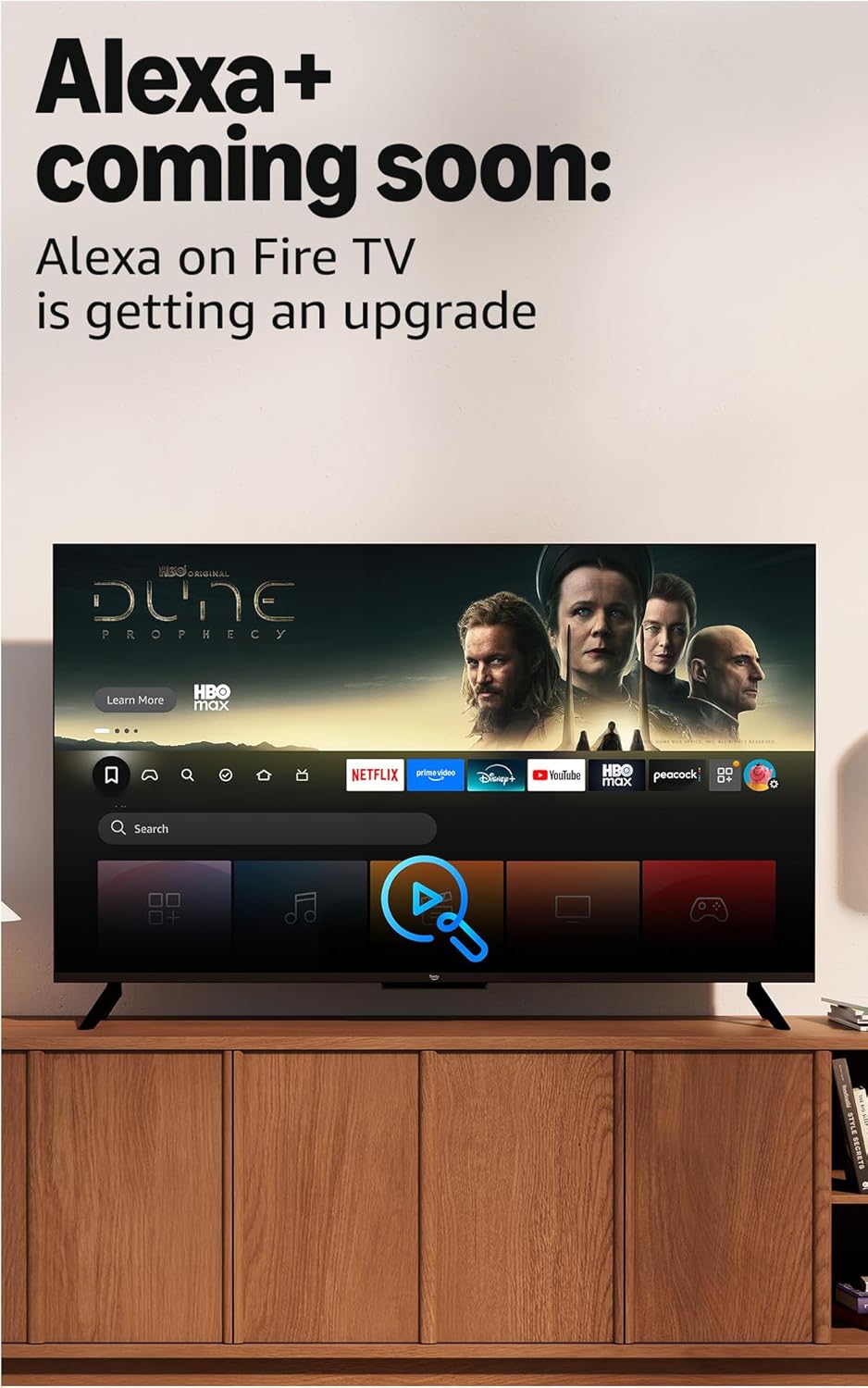
Amazon is teasing a more natural “new Alexa on Fire TV,” often referred to as Alexa Plus. The promise: more conversational requests and deeper search, so you can ask in plain language (like “find something funny that’s free”) and get better matches. It’s a forward-looking perk that makes the ecosystem feel like it’s still improving, not stuck.
App Selection: a true one-stop streaming setup
The App Selection is massive, with major services in one place—Prime Video, Netflix, YouTube, Disney+, Apple TV+, HBO Max, Hulu, Peacock, Paramount+, and thousands more. You also get access to 400,000+ free ad-supported episodes, which is great when you don’t want to add another subscription.
Greg R: “Exceptional value — Vega OS delivers efficiency and fast UI responsiveness despite initial controversy.”
Xbox Game Pass cloud gaming: bonus value for casual play
Here’s the surprise: Xbox Game Pass cloud gaming works on Fire TV, letting you stream titles like Hogwarts Legacy, Call of Duty: Black Ops 7, Outer Worlds 2, and Ninja Gaiden 4. You’ll need a Game Pass subscription and a compatible controller (sold separately), and your results will depend on your Wi‑Fi speed and stability.
4) Where It Stumbles: Vega OS, Codec Limits, and Power-User Warnings
Vega OS: Faster feel, fewer Sideloading Abilities
The Fire TV Stick 4K Select feels quick partly because Vega OS is built to be tighter and more controlled. The trade-off is that your Sideloading Abilities aren’t as open as older Fire TV versions. If you rely on niche apps, custom launchers, or “install-any-APK” workflows, Vega OS can feel restrictive—by design—to streamline the device and reduce background clutter.
Codec Support: what’s missing (and why it matters)
For everyday streaming, you’ll likely never notice. But if you play local files from a NAS or home server, Codec Support is where things can get annoying. As flagged by Sportutegirl (Oct 30, 2025), some formats simply aren’t handled the way power users expect.
- No native Dolby Vision playback on this model.
- VC-1 and Dolby Vision sources may require transcoding to HEVC, AVC, or AV1.
| Format | What you may need |
|---|---|
| VC-1 | Transcode to HEVC/AVC/AV1 |
| Dolby Vision | Transcode or use HDR10/HDR10+ |
Performance Issues with high-bitrate local media (Plex/Jellyfin/Emby)
Another pain point is audio. Local decoding for TrueHD and DTS-HD MA is reported as weak, which can trigger server-side transcoding or cause stutters when you push high-bitrate remux files through Plex, Jellyfin, or Emby. If your library is heavy on Blu-ray rips, test a few problem titles before you commit.
Sportutegirl (Oct 30, 2025): "Codec and sideloading limitations mean this isn't ideal for high-bitrate local media."
5) Price Comparisons, Alternatives, and the Buy-or-Skip Verdict
Price Comparison: why $39.99 hits the sweet spot
At $39.99, the Fire TV Stick 4K Select is hard to beat on pure Value. You’re getting fast, mainstream streaming performance, 4K Ultra HD, and HDR10+ in a budget-friendly Streaming Stick—and promos often push the real-world price even lower. If your goal is to make an older TV feel new again without spending big, this is the price point that makes sense.
| Device | Price | Best for |
|---|---|---|
| Fire TV Stick 4K Select | $39.99 | Best budget 4K pick |
| Fire TV Stick 4K Plus | $49.99 | Small step-up option |
| Fire TV Stick 4K Max | $59.99 | More power for heavier use |
| Fire TV Stick HD | $34.99 | Cheapest option (not 4K) |
| Roku Streaming Stick Plus 2025 | $33.12 | Low-cost competitor |
Alternatives and add-ons (only if you need them)
- If you want a spec bump, look at the 4K Plus ($49.99) or 4K Max ($59.99).
- If you don’t own a 4K TV, the Fire TV Stick HD ($34.99) saves money.
- If you prefer Roku’s interface, the Roku Streaming Stick Plus 2025 ($33.12) is worth comparing.
- For stability, add an Ethernet Adapter ($11.99–$14.99). For a premium clicker, consider the Alexa Voice Remote Pro ($34.99).
Buy-or-skip verdict (with low risk)
Buy if you want the best budget Price Comparison win: smooth streaming, easy setup, and strong everyday performance. One reviewer called it the “Cheapest and most effective TV upgrade — movie-quality 4K and Dolby Atmos output.”
Skip if you rely on advanced local media codecs or high-end home theater formats. Either way, the 30-day return/refund window makes it a low-risk “test and keep” purchase.
Wild Cards: A Couple of Thought Experiments and a Quirky Analogy
Picture Your Living Room as a Tiny Theater
Imagine your couch is the front row, your TV is the screen, and the Fire TV Stick is the gear booth behind the scenes. In that setup, the 4K Select is like an affordable projector lamp: it doesn’t rebuild the whole theater, but it makes everything look alive again—sharp 4K, punchy HDR10+, and fast app launches for just $39.99. If your goal is simple—open Netflix, Prime Video, YouTube, Disney+, and start watching without fuss—this is the kind of upgrade that feels bigger than its price tag.
Thought Experiment #1: You’re a Plex Power User
Now flip the script. If you rely on a home Plex server packed with 4K HDR rips and picky audio formats, the 4K Select can become the “one weak link” that changes your whole chain. With Vega OS dropping support for some codecs, you may be pushed into transcoding—meaning extra time, extra server load, or even new hardware. In that world, the stick isn’t “bad,” it’s just optimized for mainstream streaming instead of absolute format fidelity.
Thought Experiment #2: The Hidden Cost of a Deal
When you bargain-hunt, sometimes firmware is the tax you pay for a lower price. Vega OS is a design choice: a leaner UI and faster performance, but less flexibility for sideloading and certain advanced playback needs. If you value smooth, guided streaming, that trade can feel like a win—especially with AI Enhancements and Alexa getting smarter over time.
Greg R: "Calls out added features like multiple device control and enhanced Alexa integration — promising as Vega OS matures."
So your final call is simple: if you want seamless streaming and speed per dollar, the Fire TV Stick 4K Select wins. If you want maximum control, you’re paying for a different kind of freedom.



