.png&w=1280&q=75)
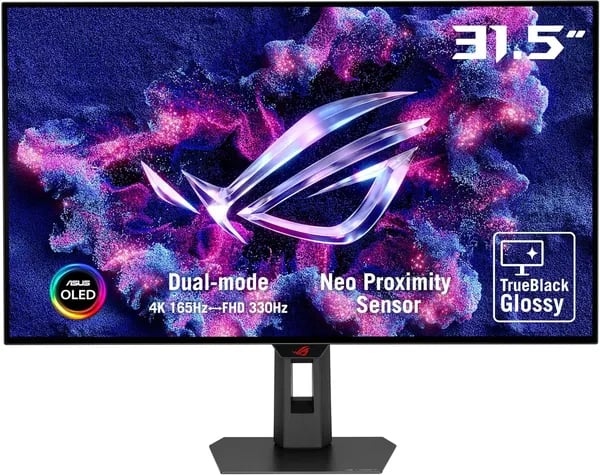
When I first stumbled upon the ASUS ROG Strix OLED XG32UCWG, I was immediately hooked by its dazzling 32-inch TrueBlack Glossy WOLED display. As a long-time gamer and part-time video editor, I found myself excited by its promise of breathtaking 4K visuals coupled with a refresh rate that could satisfy even the most competitive playstyles. So I decided to put it through its paces, uncovering a display experience that blends art and speed—though not without a few surprising twists along the way.
Dual-Mode Display Magic: When 4K Meets Supersonic Speed
When I first powered on the ASUS ROG Strix OLED XG32UCWG, the dual-mode feature immediately stood out as a true innovation. This isn’t just a marketing gimmick—it’s a real, everyday advantage that lets me tailor my display to whatever I’m doing, whether that’s diving into the latest AAA game or editing high-res video footage.
Experience 4K Ultra HD (3840x2160) at 165Hz for Cinematic Visuals
For immersive single-player games and creative work, I keep the monitor set to 4K@165Hz. The 32-inch TrueBlack Glossy WOLED panel makes every detail pop, and the high refresh rate means even fast camera pans look smooth and lifelike. The color depth and clarity are jaw-dropping, whether I’m exploring open worlds or grading footage in Premiere Pro. “The dual-mode feature is a game changer, balancing breathtaking visuals with competitive-level responsiveness.” – ASUS Expert
Switch Seamlessly to FHD@330Hz for Competitive Gaming
When it’s time for fast-paced shooters or esports, I flip over to FHD@330Hz. The difference is immediate—input lag disappears, and every frame feels razor-sharp. The 0.03 ms response time combined with G-SYNC compatibility means no tearing, no stutter, just pure, fluid motion. It’s like having two monitors in one: cinematic and stunning when I want it, lightning-fast when I need it.
- 4K@165Hz: Perfect for story-driven games, movies, and creative projects
- FHD@330Hz: Ideal for competitive gaming and ultra-fast action
- 0.03 ms response time: Virtually eliminates ghosting and blur
- G-SYNC compatible monitor: Tear-free, smooth gameplay across all modes
Real-World Impact: Transforming My Workflow
Switching between modes is effortless and has genuinely changed how I use my setup. For gaming marathons, I stay in FHD@330Hz and enjoy every split-second advantage. When I’m editing 4K video or working on photos, I switch back to 4K@165Hz for maximum detail and color accuracy. This flexibility means I no longer have to compromise between speed and visual fidelity—the ASUS ROG Strix OLED XG32UCWG delivers both, whenever I need them.
OLED Brilliance and Color Accuracy: More Than Just a Pretty Face
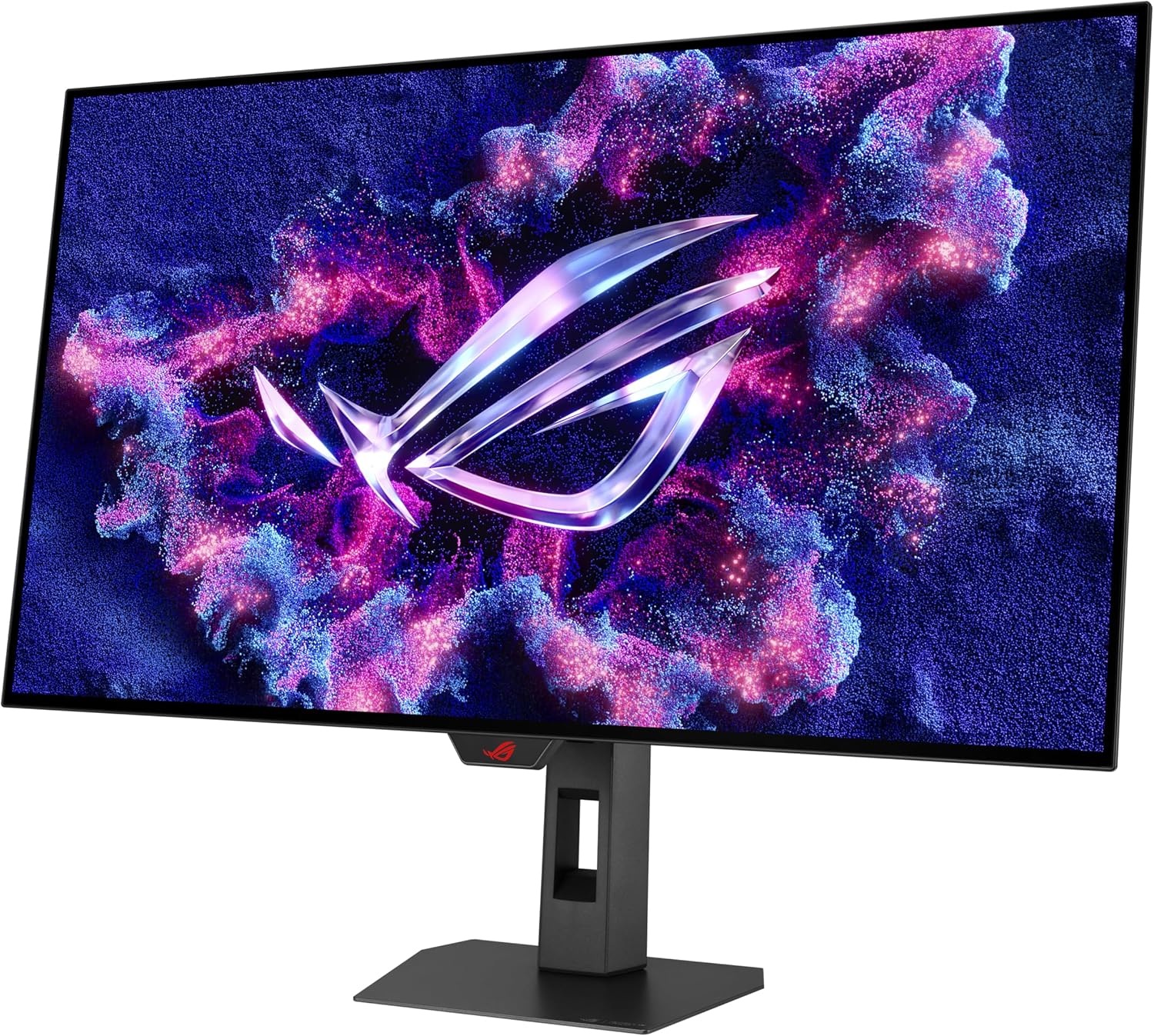
When I first powered on the ASUS ROG Strix OLED XG32UCWG, the TrueBlack Glossy WOLED panel immediately set a new standard for what I expect from a gaming monitor. This isn’t just about eye candy—this third-generation WOLED technology delivers deep, inky blacks and vivid, lifelike colors that most LCDs simply can’t match. The difference is striking, especially in dark scenes where shadow detail and contrast make every frame pop.
What truly elevates this display is its 99% DCI-P3 color gamut and true 10-bit color depth. Whether I’m gaming or working on photo and video edits, the color fidelity is nothing short of professional-grade. Subtle gradients and nuanced hues are rendered with pinpoint accuracy, letting me spot details I’d previously missed on other monitors. Editing RAW photos, I could finally trust that the reds, blues, and skin tones I saw on screen would translate perfectly to print or web.
The VESA DisplayHDR 400 True Black certification is more than just a badge—it’s a promise of superior HDR performance. With a peak HDR brightness of around 1,300 cd/m² and a jaw-dropping 1,500,000:1 contrast ratio, highlights dazzle without crushing the deepest shadows. Movies and games gain a new level of realism, with explosions and sunlight that feel almost tangible. Color accuracy is further guaranteed by a Delta E < 2, ensuring that what you see is exactly what the creator intended.
For anyone working in color-sensitive fields, this monitor is a game changer. As a Display Tech Analyst put it:
The color accuracy on this panel stands out both for hardcore gamers and digital artists alike.
During my own editing sessions, I was amazed at how the third-generation WOLED panel revealed subtle color shifts and gradients, especially in high-resolution video timelines. Uniformity across the 32" screen is excellent—no distracting color or brightness inconsistencies, even at the edges. The ASUS DisplayWidget Center made it easy to fine-tune settings, so I could quickly switch between color profiles for gaming, streaming, or creative work.
In short, the ASUS ROG Strix OLED XG32UCWG isn’t just a pretty face—it’s a precision tool for anyone who demands unmatched color accuracy and OLED brilliance.
Smart Features and Setup: When Convenience Meets Cutting-Edge Tech
When I first powered up the ASUS ROG Strix OLED XG32UCWG, it was clear this wasn’t just another 4K gaming monitor. The smart features built into this display truly set it apart, making everyday use smoother and maintenance almost effortless.
Neo Proximity Sensor: Effortless Panel Protection
One of the most impressive touches is the Neo Proximity Sensor, part of the ASUS OLED Care suite. This sensor detects when I step away from my desk and automatically dims the screen, helping to prevent burn-in and prolong the panel’s lifespan. It’s a subtle but powerful feature that works in the background—“The Neo Proximity Sensor is thoughtful — it’s the kind of feature you didn’t know you needed until you have it.” That quote from a tech reviewer sums up my experience perfectly. I no longer worry about leaving static images on screen, and it’s one less thing to think about during long gaming or work sessions.
ASUS OLED Care & DisplayWidget Center: Maintenance Made Simple
ASUS has bundled several smart tools under the ASUS OLED Care suite, but the DisplayWidget Center is my favorite. Instead of fiddling with tiny, awkward buttons on the monitor, I can adjust settings like brightness, color, and input directly from my mouse. This mouse-driven interface is a game changer, especially when fine-tuning for different games or creative projects. Maintenance tasks—like pixel cleaning cycles—are just a click away, making it easy to keep the panel in top shape without any hassle.
Modern Connectivity: USB-C Power Delivery, HDMI 2.1, and More
Connectivity is another area where the XG32UCWG shines. With USB-C 15W Power Delivery, HDMI 2.1, and DisplayPort 1.4 with DSC, I can connect everything from my gaming PC to my laptop and consoles. The USB-C port even charges my devices while I work or play, and HDMI 2.1 ensures buttery-smooth performance on next-gen consoles. This futureproof selection of ports means I’m set for years, no matter how my setup evolves.
Setup Experience: Intuitive, With Minor Quibbles
Setting up the monitor was refreshingly straightforward. The included cables, compact stand, and VESA mount made installation a breeze. My only gripe? The on-screen menu can feel a bit small at native 4K resolution, but thanks to the DisplayWidget Center, I rarely need to use it. Overall, the process was smooth, and I was up and running in minutes.

Real-World Usage: Wins, Quirks, and What I’d Change
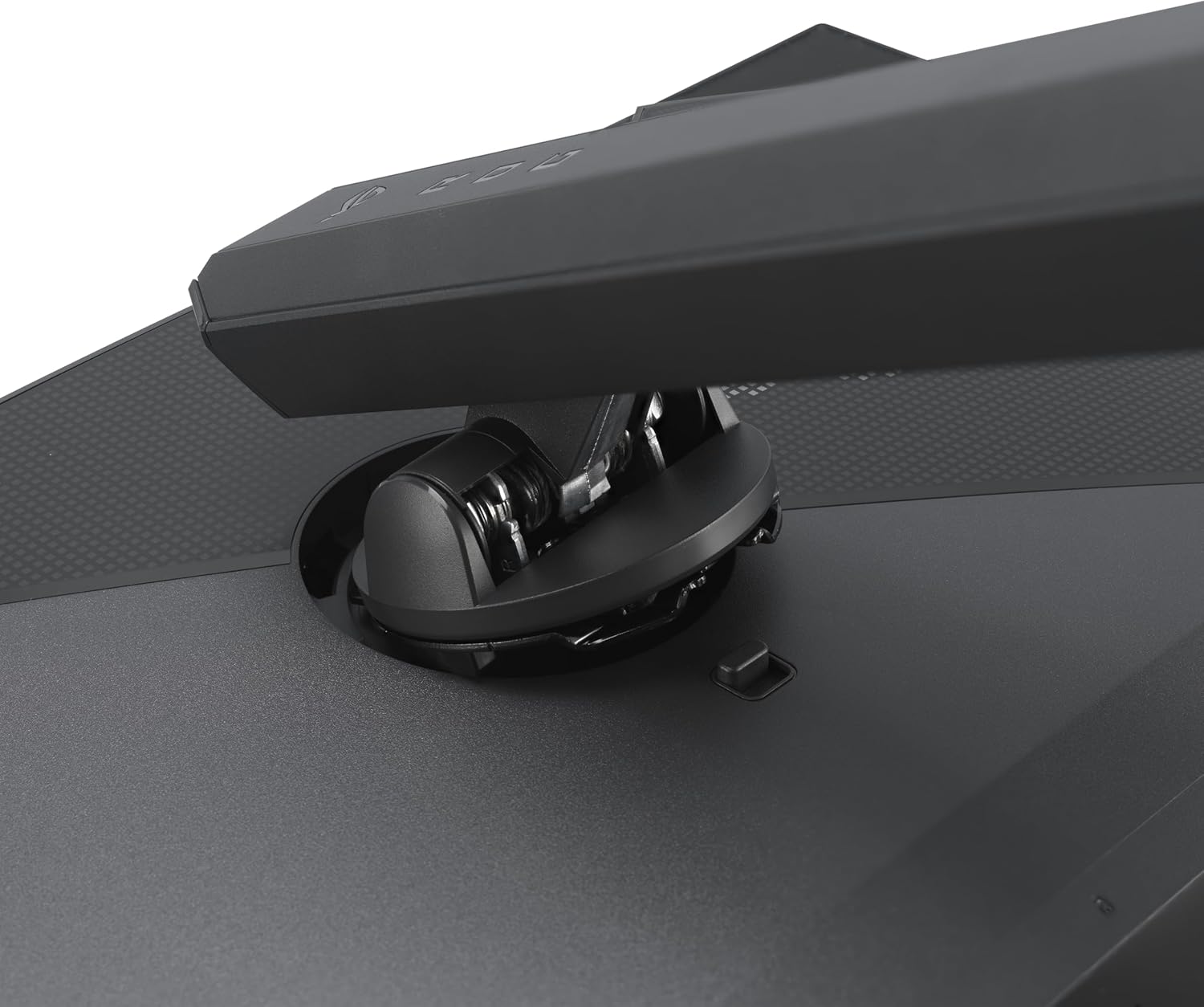
From the moment I set up the ASUS ROG Strix OLED XG32UCWG, it was clear this 32" monitor was designed for both immersion and practicality. The large screen fits perfectly on my desk, and the monitor adjustability—with smooth height, tilt, and swivel controls—makes long gaming or work sessions genuinely comfortable. The sturdy, compact stand takes up minimal space, which is a huge plus for tight setups.
Visually, the TrueBlack WOLED panel is a showstopper. Games and creative projects pop with vibrant color and deep blacks, thanks to the 99% DCI-P3 coverage and VESA DisplayHDR 400 True Black certification. I found the color accuracy and sharpness especially impressive for photo editing and cinematic gaming. As one dedicated user put it:
Despite some quirks, this monitor’s performance shines through with proper setup.
However, real-world usage did reveal a few quirks. The built-in speakers are underwhelming—thin and lacking bass—but honestly, most gamers and creators will use headphones or external speakers anyway. My main hardware gripe was the included DisplayPort cable, which failed after a few weeks. Swapping in a sturdier cable fixed the issue instantly, so I’d recommend having a backup ready.
Firmware quirks were another area to watch. Early on, I noticed occasional buggy on-screen controls and rare flickering, especially when toggling between refresh rates. Thankfully, ASUS has rolled out firmware updates that improved stability, but some minor bugs persist. User reviews ASUS ROG Strix XG32UCWG highlight similar experiences—out of 2,218 reviews, the monitor averages a strong 4.3 out of 5 stars, but mentions of firmware bugs, color uniformity issues, and sporadic non-responsiveness are not uncommon.
One lesson learned: if you’re buying used, check the warranty status before purchase. I ran into registration headaches with a pre-registered unit, which meant missing out on the full 3-year warranty. ASUS customer support was helpful but navigating warranty transfers can be tricky.
- Screen size and adjustability: excellent for comfort and immersion
- Built-in speakers: forgettable, but not a dealbreaker
- Firmware quirks: mostly improved, but still present for some users
- DisplayPort cable: consider replacing with a higher-quality option
- Warranty: double-check if buying used
Overall, while minor complaints exist, the core strengths—stunning visuals, adjustability, and futureproof features—make the ASUS ROG Strix OLED XG32UCWG a standout in its class.
The Market Context and Worthiness: Alternatives and Final Verdict
When I started searching for the ultimate 4K gaming monitor, I quickly realized how crowded the market had become. Yet, the ASUS ROG Strix OLED XG32UCWG stood out—not just for its specs, but for its real-world performance and value. Its impressive Amazon monitor ranking—#2,551 in Electronics and #86 among Computer Monitors—shows that it’s not just catching my eye, but the attention of thousands of buyers. This high visibility is a strong indicator of its acceptance and competitiveness in the current landscape.
Looking at alternatives, there are certainly strong contenders. The LG 32GX870A-B is a sleek option at $876.99, and the ASUS ROG Strix 27” XG27UCS offers 4K HDR400 at a more budget-friendly $299–$469. Other brands like Amzfast, Z-Edge, and SANSUI also compete with varying refresh rates, screen sizes, and gaming features. Amazon’s ecosystem makes it easy to compare these gaming monitor alternatives side by side, helping buyers weigh specs like refresh rate, G-SYNC/FreeSync support, and color accuracy. Still, when you factor in the ASUS ROG Strix OLED’s dual-mode refresh rates, AI enhancements, and creative perks like a 3-month Adobe Creative Cloud subscription, the value proposition becomes hard to beat.
The 4K gaming monitor price landscape in 2025 is competitive, but at $799 (20% off the original $999), the XG32UCWG feels like a future-ready investment. Used units starting at $703.12 provide even more flexibility for budget-conscious buyers. Its recent release date (September 5, 2025) means you’re getting the latest in display innovation, not last year’s tech. The bundled software and thoughtful features add real value beyond the hardware itself, making it a compelling choice for both gamers and content creators.
After months of daily use, I can confidently say this monitor has transformed my gaming and creative work. While no product is perfect—there are some quirks and minor hardware issues—the overall experience is overwhelmingly positive. As one industry analyst put it,
ASUS ROG Strix OLED XG32UCWG is arguably the pinnacle of 2025’s dual-mode gaming monitors.I couldn’t agree more. For anyone seeking a top-tier, future-proof display, the ASUS ROG Strix OLED XG32UCWG is a justifiable investment and a true standout in the world of 4K gaming monitors.



