.png&w=1280&q=75)
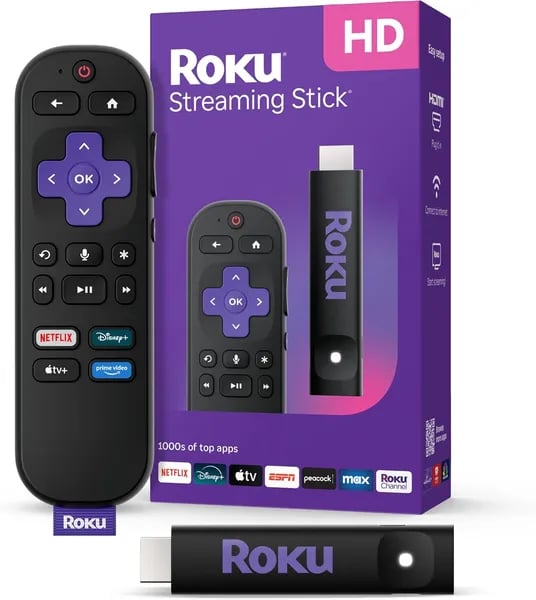
You probably have a perfectly good TV that's stuck in the past — mine was until I shoved a tiny stick into the HDMI port and the living room went from meh to movie-night. The Roku Streaming Stick HD 2025 is that kind of small, satisfying change: affordable, plug-and-play, and deceptively powerful. Fun fact: Roku claims to be America’s #1 TV streaming platform (Hypothesis Group) — which explains why you’ll find it everywhere, from dorm rooms to grandma’s house.
Why this streaming stick is the fastest way to upgrade your TV
A simple, low-cost HD streaming upgrade (made for non-4K TVs)
If your TV still looks great but feels “stuck” with slow apps or limited channels, the Roku Streaming Stick HD 2025 is the quickest fix. It’s an entry-level HD streaming device released in 2025 that gives you smooth 1080p HD streaming without paying for 4K features you may not need. At about $28.77 (or options starting at $22.99 + shipping), this streaming stick can feel like a brand-new smart TV for a fraction of the cost.
Plug in, power up, and stream—no extra outlet needed
This portable HD streaming stick is designed for speed and convenience. You plug it directly into your TV’s HDMI port, and it can be powered right from the TV—so you skip messy cables and don’t have to hunt for a spare wall outlet. That means you can upgrade a bedroom TV, guest room TV, or even an older set in minutes.
- Size: 3.7 x 0.8 x 0.5 inches
- Won’t block ports: slim build helps keep nearby HDMI ports usable
- Great for wall-mounted TVs: less clutter behind the screen
Big-name apps plus 500+ free live channels in one place
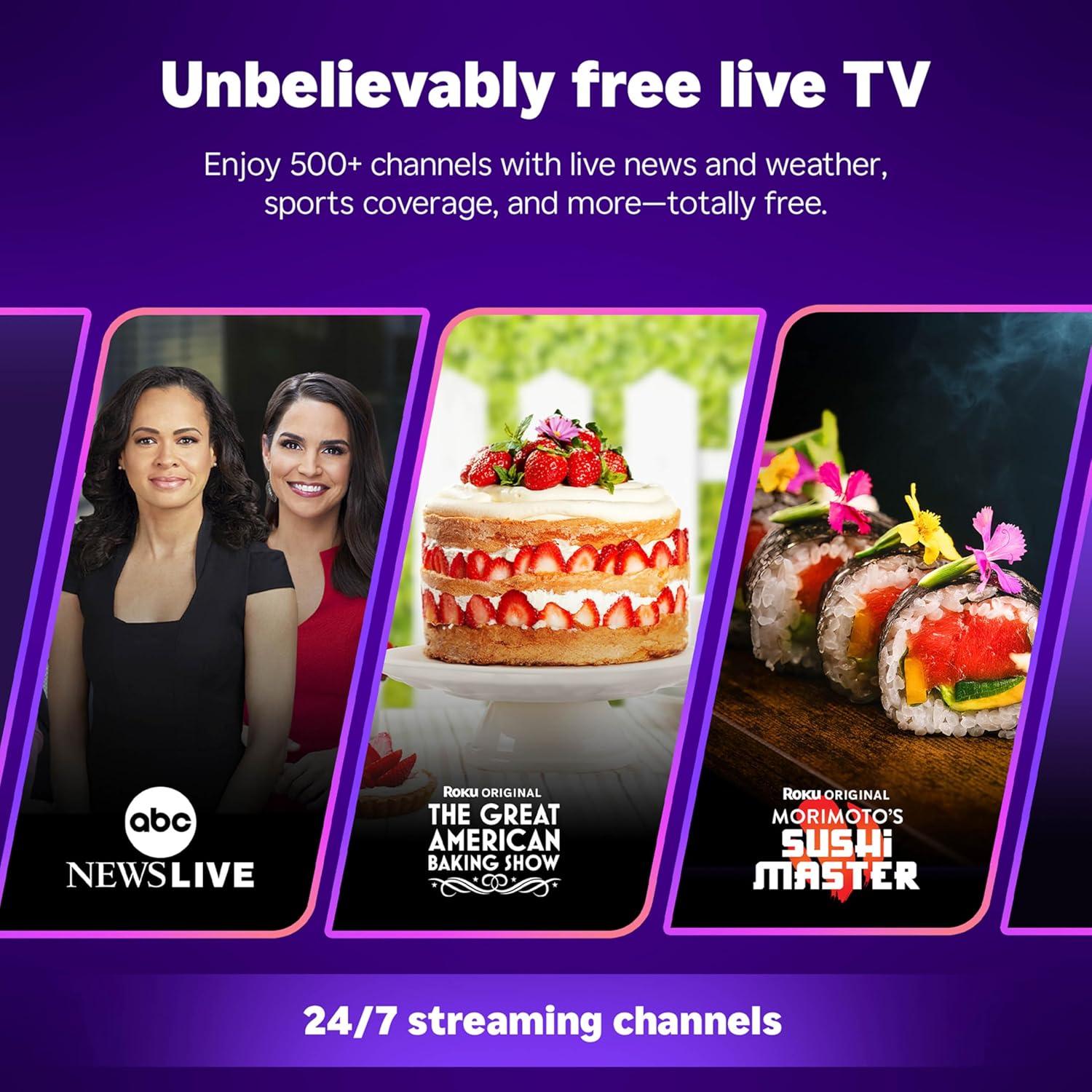
Roku runs America’s #1 TV streaming platform (based on hours streamed, Hypothesis Group), and you feel that advantage right away in the clean, easy interface. With the roku streaming stick, you can jump into the services you already use—Apple TV+, Disney+, Hulu, Netflix, and Prime Video—and you also get 500+ free live and HD TV channels for news, weather, sports, and movies.
Melissa M.: “Outperformed my pricier TV and lag-prone Apple TV box — massive upgrade for the price.”
Clear upgrade path if you want 4K later
If you eventually move to 4K, you can step up to the Streaming Stick Plus 2025 (4K/HDR, $33.12) or the Roku Ultra ($74.99)—but for fast, affordable hd streaming today, this stick nails the basics.
.jpg)
Setup, controls, and daily use (yes, it’s that simple)
Simple setup process: plug in, power up, stream
The Roku Streaming Stick is built for a simple setup—especially if you’re a renter, you move often, or your TV is wall-mounted and hard to reach. You don’t need a pile of cables or a spare outlet. Just plug the stick into your TV’s HDMI port, then power it from your TV using USB-C. Because it draws power right from the TV, your install stays clean and clutter-free.
- Insert the stick into an open HDMI port.
- Connect power to your TV’s USB (USB-C power for the stick).
- Follow the on-screen steps to connect Wi‑Fi and sign in.
Roku also improved wireless reception compared to older stick models, so once you’re connected, daily streaming feels quicker and more stable—less waiting, more watching.
Voice remote + TV controls: one remote for the basics
In the box, you get the Roku Voice Remote with 2 AAA batteries included, so you can start right away. This is where the “easy” part really shows up: you can handle key tv controls like power and volume without juggling remotes. And when you don’t feel like typing, just use voice search to find shows, actors, or apps.
- Power your TV on/off
- Adjust volume fast
- Use voice remote search for content
Prefer your phone? You can also control playback and search using the Roku mobile app.
Family-friendly daily use: simple menus + parental controls
Roku’s interface is known for being clean and easy to learn, so even kids can navigate it. You still stay in control with robust parental controls and an ad-light experience that helps reduce exposure to inappropriate content.
Sara Davidson: “Setup was fast — my kids were streaming within minutes and the parental controls give me peace of mind.”
Sonicmoon: “Simple and snappy — much better than the laggy FireTV I had before.”
Connectivity, features, and how it fits your smart home
Dual-band Wi‑Fi that keeps HD streaming smooth
The Roku Streaming Stick is built for simple, reliable hd streaming—and its dual-band wifi helps you get there. You can connect on 2.4 GHz for wider range or switch to 5 GHz when you want less interference and steadier playback. In real life, that means fewer pauses, faster app loading, and consistent 1080p resolution even when your home network is busy.
Bluetooth features you’ll actually use
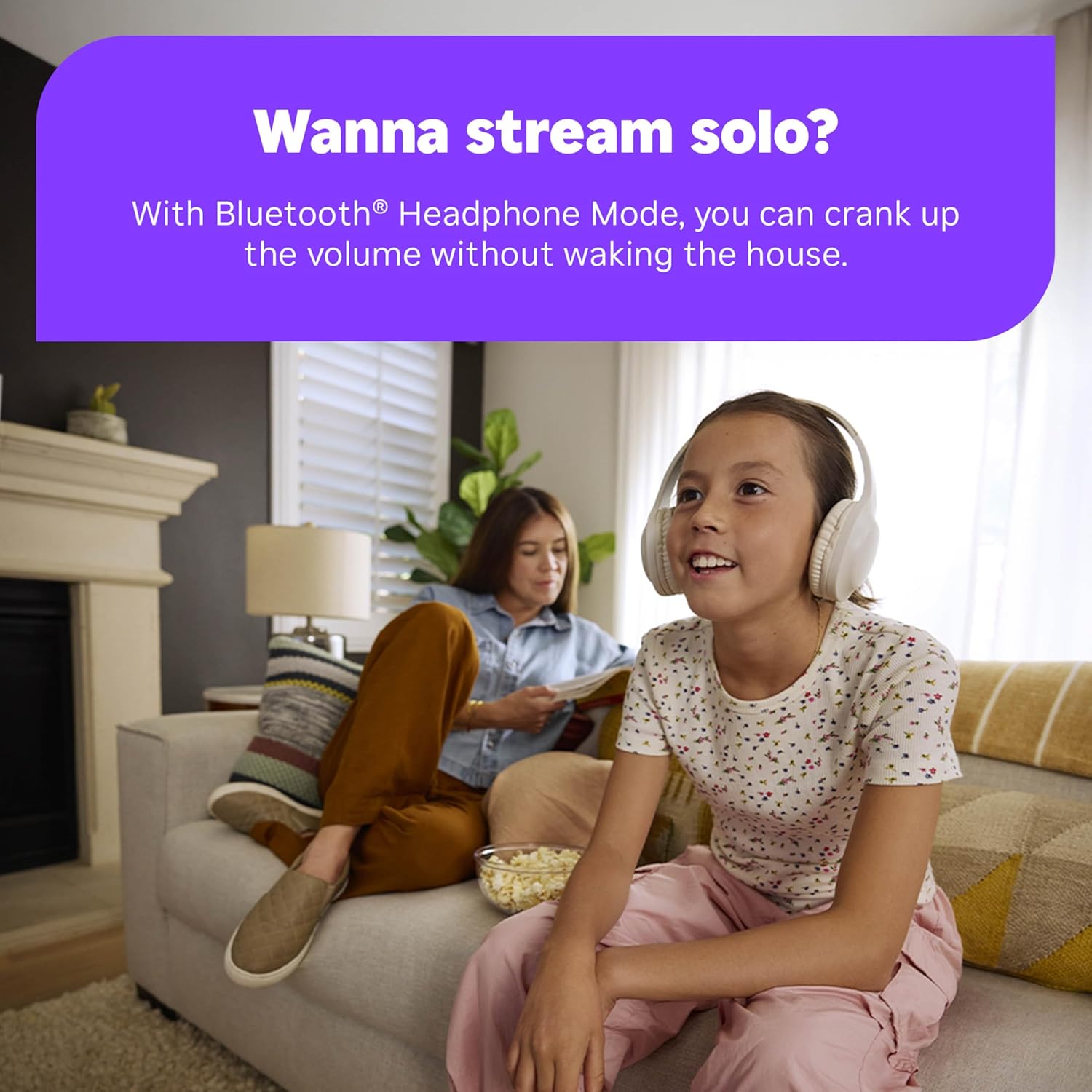
Beyond Wi‑Fi, you also get Bluetooth—most importantly, Bluetooth Headphone Mode. If you like late-night movies, sports, or “one more episode” marathons, this is a game-changer. Pair your headphones and keep the sound to yourself without waking anyone up.
- Bluetooth Headphone Mode for quiet viewing
- Stable wireless performance designed for everyday streaming
- Clear, consistent playback at 1080p resolution
Voice Remote + smart-home compatibility
The included voice remote keeps everything easy: you can power on your TV, adjust volume, and search for shows without typing forever. It’s especially handy when you’re jumping between apps like Netflix, Disney+, Hulu, Prime Video, and Apple TV+.
Where it really fits modern homes is smart-home support. The Roku platform works with the tools you may already use, so you don’t have to rebuild your setup just to add streaming.
- Alexa and Google Home compatibility for voice control
- Apple AirPlay for sharing videos, photos, and music from Apple devices
- HomeKit support for Apple-friendly control
- Roku Smart Home integration for a unified Roku experience
"A reliable, affordable option that integrates smoothly with smart-home setups."
Know what you’re buying: value-first 1080p, not 4K
This stick focuses on fast, affordable HD. It’s not a 4K/HDR device, and it doesn’t add premium extras like Wi‑Fi 6. If you want HDR/Dolby Vision or higher-end networking, look at the Streaming Stick Plus 2025 (4K/HDR) or the Roku Ultra (Dolby Vision/Atmos, Wi‑Fi 6). Here, the win is simple: dependable 1080p resolution and smart features at a low price.
Real buyer stories, minor quirks, and the value equation
Why the reviews make you feel safe hitting “Buy”
When you’re shopping for a streaming device, real-world feedback matters more than specs. The Roku Streaming Stick HD 2025 carries a 4.7-star average from 10,771 reviews, with 10K+ units bought, plus the Amazon’s Choice badge. That combo tells you the basics are solid: easy setup, steady hd streaming, and an interface you won’t have to “learn.”
What real buyers say you’ll notice first
Many December 2025 reviews read like the same story: you plug it in, connect Wi‑Fi, and your TV suddenly feels newer. Buyers often compare it to older boxes that lag or freeze.
Melissa M.: “Outperformed my pricey TVs and lag-prone Apple TV box.”
Sonicmoon: “Praised its simplicity and snappy performance compared to FireTV.”
If you’re buying for a household (not just yourself), the family angle comes up a lot too—especially with simple menus, parental controls, and quick access to free live tv.
Sara Davidson: “The perfect family stick — fast setup and safe for kids.”
Minor quirks you should know (and why most people shrug)
- Voice remote limits: You get the essentials (power, volume, voice search), but some users want more advanced shortcut controls.
- Occasional software quirks: A few buyers mention small hiccups after updates, usually fixed with a restart or quick settings check.
For the price, most reviewers treat these as fair trade-offs—especially when the core experience (fast navigation, reliable hd streaming, and smooth app switching) stays strong.
The value equation: price + delivery + low risk
| What you get | Why it matters to you |
|---|---|
| Low cost roku streaming stick | Big upgrade without replacing your TV |
FREE delivery from Amazon.com (Seller ID: ATVPDKIKX0DER) | Fast arrival (often as soon as Friday, January 9) |
| 30-day refund/replacement | You can test it on your setup risk-free |
It also plays nicely with common TVs—buyers mention setups on Samsung, Sony, and Amazon Insignia Fire TV—so you’re not gambling on compatibility just to get a better voice remote experience and more free live tv.
Accessories, upgrades, and a couple of wild-card scenarios
Easy add-ons that make your setup feel custom
Your Roku Streaming Stick HD 2025 is ready to go out of the box, but a few simple extras can make it fit your space even better. If your TV’s HDMI ports are tight (or wall-mounted), an HDMI extension can give you breathing room and help with placement. If you want a backup or a second controller for the bedroom, replacement voice remote options are easy to find. And if you’re mixing streaming with local channels, an advanced antenna can pair nicely with your free streaming lineup for a fuller “cable-like” experience. Even small things like charging adapters can help when your TV’s USB port is weak or inconvenient.
“Accessories and higher-tier players are clearly listed for upgrade paths and compatibility checks.”
What’s nice is that Amazon’s listings keep it simple: you can compare ratings, prices, and compatibility before you buy, so you’re not guessing.
When you’re ready for 4K streaming, the upgrade path is painless
If you start with HD now and later crave 4K streaming with HDR, you don’t have to rethink your whole setup. Roku’s own product carousel points you to a clear next step: the Roku Streaming Stick Plus 2025 with 4K/HDR for $33.12. That’s a modest jump that can feel huge on a newer TV. If you want the “no-compromises” option for your main living room, the Roku Ultra adds Dolby Vision & Atmos plus Wi‑Fi 6 for $74.99, which is ideal when your home network is busy.
Two wild-card scenarios where this streaming device shines
First: gifting. If you have someone in your life who hates tech, this is the rare surprise that doesn’t turn into a support ticket. You plug it in, follow the on-screen steps, and it just works—so you’re far less likely to get that “can you come over and fix my TV?” call.
Second: temporary living. For travel, rentals, dorms, or a guest room, the streaming stick 2025 format is perfect: small, fast to set up, and easy to pack. You get the familiar Roku home screen and your voice remote comfort anywhere, without committing to a new TV.



