.png&w=1280&q=75)
You’re packing for a trip, juggling a laptop, charger, and that endless tangle of dongles. I once missed a deadline on a train because my Wi‑Fi refused to cooperate—enter the clickfish USB C to Ethernet Adapter. Lightweight and deceptively simple, it’s promised to fix flaky hotel Wi‑Fi and morning conference calls. This outline guides you through specs, quirks, and whether this adapter truly earns a permanent spot in your tech kit.
Quick Pitch: USB C Ethernet Adapter — What You Get
Elevator pitch (1 sentence)
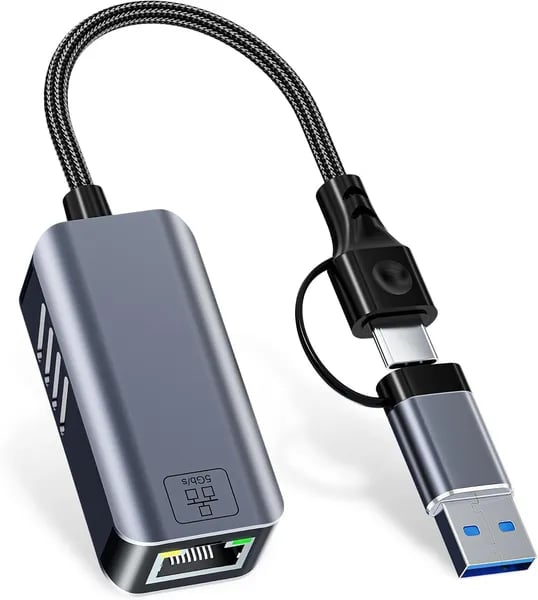
If you want fast, stable wired internet anywhere, the clickfish USB C Ethernet Adapter (model USB-RJ45-5G-F) gives you dual USB-A + USB-C to RJ45 and delivers up to 5 Gbps (5000 Mbps)—a simple Plug and Play Ethernet fix for travel, work, and play.
On-the-box specs you’ll care about
- Price: $31.99
- ASIN: B0G18TCN36
- Seller: CZY EU (
A10RA9TCUDFPGE) - Fulfillment: Amazon-fulfilled (includes free 30-day refund/replacement + warranty link on the listing)
- In Stock since: December 15, 2025
Why the dual interface matters (USB-C + USB-A)
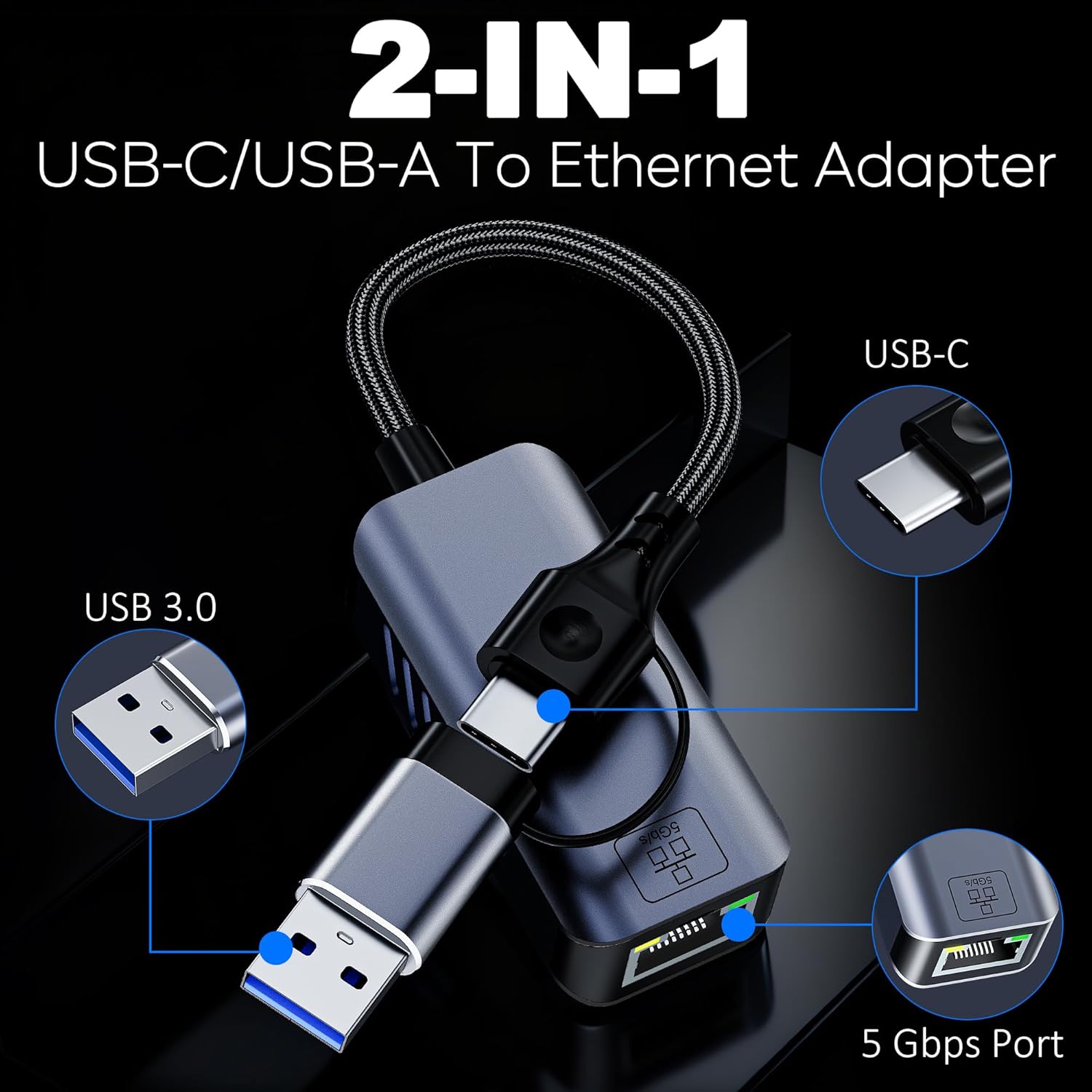
This USB-C to Gigabit Ethernet-style adapter is built for modern travel reality: sometimes you’re on a USB-C-only laptop, and other times you’re stuck with a USB-A port on an older machine. With both connectors on one Portable Adapter, you don’t need to pack two dongles—just plug in and get online.
Travel-ready size (easy to stash)
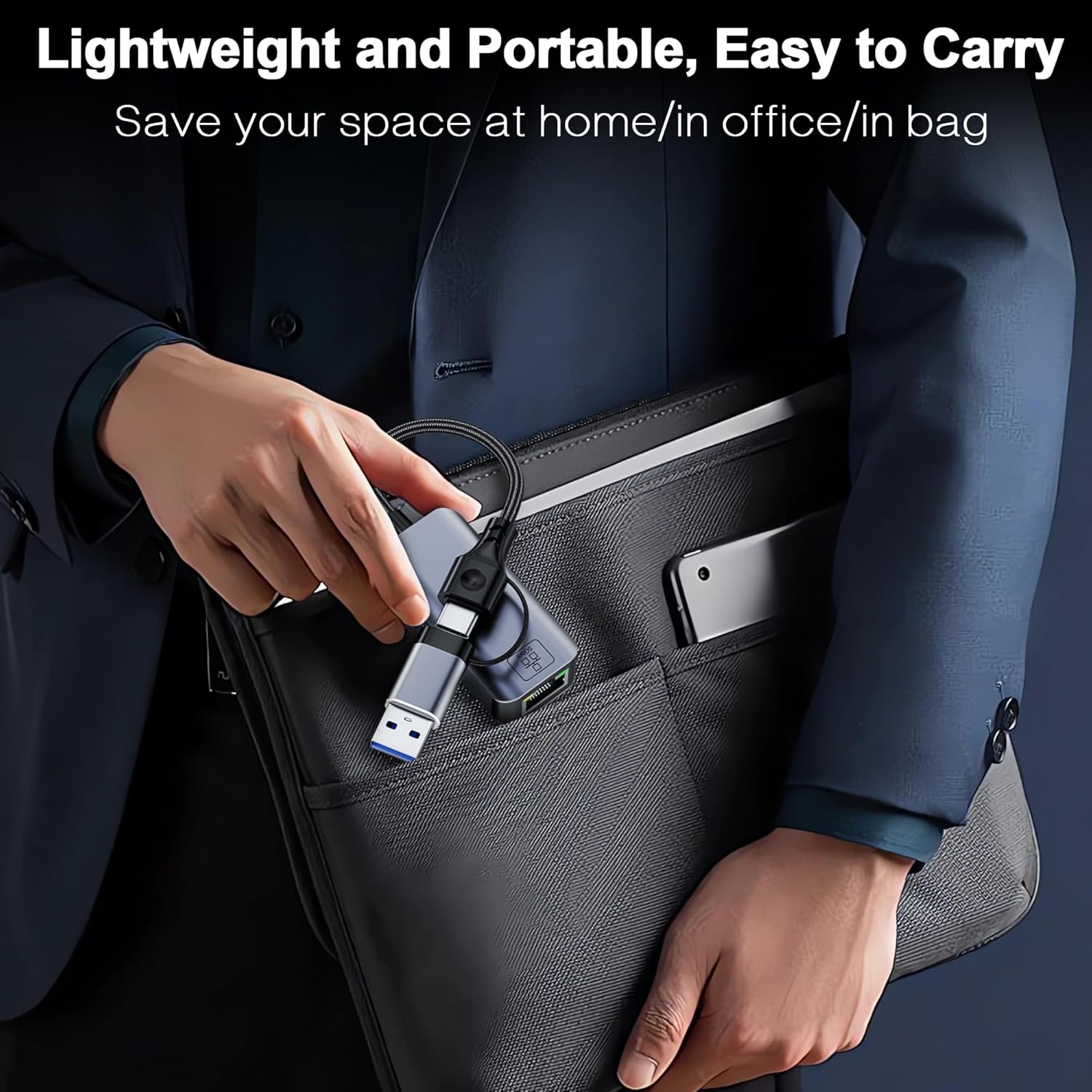
It’s made to disappear into your kit: 1.44 ounces and 4.25 x 2.95 x 0.87 inches. It slides into a laptop sleeve, tech pouch, or even a jacket pocket with room to spare—ideal when hotel Wi‑Fi is shaky and you need a wired connection fast.
Instant visual feedback + built-in safety
You get clear status lights: a green LED shows an active connection, and a flickering orange LED shows data moving. It also includes surge protection, which helps protect your device and data during transfers.
Igor V: "Used it on business trips and at home with my Surface Laptop 5—excellent speeds and seamless USB‑C and USB‑A design."
Performance Deep Dive: Fast Ethernet Speeds & Measured Throughput
Fast Ethernet Speeds: What “5 Gbps Ethernet” Really Needs
The clickfish USB-C to Ethernet Adapter is rated for 5 Gbps Ethernet (5000 Mbps), but you only see those top numbers when the whole chain is fast. To maximize Gigabit Ethernet Speeds beyond 1GbE, your host device should have USB 3.2 Gen 2 (10 Gbps) or higher (Thunderbolt 4/5 works too), and you’ll want a CAT6 or better cable. If you plug it into an older USB port or use a weaker cable, your Measured Throughput will drop—sometimes all the way down near standard gigabit.
- Advertised link speed: 5000 Mbps (5 Gbps)
- Host port requirement: USB 3.2 Gen 2 (10 Gbps)+ / Thunderbolt 4/5
- Cable recommendation: CAT6+
Measured Throughput in the Real World (NAS & Local Transfers)
In practice, 5GbE adapters tend to shine most on local traffic—think laptop-to-NAS or LAN-to-LAN copies—where your internet plan isn’t the bottleneck. Reviewers reported near‑5GbE behavior in the right setup, including one standout data point around 500 MB/sec (roughly ~4 Gbps), which is excellent for big backups, fast media libraries, and moving project files while traveling.
Paul Styles: "Impressive build quality and performance — I hit nearly 500 MB/sec and it's outstanding value for 5 Gbps connectivity."
That kind of Measured Throughput also helps with stable 4K/8K streaming, smoother cloud workflows, and lower-latency gaming—especially in hotels or offices where Wi‑Fi is crowded.
Thermals & Chipset: RealTek 8157 Under Load
This adapter uses a RealTek 8157 chipset and an aluminum shell with ventilation holes to manage heat. It’s compact for travel, but sustained transfers can still make it warm.
Brian W.: "The RealTek 8157 chipset met my high-speed NAS needs, though it got slightly warm during heavy use."
Compatibility & Setup: Plug and Play vs Driver Install
USB C Compatibility and real-world device fit
When you’re traveling, you don’t want to guess if your adapter will work. The clickfish 5Gbps USB-C Ethernet Adapter is built for broad USB C Compatibility, and it also includes USB-A support—so you can move between a MacBook, a hotel PC, or a work laptop without packing two dongles. It’s also ready for Thunderbolt 4 and Thunderbolt 5, which helps with smooth MacBook Compatibility on MacBook Pro/Air, plus popular travel machines like Dell XPS, iPad Pro, many Chromebooks, and Surface Laptop models.
Plug and Play on modern systems
For most people, setup is true Plug and Play: plug it in, connect an Ethernet cable, and you’re online. That’s especially helpful when you land somewhere with weak Wi‑Fi and need stable speeds fast.
| OS | What to expect |
|---|---|
| Windows 10/11 | Plug and Play |
| macOS | Plug and Play |
| Chrome OS | Plug and Play |
| iOS (iPhone 15/16/17) | Plug and Play for wired internet |
| Linux | Usually works, but depends on kernel/driver |
| Android | Not supported |
Driver Support: when you may need a manual install
If you’re on an older OS build or an older Linux kernel, you may need extra Driver Support. Linux travelers should check kernel driver availability before buying, since one reviewer warned:
Corey340: "Limited Linux support due to kernel driver availability — important to consider if you're a Linux user."
On the road, the dual-connector design can also save time when switching devices:
Igor V: "Seamless USB‑C and USB‑A design made it easy to switch between devices on my trips."
Design, Portability & Real-World Use
Lightweight Design that feels like a pocket tool
The clickfish 5Gbps adapter is built like something you’ll actually keep in your bag, not leave on your desk. The premium aluminum shell gives it a sturdy, “gear-like” feel, while the ventilation holes help it stay cool during long transfers. At just 1.44 ounces and 4.25 x 2.95 x 0.87 inches, it’s a true Compact Adapter—easy to slip next to a charger, cable, or passport wallet.
Compact Adapter for travel: Wired Internet Access when Wi‑Fi fails
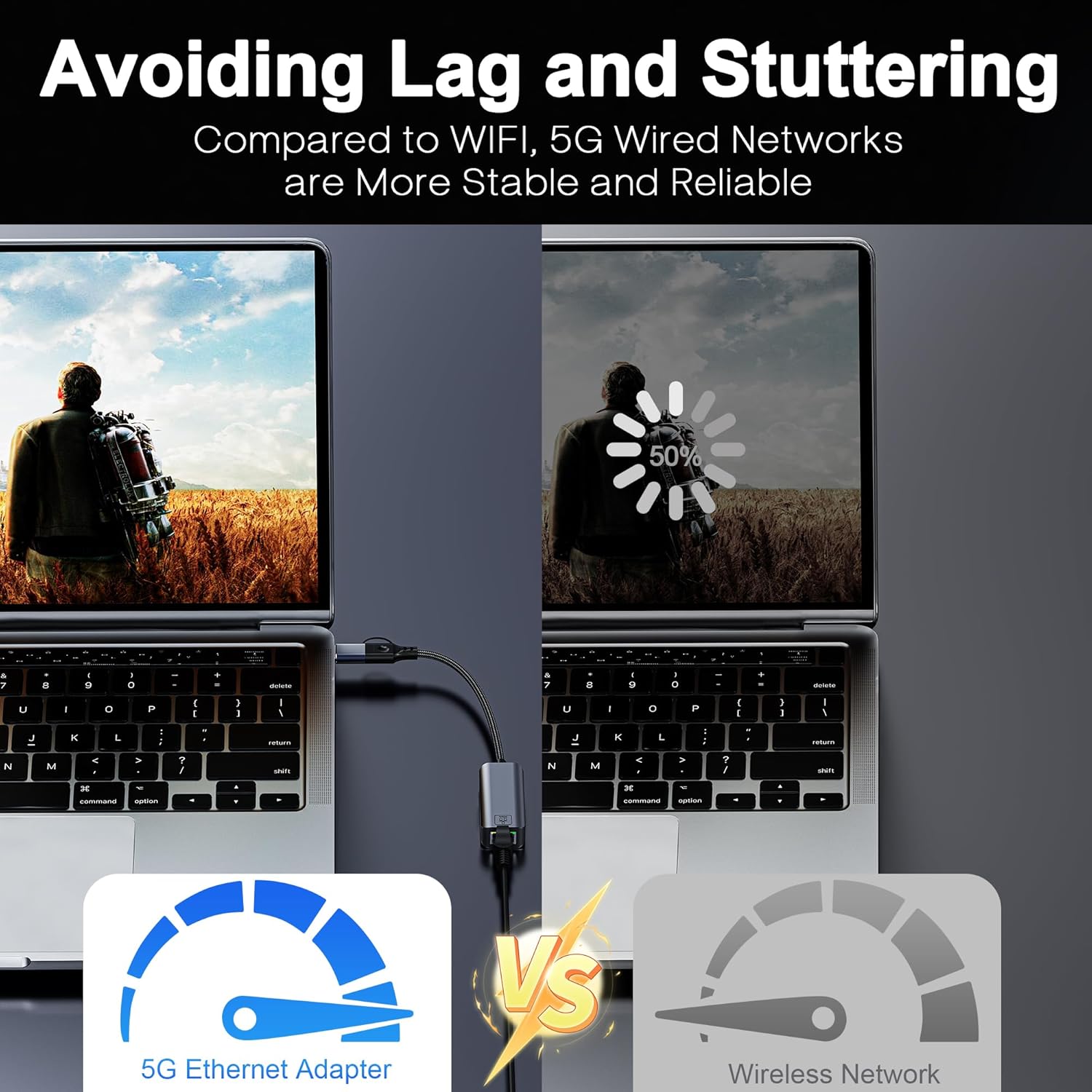
Here’s the real-world win: you don’t buy this for looks—you buy it for Wired Internet Access on the road. Picture this: you’re in a hotel lobby, Wi‑Fi is “connected” but nothing loads, and you’ve got a video call before your train boards. You plug in, grab the nearest Ethernet port, and suddenly your call is clear. That one moment is why a Stable Internet Connection beats flaky public Wi‑Fi every time.
Travel-friendly extras: surge protection + instant LED feedback
For travel, the small usability details matter. Built-in surge protection helps protect your device and data when you’re plugging into unknown networks and outlets. And the LEDs remove guesswork:
- Green LED = active connection
- Flickering orange LED = data is transmitting
Heat under load (manageable)
Like most 5Gbps adapters, it can get a bit warm during heavy use, but the vented aluminum design helps. As one reviewer put it:
Brian W.: "Works great for high-speed NAS transfers; I noticed slight warmth during heavy use but performance was solid."
Buying Guide & Alternatives: Value, Warranty, and Competitors
Is it worth $31.99 for the Best USB-C Ethernet travel pick?
If you want a fast, stable Wired Network Connection on the road, $31.99 is strong Value for Money for a dual-interface 5Gbps adapter. You’re not just paying for speed—you’re paying for flexibility. The clickfish USB-RJ45-5G-F works as both USB-C and USB-A to Ethernet, so you can plug into newer laptops and older ports without packing two dongles.
Price-to-performance is competitive for dual-port 5Gbps gear, and real users back it up. One reviewer even reported near 500 MB/s transfers, which is exactly why this type of Gigabit Network Adapter (and beyond) is popular for travel NAS access, hotel workstations, and streaming.
Paul Styles: “Outstanding value for advanced 5 Gbps connectivity; build quality impressed me.”
Warranty, returns, and shipping (lower risk when you travel)
This adapter is Amazon-fulfilled and sold by CZY EU, which matters when you’re buying a travel essential. You get a free 30-day refund or replacement plus warranty support referenced on the listing. Shipping can be quick, with an example option like FREE delivery by Friday, January 9 (Prime may be faster).
It also has growing traction at #461 in USB Computer Network Adapters, which suggests steady demand.
Competitors and alternatives (pick based on your use case)
| Option | Price | Best for |
|---|---|---|
| clickfish 5Gbps dual USB-C/USB-A | $31.99 | One adapter for most devices; near-5Gbps speeds |
| Tenda SG103M splitter | $11.99 | Basic 1Gbps needs; not a 5Gbps adapter |
| Mcbazel 2-in-1 Ethernet cable | $13.99 | Cheaper, simple wired hookup; fewer “adapter” features |
| MoCA 2.5 kit (KB-M3-03) | $129.99 | Home coax networking; not a travel dongle |
The AnHome Airpod Cleaner ($8.99) is also listed, but it’s not a networking alternative.
Wild Cards: Hypotheticals, Quotes, and a Tiny Tangent
When the “Wired” Option Isn’t Great
You finally spot an Ethernet jack in your hotel room and feel that little TravelTech victory… until the connection is flaky, slow, or tied to a captive portal that keeps timing out. This is where Wired Internet Access still earns its place in your bag—not because it’s always perfect, but because it’s a dependable fallback when Wi‑Fi is crowded, unstable, or just plain weird.
Two Quick “What If” Moments
What if your hotel Ethernet is crappy? You can still use the adapter as your “known-good” link for troubleshooting: plug in, confirm the network is actually live, and decide fast whether to switch plans (hotspot, lobby router, or a different room) without burning time mid-call.
What if you’re presenting a video-heavy deck and the hotel Wi‑Fi starts buffering at the worst moment? If you’ve got a local NAS on your travel router or a small LAN setup, using the adapter to pull files locally can feel like a cheat code—your presentation streams from nearby storage instead of fighting the hotel network.
A Tiny Analogy (Because It Fits)
Think of this adapter like a Swiss Army knife for network ports: compact, multi-tool, and oddly satisfying to click in. The little LEDs become their own comfort ritual—green says you’re connected, and that flicker says, “Yep, data’s moving.” It’s Plug and Play reassurance you can see.
Tiny Tangent: The “Three Dongles” Habit
You might pack three dongles “just in case.” Slightly excessive? Sure. Oddly comforting? Absolutely. And when one adapter saves a meeting, you’ll feel justified.
Igor V: "Made business travel easier—no fumbling for hotel Wi‑Fi during calls."
Paul Styles: "A little tool that de-stresses remote work setups."



