.png&w=1280&q=75)
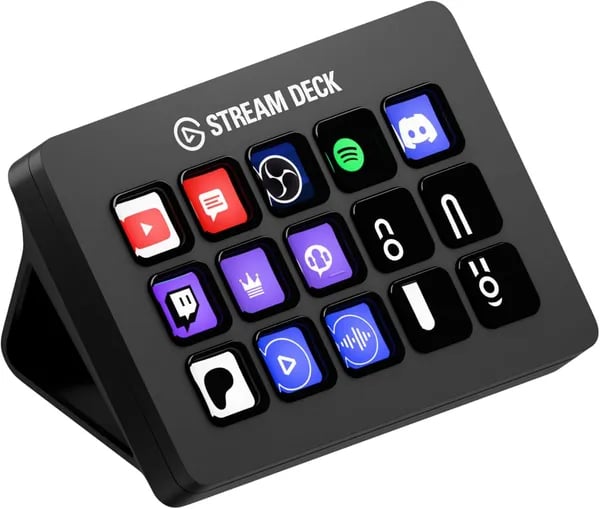
You know that little ritual before every stream or meeting—fumbling with apps, hunting for hotkeys, and nagging yourself that there must be a faster way? I felt the same until I plugged in the Stream Deck MK.2. One evening I mapped a single key to mute my mic, start my scene, and launch a playlist; suddenly five steps became one. That 'aha' moment is the heart of this post: how a compact box of 15 LCD keys can quietly rearrange your creative life.
1) Workflow Superpowers: What 15 Customizable Keys Let You Do
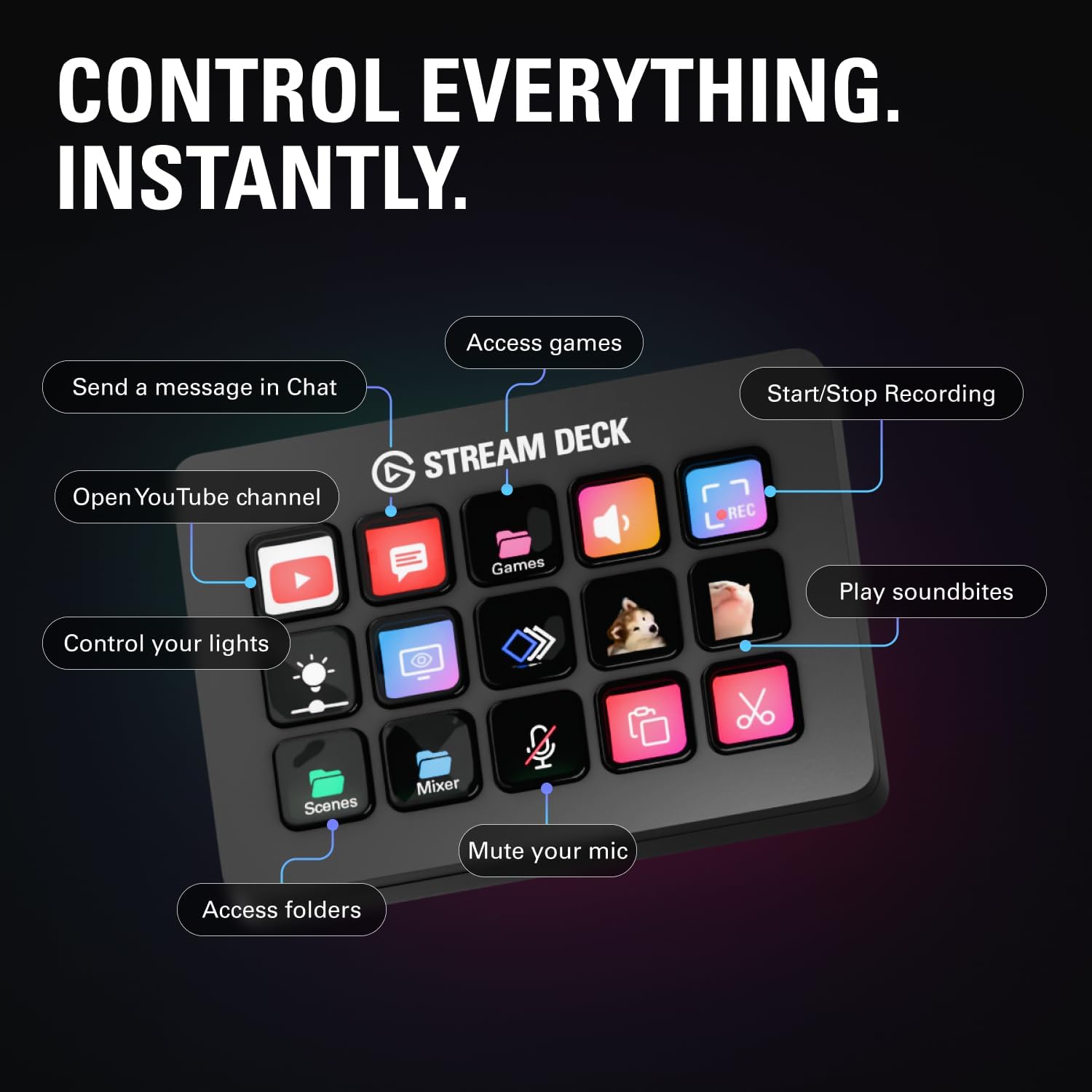
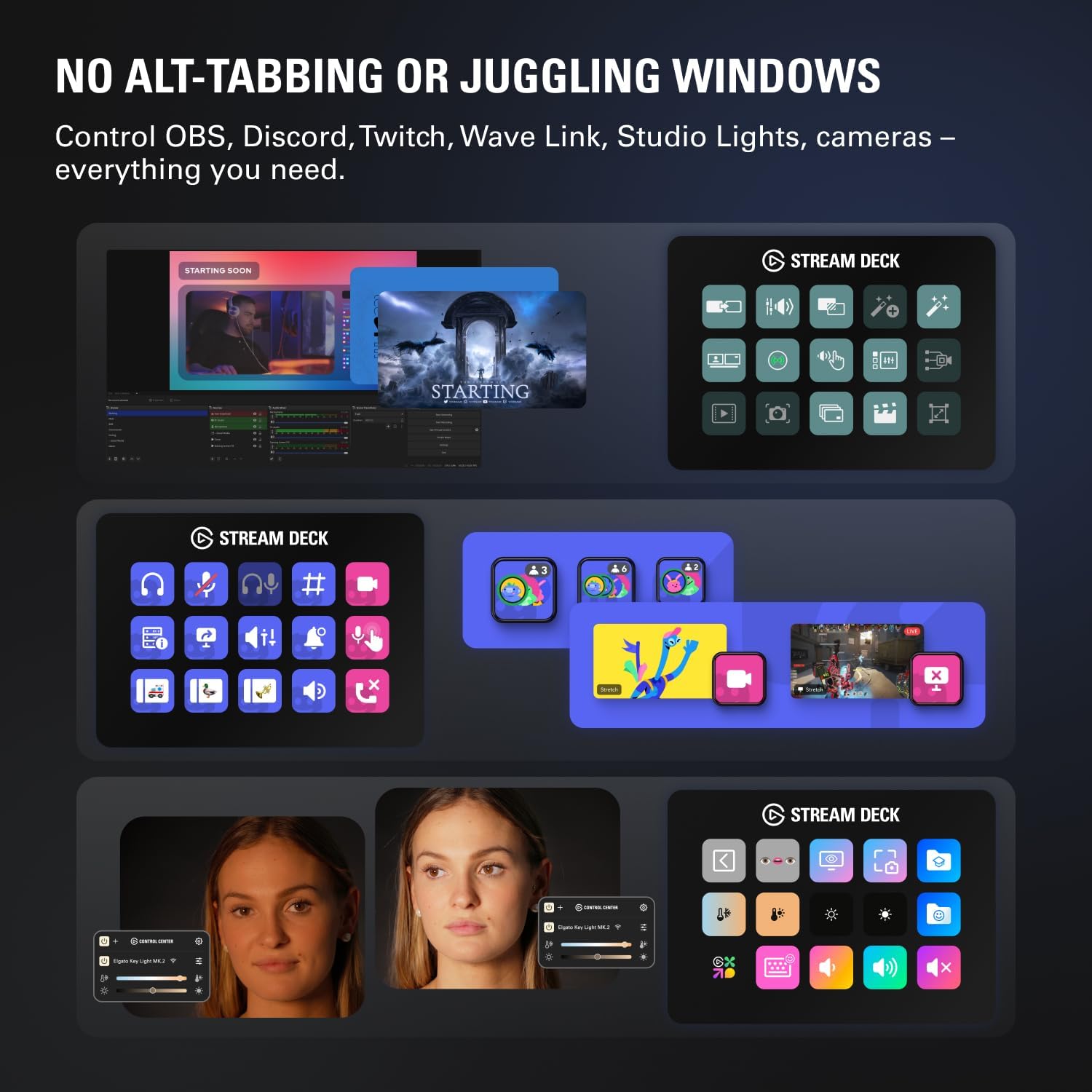
The Stream Deck MK.2 turns your desk into a control panel. With 15 LCD Keys on the front, you stop hunting through menus and start pressing one button to Trigger Actions instantly—each key showing a clear icon so you always know what happens next. These Customizable LCD Keys aren’t just shortcuts; they’re a productivity multiplier.
One Press, Many Results: Multi-Action Magic
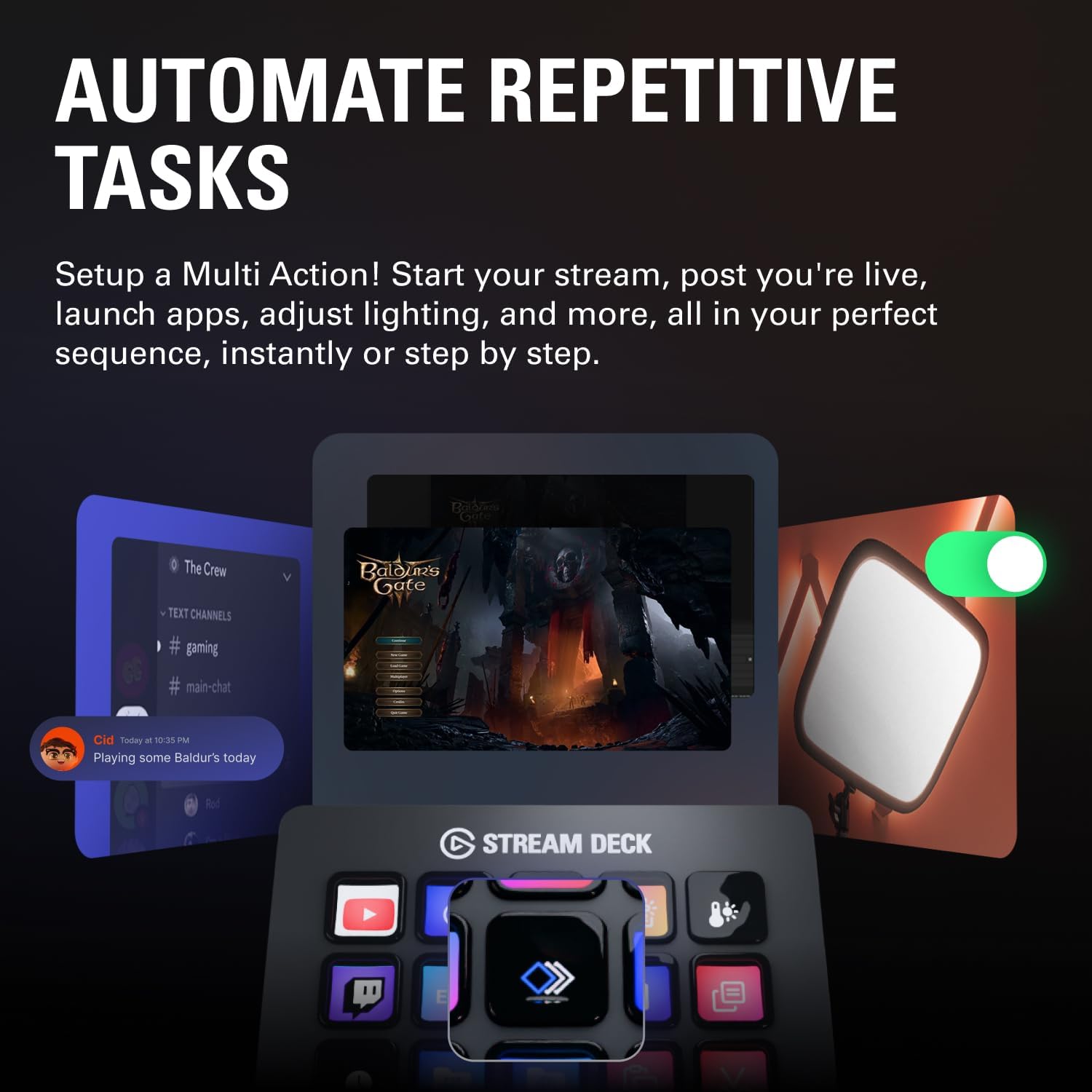
The real “workflow magic” starts when you stack steps into a single press. You can launch apps, run macros, switch scenes, and even post updates without breaking focus. Think of it like building your own mini automation buttons.
- Open OBS + load your streaming scene + start recording
- Mute Discord + switch your mic source + lower Spotify volume
- Turn on Philips Hue lights + set brightness + change color for “On Air”
Miguel Eduardo Vilar: "Once I assigned multi-action macros, my editing workflow became fluid—what used to take 10 minutes is now one key stroke."
Speed Up Editing and Audio Work (Without Extra Gear)
If you edit video or produce music, repetitive clicks add up fast. Map keys to common tasks—cut, ripple delete, add markers, drop in a sound effect, or run a full export routine. You can also build “cleanup” buttons that do several steps in order, like:
- Normalize audio
- Apply your favorite EQ preset
- Toggle noise reduction
Smart Profiles That Change With Your Apps
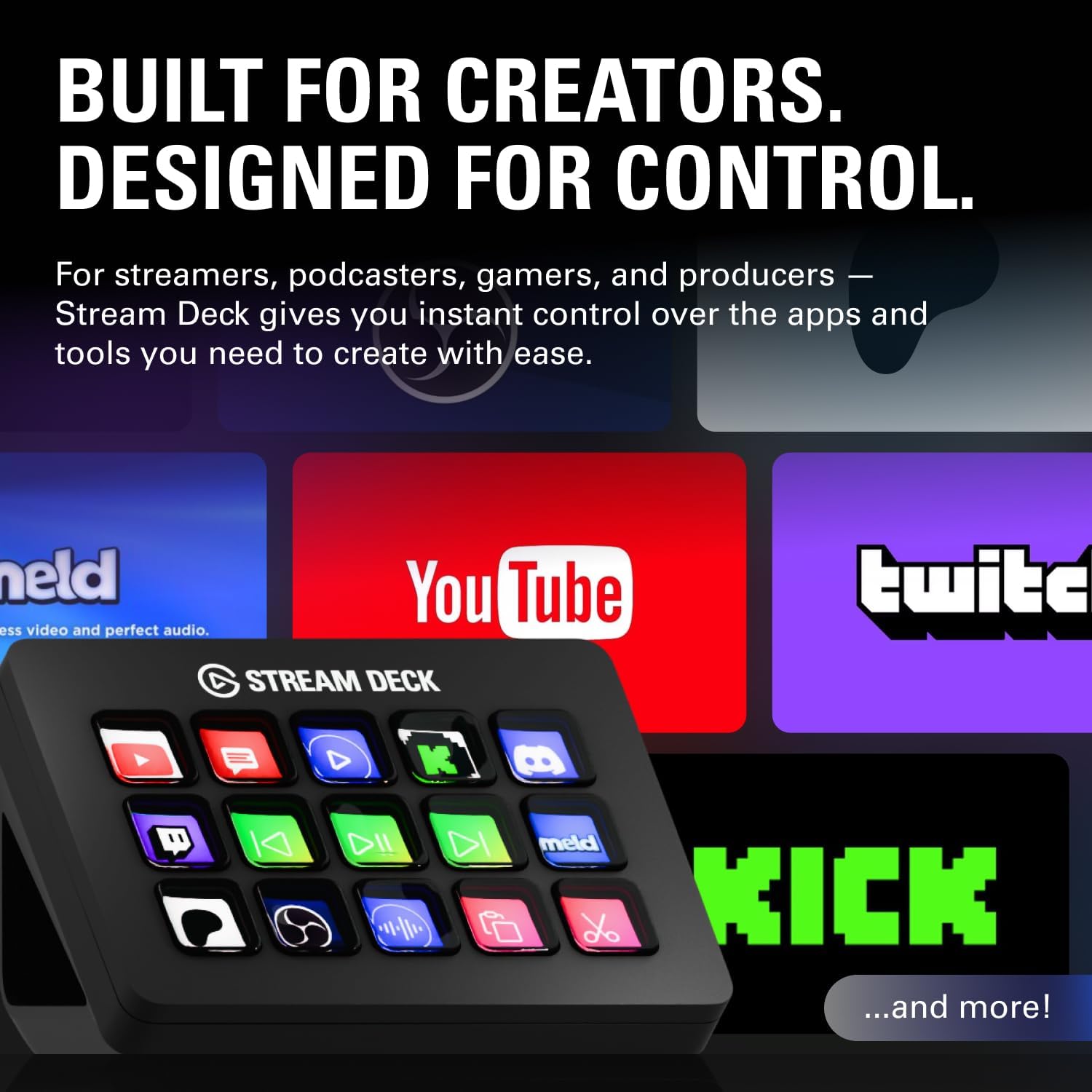
You don’t have to keep one layout forever. Set profiles so your keys change automatically when you switch apps or games—perfect for OBS, Twitch, YouTube, Discord, and Spotify. Your streaming controls appear in OBS, your chat tools appear in Discord, and your music controls appear in Spotify.
App Plugins + Stream Deck Store = Endless Upgrades
App Plugins expand what your Stream Deck MK.2 can control, from streaming tools to lighting and more. And with the Stream Deck Store, you can grab plugins, icon packs, effects, and even royalty-free tracks—so your keys look great and do more, right away.
2) Hands-on Setup & Technical Specifications (No jargon, just facts)
Plug-and-play setup with the Stream Deck app
You can go from unboxing to working in minutes. Plug the Stream Deck MK.2 into your computer, install the Stream Deck app, and start assigning actions with simple drag-and-drop. Each of the 15 LCD keys can launch apps, switch scenes, run shortcuts, or control supported tools like OBS, Twitch, YouTube, Discord, Spotify, and Philips Hue.
For quick organization, you can create folders (like “Editing,” “Streaming,” or “Meetings”) and drop actions inside. You can also add your own icons in PNG or GIF so every key is easy to spot at a glance.
Operating Systems & connection details
Here are the supported Operating Systems and the basic connection info:
- Windows: Windows 10 (64-bit) or newer
- Mac: macOS 10.15 Catalina or newer
- Interface: USB 2.0
It connects through USB, and the included USB-C Cable (USB-C to USB-C) gets you up and running right away.
What’s in the box (ready to use)
You don’t need extra parts to start. In the box, you get:
- USB-C Cable (USB-C to USB-C)
- Desktop Stand (adjustable for a comfortable angle)
- Quick start guide
- Interchangeable Faceplates (swap the look to match your setup)
Form, feel, and desk space
The Stream Deck MK.2 is compact and light, so it won’t take over your desk. It’s easy to place beside your keyboard, mic, or editing tablet, and the stand helps you tilt it to a natural viewing angle.
Tommy Marshall, Streaming Gear Reviewer: "The Stream Deck MK.2 balances small-footprint design with thoughtful ergonomics—interchangeable faceplates are a neat touch."
Technical Specifications (quick view)
| Item | Details |
|---|---|
| Keys | 15 customizable LCD keys |
| Dimensions | 118 x 84 x 25 mm (without stand) 3.31 x 4.65 x 0.98 in |
| Weight | 145 g (without stand) 270 g (with stand) |
| Connection | USB 2.0 |
3) Real Users, Real Gains: Reviews, Stats & Strange Bugs
Social proof you can measure (and feel)
When you’re buying a Workflow Hack device, you want proof it works outside of marketing. The Stream Deck MK.2 delivers that in a big way: it holds a 4.8/5 average rating from 11,487 reviews, with 88% of buyers giving it 5 stars. It’s also ranked #180 in Video Games and #12 in PC Game Controllers, which signals widespread adoption—not just a niche gadget for a few streamers.
| Metric | Amazon data |
|---|---|
| Average rating | 4.8 / 5 |
| Total reviews | 11,487 |
| 5-star share | 88% |
| Best-seller ranks | #180 (Video Games), #12 (PC Game Controllers) |
Real-world wins: how people actually Control Apps
What users love most is the mix of speed and Visual Feedback: every key shows exactly what it will do, so you stop guessing and start moving. Creators like Miguel Eduardo Vilar, Alice (Australia), Jason, Ryan, and DarleneA describe it as “essential” once it’s part of your desk.
Alice (Australia): "I use it to mute/unmute and trigger meeting scenes — it's quietly become part of my daily routine."
- Meetings: one-tap mute/unmute, camera toggles, and scene changes.
- Streaming: strong OBS Compatibility for scene switching, audio controls, and quick actions.
- Daily PC flow: launch apps, open folders, paste text snippets, and run multi-step macros.
- Gaming: start games, swap profiles, and trigger overlays or chat tools.
- Power users: monitor hardware stats and run dev macros (think
build,deploy, or “open project + tools”).
Strange bugs (rare), and what to do
No tool is perfect. A small number of users report occasional freezing on Windows 11 when using multiple monitors. In most cases, a full restart fixes it. The good news: Elgato’s software ecosystem gets regular updates, so you can expect ongoing improvements as compatibility edge cases get ironed out.
4) Buying, Expanding, and Everyday Rituals
Product Information: price, stock, delivery, and returns
If you’re ready to grab the Stream Deck MK.2, the best “value moment” is usually when it’s discounted. A common example you’ll see is $119.99 (down from $149.99). On Amazon it’s often marked In Stock, with an example shipping perk like FREE delivery by Thursday, January 15. That makes it easy to buy, test, and actually see if it fits your workflow.
Amazon’s policies also make the decision feel safer: you typically get a 30-day return/refund window. You can also request a manufacturer’s warranty through Amazon customer support. Just pay attention to return guidelines—misuse or damage can affect eligibility, and restocking fees may apply.
Expand your setup: Control Apps and creator add-ons
The MK.2 shines because it doesn’t live alone—you use it to Control Apps you already rely on (OBS, Twitch, YouTube, Discord, Spotify, Philips Hue, and more). If you want a more complete creator desk, pair it with:
- Elgato Facecam MK.2 for a cleaner, more consistent on-camera look
- Elgato HD60 X if you capture console gameplay or need flexible capture options
- Elgato Marketplace plugins and icon packs to speed up setup and make keys easier to read
If budget is tight, you can still use the same workflow ideas with alternatives—just prioritize the buttons you press every day (mute, scene switch, record, edit shortcuts, and Launch Social Posts templates).
Jason: "After a week, I couldn't imagine editing without it—my timeline shortcuts live on the Stream Deck now."
Try this Workflow Hack at home (2-evening test)
Create one “Stream Start” key and refine it over two evenings. Aim for a single press that:
- Switches to your starting scene in OBS
- Dims your Philips Hue lights
- Starts a Spotify playlist
- Begins recording (or streaming)
Night one: build the button. Night two: tweak timing, icons (PNG/GIF), and add a folder for “Go Live,” “BRB,” and “End Stream + Launch Social Posts.”
Wild Cards: Tiny Tangents and Thought Experiments
A Workflow Hack Thought Experiment: What If Your Whole Desk Was One-Button?
Picture this: every tiny decision on your desk becomes a single press. Not just “open OBS,” but “start the whole day.” You tap one key and your email opens, your calendar pops up, and your focus playlist starts. If you’ve got a smart plug, your coffee machine clicks on too, and a short news briefing begins in the background. It sounds extra—until you realize you already do these steps every morning, just with more friction.
The Stream Deck MK.2 as a Conductor’s Baton
That’s the best way to think about the Stream Deck MK.2: not a flashy instrument, but the baton that keeps everything in sync. Your apps are the orchestra—OBS scenes, Discord mute, Spotify, Philips Hue lights, a recording shortcut, a “Do Not Disturb” toggle. The baton doesn’t make the music by itself, but it tells every part when to move. And once you feel that control, your setup starts to feel less like a pile of tabs and more like a system.
Try a Micro-Experiment (5 Minutes, No Pressure)
Here’s a simple test: pick one annoying repeat task you do daily—something small, like “start a meeting,” “begin editing,” or “go live.” Build one key that does three actions in order. For example: open your editor, set your audio device, and start a timer. Use a clear icon so your brain doesn’t have to translate. Then run that key for a week and notice what changes—not just speed, but how you feel starting the task.
The “Flow” Aside: Hard to Measure, Easy to Feel
Many creative users describe a real boost in flow after adopting a Stream Deck—more momentum, fewer tiny interruptions, less mental clutter. It’s not a clean metric, but it shows up in the way you keep going once you start. That emotional satisfaction is a theme in feedback, too—like you’re finally driving your workflow instead of wrestling it.
DarleneA: “It’s a small investment that paid back in time saved—my favorite workflow hack.”
If you want a clean ending to the chaos of shortcuts, menus, and “where was that button,” your next move is simple: build one key that makes you smile. Then build the next.



