.png&w=1280&q=75)
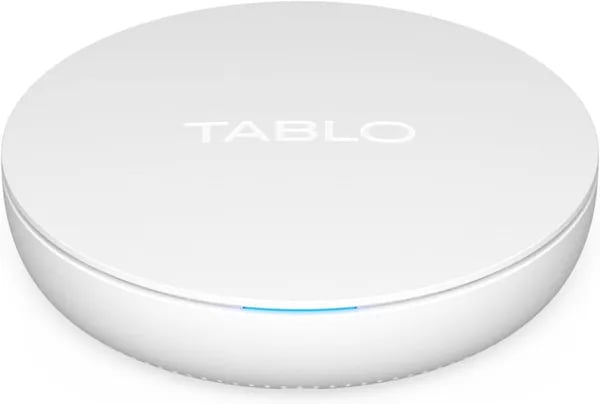
You unbox a shiny little white box, plug in an antenna and imagine finally waving goodbye to monthly fees. That was you, hopeful and eager — until the remote hits a loading screen, the app hiccups on Roku, and you wonder whether freedom came with a side of frustration. This post walks you through what the 4th Generation Tablo promises, what it really delivers, and whether it fits your living room (or your patience level).
1) The Promise: What Tablo Brings to Your Home
If you want live TV without another monthly bill, the 4th Generation Tablo is built around a simple promise: turn a basic antenna signal into a whole-home streaming experience. Tablo Support puts it plainly:
Tablo Support: "The 4th Generation Tablo is designed to offer subscription-free OTA recording with robust home streaming."
No Subscription Over-the-Air DVR (with real storage)
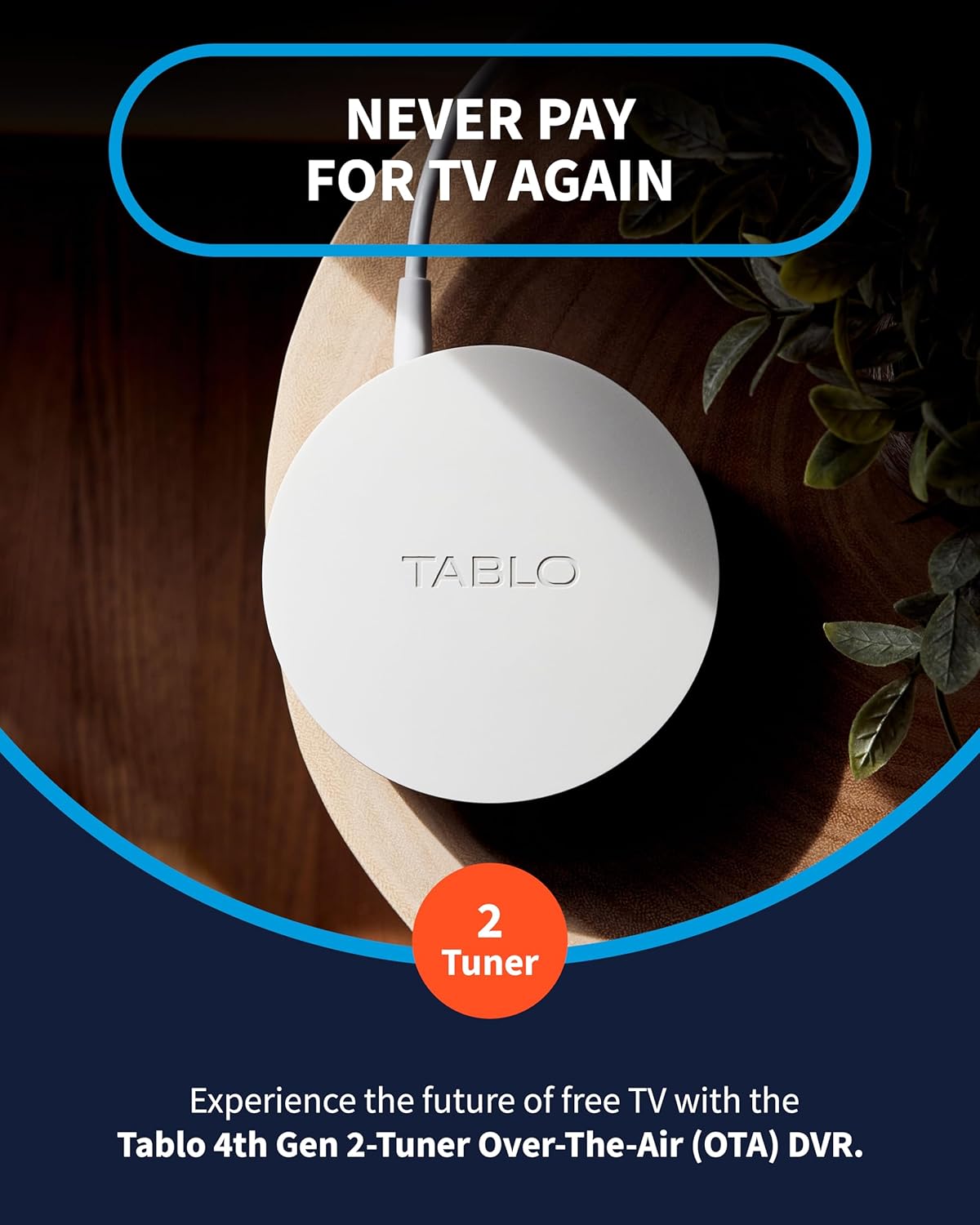
At its core, this is an Over-the-Air DVR that lets you watch, pause, and record local channels like ABC, CBS, FOX, and NBC when paired with an antenna. You get 128GB of built-in flash storage—enough for 50+ hours of HD recording—and you can expand up to 8TB via USB if your household records a lot.
It’s also designed to be easy to start: plug in your antenna, connect via 802.11ac dual-band Wi‑Fi (MIMO) or 100 Mbps Ethernet, then use the Tablo app to scan channels and set recordings. You also get 14 days of guide data included, with No Subscription required.
Live TV + 100+ FAST Channels, streamed around your home
Beyond antenna TV, Tablo blends in FAST Channels (free ad-supported streaming TV). That means you can flip between your locals and 100+ free streaming channels in one app—no separate services to manage.
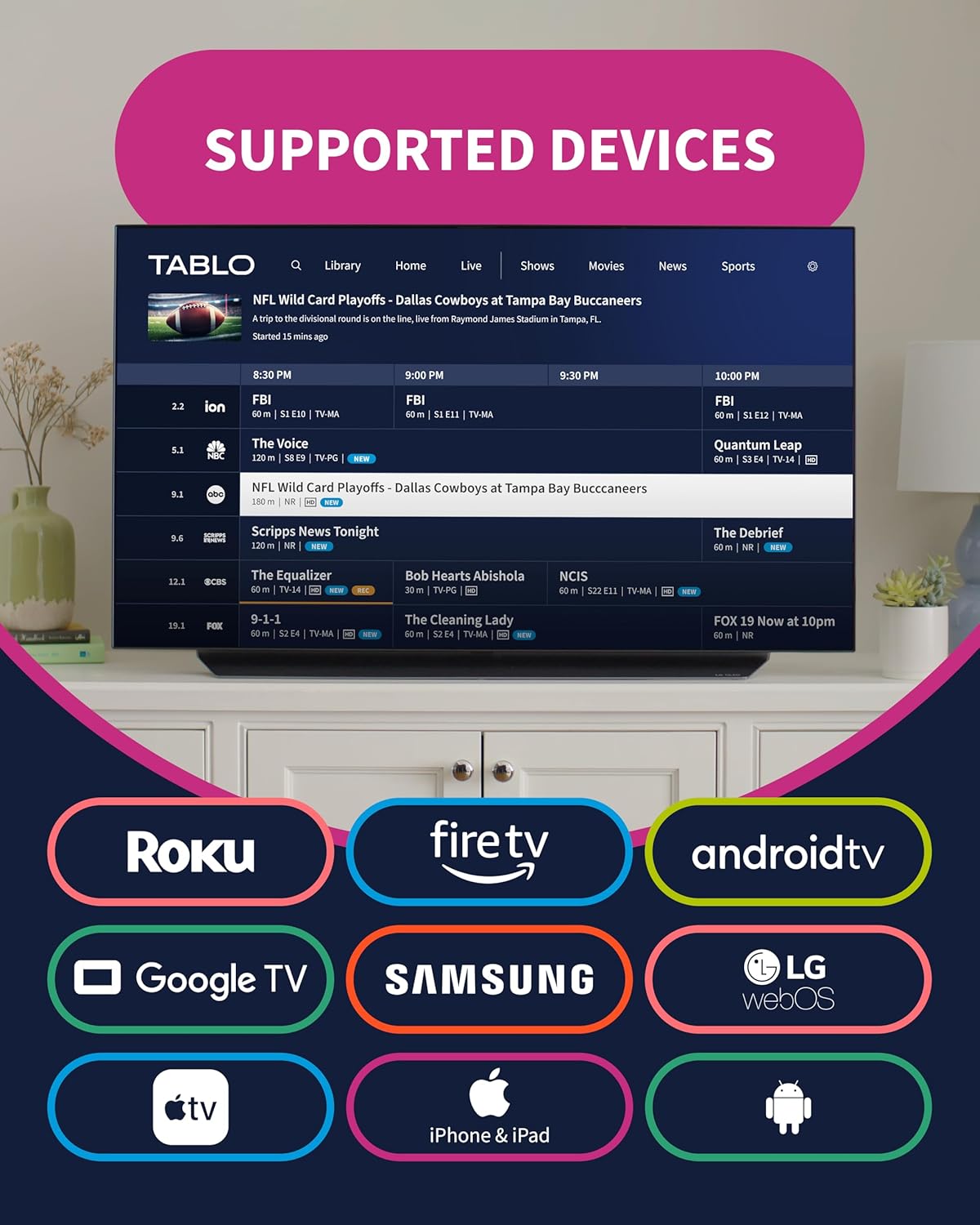
And instead of being tied to one TV, Tablo is meant to stream to your devices over Wi‑Fi, including Roku, Fire TV, phones, and tablets—up to six devices at once in many setups.
2 Tuner Model flexibility: watch one, record another
The 2 Tuner Model uses dual ATSC 1.0 tuners, so you can record one channel while watching another. You can also pause and rewind live TV up to 30 minutes, which is perfect when you miss a play or need to answer the door.
- Built-in antenna included (VHF/UHF), up to 35-mile range
- 128GB internal storage (50+ hours HD)
- OTA + FAST in one place, with No Subscription
Slim Willy: "I loved the idea—until the app on Roku crashed at kickoff. Returned it the next week."
2) Technical Specifications (Numbers You’ll Actually Care About)
Storage: 128 GB Flash = 50+ Hours Storage (and way more with a USB Hard Drive)
The Tablo TV 4th Gen comes with 128 GB Flash built in, which works out to roughly 50+ Hours Storage for HD recordings in real-world use. If you record a lot of sports or daily news, that fills up fast—but you can expand storage by plugging in a USB Hard Drive up to 8TB (think roughly ~1,000 hours depending on quality and content).
Tablo Support: "Technical specs include dual ATSC 1.0 tuners, 128GB onboard, and support for 8TB USB drives."
Tuners: 2 ATSC 1.0 Tuners (Dual-tuner limits you should know)
You’re getting 2 ATSC 1.0 Tuners, which means you can typically record one channel while watching another—or record two channels at the same time. The trade-off is simple: you’re capped at two live/recording channels at once. If your household often wants three different shows airing at the same time, you’ll hit that ceiling.
Video & audio: 1080i broadcasts, 5.1 surround, and space-saving transcoding
Many OTA channels broadcast up to 1080i, and Tablo can pass through 5.1 surround sound when available. It also transcodes MPEG2 → MPEG4, which helps recordings take less space—one reason that 128GB can stretch to around 50+ hours instead of filling instantly.
Network: Dual Band Wi-Fi or 100 Mbps Ethernet (plus up to 6 streams)
For connectivity, you can use 802.11ac Dual Band Wi-Fi (MIMO) or a wired 100 Mbps Ethernet port. In a typical home, wired Ethernet is the safer bet for fewer dropouts. Tablo also supports streaming to up to 6 devices on your network (phones, tablets, Roku, Fire TV, etc.).
Antenna input & amplifier: 11 dB gain (and you can disable it)
Tablo includes a built-in amplifier rated at 11 dB gain per tuner with 75Ω impedance. That can help with weaker signals, but it can also overload strong signals—so it’s useful that the amplifier can be disabled if you’re using a strong external antenna. The included antenna claims a 35-mile range.
Size: small, light, and wall-mountable
| Spec | Value |
|---|---|
| Dimensions | 127mm x 127mm x 35mm |
| Weight | 170g |
Hogan: "The specs looked great on paper—128GB, dual tuners—but the unit ran hot and missed recordings."
3) Real-World Performance: When Things Go Dark
On paper, the Tablo Device looks like the perfect Over-the-Air DVR: a 2 Tuner Model, No Subscription fees, 50+ hours of built-in storage (128GB), and even Free Streaming Channels. In real homes, though, performance is where many buyers say the experience can “go dark”—especially when you’re trying to watch something live.
Tablo App Instability on Roku and Fire TV
A common theme in user reviews is that the Tablo app can feel unreliable on popular platforms like Roku and Fire TV. Instead of quick channel changes and smooth playback, you may run into slow loading screens, random crashes, and persistent error messages. Even basic controls—pause, rewind, and fast-forward—are reported to be sluggish, which is frustrating when you’re trying to catch a key moment in a game or a breaking news clip.
Slim Willy: “Setup was easy but the Tablo app on Roku was painfully slow. Recordings vanished.”
Overheating: The Hidden Performance Killer
Another real-world complaint is heat. Multiple reviewers describe the unit running extremely hot, and they suspect overheating is tied to disconnects, reboots, and failed or missing recordings. What makes this more concerning is that some users say strong internet didn’t help—because the issue wasn’t bandwidth, it was stability.
Hogan: “Even with fiber and mesh Wi-Fi, the unit overheated and dropped recordings—no network fix helped.”
Compatibility Gaps You’ll Feel Fast
Even if the hardware behaves, compatibility can stop you in your tracks. The Tablo Device doesn’t work with some non-smart TVs, certain Vizio models, PCs, or Apple TV Voice over. If your household mixes streaming devices, that can turn “whole-home TV” into “TV in a few rooms.”
Polarized Reviews (and a Safety Net)
| Amazon Review Snapshot (Aug–Sep 2024) | What It Suggests |
|---|---|
| 3.4-star rating (~4,000 reviews) | Works great for some, fails for others |
| 41% 5-star | Strong wins in the right setup |
| 24% 1-star | High risk of major frustration |
If you’re tempted, Amazon’s 30-day return policy is a practical backstop—because with this Over-the-Air DVR, your experience may depend heavily on your devices, app platform, and tolerance for troubleshooting.
4) Alternatives & When to Walk Away
HDHomerun + Plex DVR: the “more DIY, more dependable” route
If Tablo TV 4th Gen (ASIN B0CBVT6SLL) sounds great on paper but you’re worried about app crashes, slow loading, or missed recordings, the most common upgrade path is HDHomerun paired with Plex DVR. You’ll do a bit more setup (network tuner + Plex server), but many people say the payoff is stability and control—especially if you like tweaking quality settings, storage, and playback behavior.
Tech Enthusiast Review: “Switched from Tablo to HDHomerun + Plex and haven’t looked back—more stable and flexible.”
This option also lets you choose your own storage, like a large USB Hard Drive (or NAS), instead of relying on built-in space. If you’re recording lots of sports or daily news, that flexibility matters.
Sling AirTV 2 and Mediasonic ATSC: cheaper, simpler, different trade-offs
If your goal is “just get OTA channels on the TV” and you don’t need a whole-home DVR experience, two lower-cost alternatives show up often:
- Sling AirTV 2: a solid pick if you already like the Sling-style interface and want OTA channels integrated into that ecosystem. It can be convenient, but it’s not the same “everything local, no fuss” promise Tablo markets.
- Mediasonic ATSC (Digital Converter Box): best for basic over-the-air viewing on older or non-smart TVs. It’s more old-school (remote + box), and DVR features vary by model and storage support.
When to walk away (or at least pause before buying)
Tablo can be a fit, but you should step back if any of these are true:
- Your devices aren’t clearly supported. Tablo Support says:
“We recommend checking the compatibility list before purchasing to ensure your devices are supported.”
- You want plug-and-play with minimal troubleshooting. In that case, consider a highly rated smart TV antenna setup or a TV with strong built-in OTA features.
- You can’t tolerate missed moments. If live sports and reliability are non-negotiable, HDHomerun + Plex DVR is often the safer bet.
If you’re still curious, Amazon’s 30-day return guarantee gives you a real-world test in your home—your Wi‑Fi, your Roku/Fire TV, your antenna signal—without being locked in.
Wild Cards: Two Oddly Useful Tangents
Tangent #1: Tablo is a boutique coffee maker (and you’re the barista)
Think of Tablo TV 4th Gen like a boutique coffee maker: when everything is dialed in, you get amazing “flavor”—smooth live TV, easy recording, and that satisfying no-subscription freedom. But when one variable is off, it can turn into constant fiddling. Your Wi‑Fi strength, your streaming box (especially if your home runs on Roku or Fire TV), and even how warm the unit runs can decide whether your experience feels effortless or exhausting.
This is where patience becomes a feature. Some people enjoy tweaking settings, rebooting devices, and testing different app platforms until things stick. Others just want live TV to work every time. One reviewer, Slim Willy, put it plainly:
"If you're a tinkerer, this is a fun project. If not, be prepared to read a lot of forums."
If that quote makes you nod, Tablo might be a satisfying hobby. If it makes you groan, you may be happier with a more stable, “set it and forget it” alternative.
Tangent #2: The antenna “math” matters more than the DVR
Here’s the weird truth about OTA DVRs: the DVR can be fine, but your Reception Range can make or break everything. OTA performance is heavily shaped by environmental factors—distance to towers, line of sight, trees, hills, and even your home’s walls. In a best-case scenario—say you live within a 35 Mile Range of the transmitter with clean line-of-sight—the Built-In Antenna and built-in amp can feel like a revelation. Tablo’s amp is rated at 11dB Gain per tuner, which can help pull in weaker signals when conditions are right.
But if you’re farther out, blocked by terrain, or dealing with strong nearby signals, amplification can backfire. In those cases, an external antenna placed higher (or near a window) may outperform the built-in option, and you might even get better stability by disabling the amp to reduce overload. That’s the edge-case lesson: Tablo isn’t just “good” or “bad”—it’s highly dependent on your home, your devices, and how much tuning you’re willing to do before deciding it’s right for you.



