.png&w=1280&q=75)
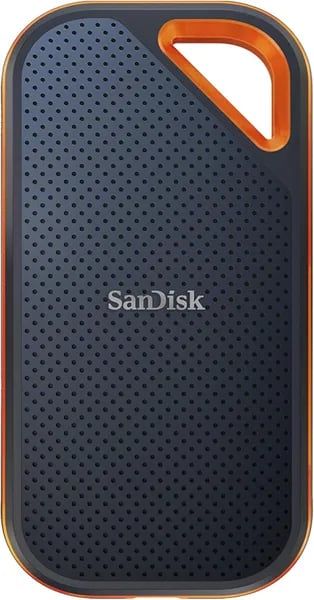
You know the feeling: mid-flight, laptop open, and that frantic search for enough space to offload a shoot. I’ve been there — and that’s why you’ll appreciate a clear rundown of the SanDisk Extreme PRO Portable SSD 4TB. This outline is for you: someone who needs blunt, usable advice (and a few honest quirks) about speed, durability, setup, and whether the price is worth it.
Snapshot: Who this drive is for (and who it's not)
Who the SanDisk Extreme PRO is for
If you move big files every day, the SanDisk Extreme PRO (model SDSSDE81-4T00-G25) fits your workflow. You get a Portable SSD 4TB with 4TB capacity in a slim, travel-ready body—great when your video projects, RAW photo libraries, game installs, or work backups won’t fit on smaller drives.
It’s especially strong for pros who need fast, steady transfers (not just quick bursts). As TheSSDReview puts it, “Sustained performance and thermal management are standout traits.”
StorageReview: “Fast, rugged, huge — it’s aimed at heavy file movers and pros.”
- Creators working with 4K/8K footage and large photo catalogs
- IT and business users moving databases, project folders, and backups
- Travel-heavy workflows that benefit from rugged build and encryption
Who it’s not for
If you want the smallest, lightest “always-in-your-pocket” drive, this isn’t the tiniest-footprint option. And if your computer can’t use USB 3.2 Gen 2x2/Thunderbolt speeds, you’ll still get a solid drive—but not the headline performance.
Quick buying confidence check
User feedback is strong: 4.4/5 average from 16,000+ ratings, plus Amazon’s Choice and #5 in External SSDs. At $381 new (or $331.56 Used – Good, one left), the 5-year warranty and the holiday return window (buy Nov 1–Dec 31, 2025; return until Jan 31, 2026) make it a low-stress pick for most power users.
Hardware Overview & Tech Specs (what’s under the hood)
Hardware Overview: built to stay fast
The SanDisk Extreme PRO Portable SSD 4TB (model SDSSDE81-4T00-G25) is more than a “small box with storage.” Inside, you’re essentially getting an NVMe drive (a 2280 form factor) paired with a USB bridge, which is why it can push up to 2000MB/s reads and writes—if your computer supports it.
That slightly larger footprint isn’t random. It helps with heat control during long transfers. The forged aluminum chassis works as a passive cooling solution, helping limit thermal throttling when you’re moving huge video folders or game libraries.
ServeTheHome (STH): “The larger aluminum body is a deliberate choice for cooling and sustained speed.”
Tech Specs: ports, protection, and what you get
On the outside, the silicone shell adds grip and real-world toughness, including IP65 protection (dust and water resistance) plus 3-meter drop protection—a strong match for field work and travel.
Macwelt: “Sturdy construction; built for field work and creators.”
- Interface: USB-C, USB 3.2 Gen 2x2 (per Amazon listing)
- Speed: up to 2000MB/s read/write (host-dependent)
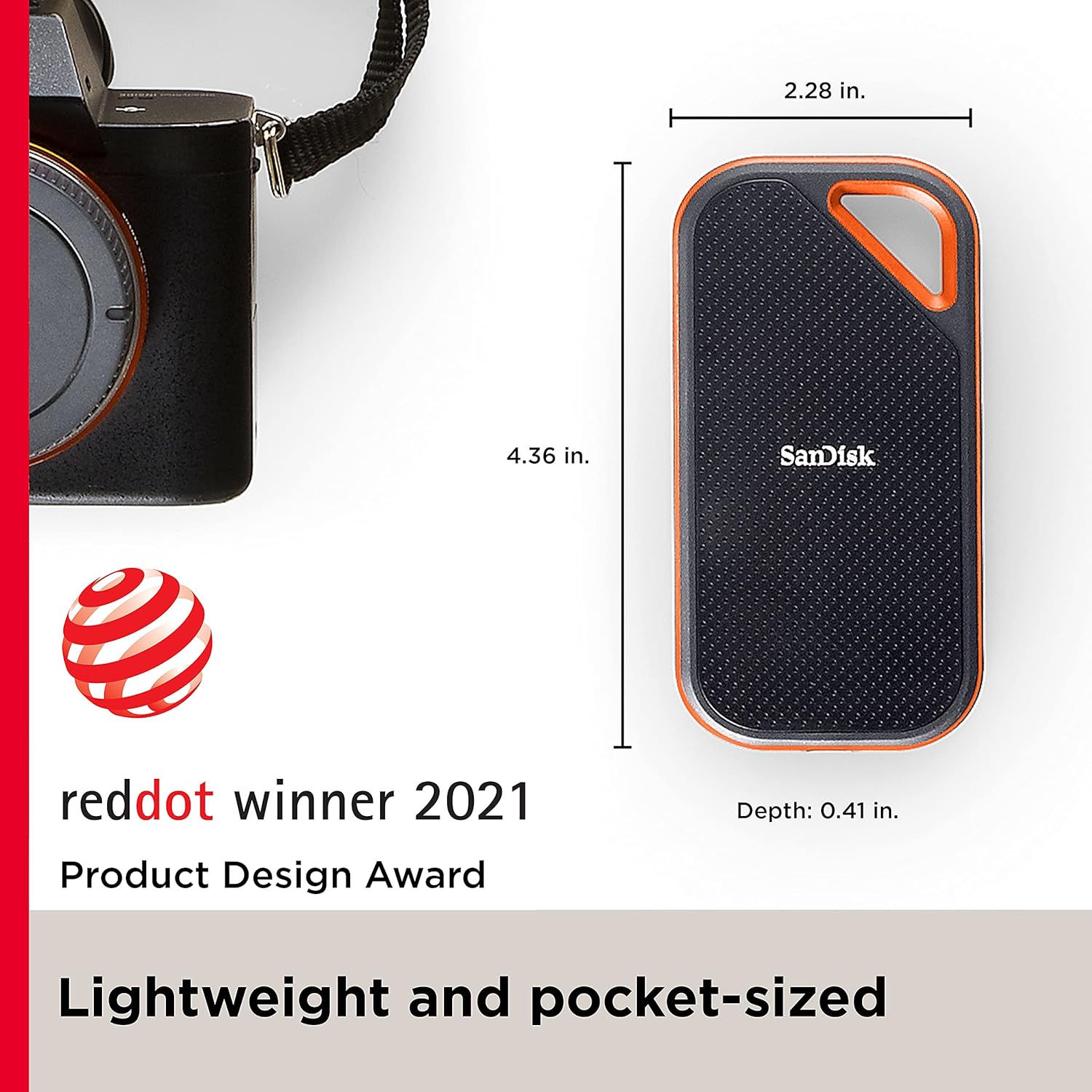
- Weight: ~2.75 oz, sleek black finish
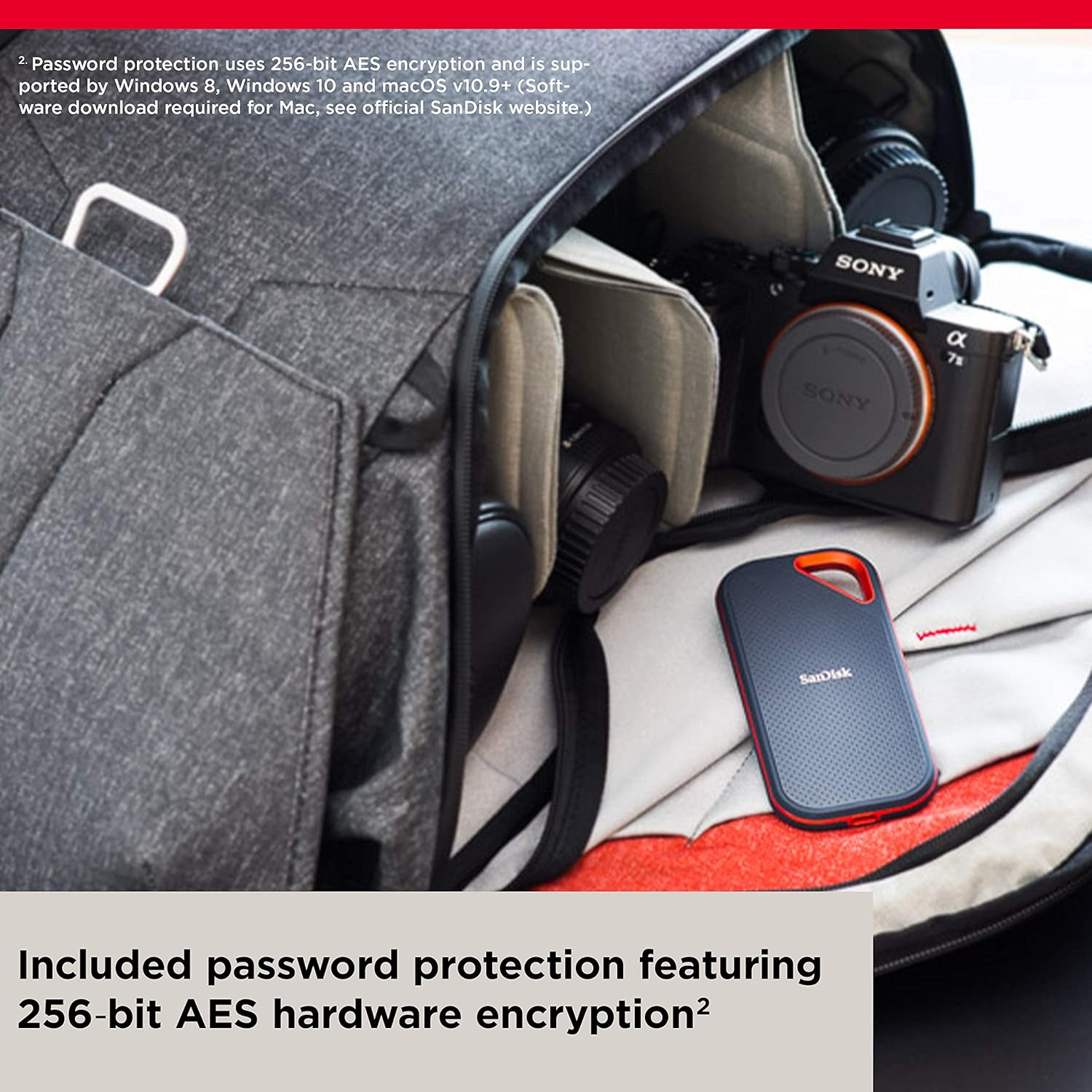
- Security: hardware encryption support (user-facing feature)
- In the box: USB-C to USB-C (and sometimes USB-C to USB-A)
- Extras: carabiner loop; optional Yinke Hard Case for $12.99
Tip: some cousins in the lineup use USB4/Thunderbolt—so always check your host port and cable if you’re chasing peak speeds.
Performance & Real-world speeds (what you’ll actually see)
Rated speed vs. what your port can actually deliver
Amazon lists the SanDisk Extreme PRO Portable SSD 4TB (SDSSDE81) at up to 2000MB/s read and 2000MB/s write over USB 3.2 Gen 2x2. That’s the ceiling—if your computer truly supports Gen 2x2 and you’re using the right cable. Plug it into a regular USB 3.2 Gen 2 (10Gbps) port and your real-world performance will drop because the link is slower.
Also note the confusion: some USB4 Thunderbolt 4 SSDs (and some reviews of other models) quote around ~3800MB/s read and ~3700MB/s write. This drive isn’t that class of device—so don’t expect USB4-level numbers just because your laptop has a USB4 port.
Best-case workloads: large file transfers
Where this drive shines is large file transfers: video projects, RAW photo folders, game libraries, and big backups. It’s tuned more for throughput than tiny-file IOPS, so 4K random reads/writes can feel less snappy than the best desktop NVMe options.
StorageReview: "Excellent sequential throughput, though small-file responsiveness lags some rivals."
Sustained speed and thermal throttling
The forged aluminum chassis acts like a heat sink, helping reduce thermal throttling during long copies.
TheSSDReview: "Sustained 30-minute transfers showed solid thermal performance on compatible hosts."
Real-world caveat (Windows 10)
A small number of 4TB owners report needing to unplug/reconnect after very long continuous use on Windows 10. It’s not widely reported on the 2TB, but it’s worth knowing if you leave it connected for weeks.
Durability, portability, and travel tips
Durability you can trust: IP65 protection + 3-meter drop protection
If you treat storage like a travel tool (not a desk accessory), the Portable SSD 4TB Extreme PRO is built for it. You get IP65 protection against dust and water spray, plus 3-meter drop protection, so you can bring it on shoots, hikes, and airport days without constant worry. That rugged feature set is especially useful for photographers and videographers working in the field.
Macwelt: "Built for field work — creators will appreciate the ruggedness."
STH: "The silicone sleeve and aluminum shell make this one of the more travel-ready SSDs."
Portability: light at 2.75 oz, slightly larger for a reason
At 2.75 ounces, it’s easy to toss into a camera bag or laptop sleeve. Yes, it has a slightly larger footprint than some slim drives, but that extra build helps in real life: the silicone shell adds grip and impact protection, and the forged aluminum body works as a passive heat sink. Users often praise how cool it stays during big transfers—handy when you’re dumping 4K/RAW files on location.
The carabiner loop is a small win: clip it to a strap or pouch so it doesn’t disappear in your kit.
Travel tips: case + ExFAT + backups
- Add the optional Yinke Hard Case ($12.99) for extra crush protection in checked bags.
- For cross-platform compatibility (Windows + Mac + mobile), format as
ExFAT. - Bring a second drive for backup—on paid shoots, redundancy matters.
Price, alternatives, and value (shop smart)
Price When Reviewed vs MSRP pricing
On Amazon, the SanDisk Extreme PRO 4TB (SDSSDE81-4T00-G25) was listed at $381 new—about 13% off—with free shipping and fast delivery options. You may also spot a Used – Good deal around $331.56, but stock can be thin (sometimes literally “one left”).
Keep in mind MSRP pricing and “Price When Reviewed” can swing over time. Older reviews mention ~$279.99 for some 2TB versions and ~$429.99 for some 4TB listings, so it pays to watch for dips.
Returns: don’t skip the fine print
Amazon’s holiday extended returns are a nice safety net: eligible purchases made Nov 1–Dec 31, 2025 can be returned until Jan 31, 2026. If you buy from a Marketplace seller, the return policy may differ—check before you click “Buy.”
Alternatives to compare (and why)
- SAMSUNG T9 Portable SSD 4TB (~$410.04)
- SanDisk Professional PRO-G40 4TB (~$489)
- Budget options: Amazon Basics, ORICO, MOVE SPEED, DATO
Is the SanDisk Extreme Portable a good value?
If you want a rugged, fast, balanced drive for the money, this SanDisk Extreme PRO is strong at $381 versus pricier rivals. But if you’re chasing 3800MB/s-class speeds, compare USB4-capable competitors—just make sure your laptop can actually use them.
TheSSDReview: "Price-performance is competitive, but compare USB4 rivals if you need top-tier throughput."
StorageReview: "Consider your host — paying for USB4 speeds makes sense only if your laptop supports it."
Setup, troubleshooting, and real-user tips
Fast setup for cross-platform compatibility
Before you dump projects onto it, format the drive to ExFAT. It’s the simplest way to get smooth cross-platform compatibility across Windows, macOS, and many phones/tablets. This tiny step fixes most “it won’t show up” or “read-only” headaches.
Speed unlock: ports + the right cable (Pro Kontra)
To hit the advertised up-to-2000MB/s, you need a host that truly supports USB 3.2 Gen 2x2 or a true USB4/Thunderbolt 4 implementation. Not all “USB4” labels deliver full 40Gbps in real life—host limits are the hidden Pro Kontra.
- Use a certified USB-C to USB-C cable for Gen 2x2/Thunderbolt-capable links.
- If you’re on older laptops, USB-C to USB-A works, but expect lower speeds.
- On Windows, check link speed in Device Manager/USB controller details; on macOS, use System Information.
How to Test SanDisk Extreme PRO quickly
- Copy a single 50–100GB folder and time it.
- Run a benchmark (CrystalDiskMark on Windows, Blackmagic Disk Speed Test on Mac).
Troubleshooting: disconnects, heat, and long sessions
A few 4TB owners on Windows 10 report rare long-run disconnects—fix is usually unplug/replug. If you leave it connected for weeks, check it periodically.
If you see slowdowns, don’t block airflow; the aluminum body sheds heat, but marathon transfers may benefit from short rest breaks.
"A compact rocket — just remember to match your ports for full speed." — Verified buyer
"Compatibility and host implementation are the biggest real-world caveats." — StorageReview
Real-user habit that keeps coming up worldwide: back up often, and keep one offline copy when traveling.
Wild cards: creative analogies, hypothetical scenarios, and quotable lines
For your professional workflows, think “backpack,” not “pouch”
Picture the SanDisk Extreme PRO Portable SSD 4TB like a robust travel backpack: slightly bigger than a slim messenger bag, but built to protect what matters and carry more for longer trips. The forged aluminum body is the frame, the silicone shell is the padding, and the IP65 rating is the rain cover you’re glad you packed. It’s the kind of gear you toss in a bag, clip on with the carabiner loop, and stop worrying about—because it’s designed for real movement, not desk-only life.
Hypothetical: remote edit day for content creators 2025
If you’re cutting a 4K timeline on a remote shoot with a MacBook Pro and a USB4 dock, this drive will likely keep up—as long as your host port and cable can actually feed it (USB 3.2 Gen 2x2 is where it stretches its legs). Format in ExFAT if you bounce between Mac, Windows, and mobile, and you’ll avoid the “why won’t this mount?” moment that shows up in global setup tips.
Scenario: game-related tasks without the waiting room
Imagine moving a huge game library, capture footage, and mods in one sitting. When the chassis keeps heat in check, you’re less likely to feel that slow creep mid-transfer.
“It’s the pocket-sized workhorse you forget you own until you need to move a mountain of files.”
TheSSDReview: “Sustained performance is the story here; the chassis helps it deliver.”
And it’s not just one region saying it: users in the United States, Egypt, France, Saudi Arabia, and India echo the same theme—fast when your setup is right, dependable when life gets messy.



