.png&w=1280&q=75)
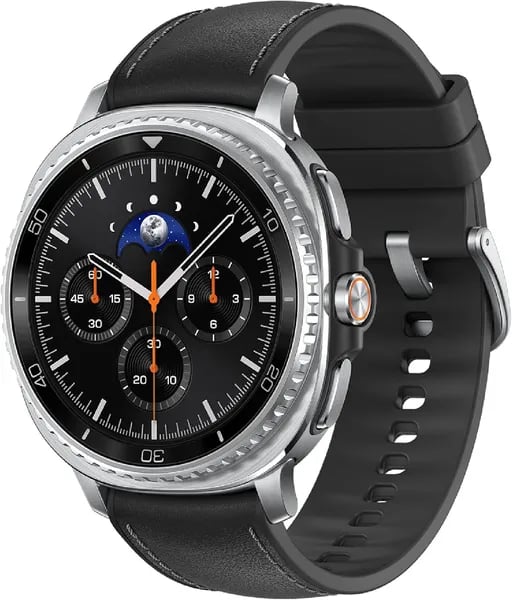
You strap on a watch most mornings without thinking — then one day it whispers a sleep tip after a bad night and nudges you into a better run. That was me (well, a version of me I keep in my notes) the first week with the Galaxy Watch 8 Classic. In this short guide you’ll get the honest take on whether the rotating bezel, BioActive Sensor, and Galaxy AI extras are worth the $499.99 tag for your routine.
1) Design & Controls: Classic Feel, Modern Details
Cushion Design that looks premium and wears well
The Galaxy Watch 8 keeps Samsung’s recognizable Cushion Design, so you get a classic watch shape with a modern, clean edge. In the 46mm Bluetooth model (the focus here), the build feels premium the moment you pick it up, yet it stays manageable on-wrist at 63.5 grams. The 1.3-inch round display sits neatly inside the case, giving you a traditional look without losing screen space.
Rotating Bezel control you can feel
The Watch 8 Classic still does navigation the satisfying way: with a physical Rotating Bezel. The updated grooves are easier to grip, so scrolling through tiles, notifications, and menus feels more controlled—especially when your hands are sweaty or you’re on the move. You’ll notice the tactile feedback right away, with clicks that make each step feel precise.
“The rotating bezel delivers satisfying clicks and precise navigation.” — Android Central
Quick Button + Third Button for faster shortcuts
Beyond the bezel, you also get a Quick Button and a Third Button for direct actions. This makes common tasks—starting a workout, opening a favorite app, or jumping back to a key screen—feel faster than relying on touch alone.
Dynamic Lug System for comfort and better sensor contact
Samsung’s Dynamic Lug System is more than a style change. It helps position the BioActive Sensor closer to your wrist, which can improve contact and support more accurate readings during daily wear and workouts.
| Options | Details |
|---|---|
| Sizes | 46mm, 44mm, 40mm |
| Colors | Black, Silver, White, Graphite |
| Weight (46mm Bluetooth) | 63.5g |
2) Health Tracking & Wellness: Sensors, Coaching, Limits
Health Tracking with the BioActive Sensor and Heart Rate Sensor
Your Galaxy Watch 8 leans on Samsung’s BioActive Sensor suite to cover the basics and then some: heart rate, SpO2 (pulse oximetry), EKG, plus stress and vascular load tracking. Everything funnels into Samsung Health, so your trends, workouts, and recovery data stay in one place.
In real use, heart-rate performance is strongest during steady efforts—research insights point to improved accuracy for outdoor runs at a consistent pace. During high-intensity intervals, you may see small delays or minor deviations, especially when your wrist is moving a lot or you’re doing upper-body-heavy training.
“Health tracking excels in sleep analysis and running metrics, though interval heart-rate spikes can lag.” — Android Central
Coaching: Sleep, Running, Energy Score, and Antioxidant Index
The guided tools are where the watch feels most “coach-like.” Sleep Coaching breaks down sleep stages and habits, then nudges you toward better routines. Running Coach adds structure with pace guidance and training feedback that’s easy to follow on-wrist.
- Energy Score with Galaxy AI: a daily readiness-style snapshot based on your recent signals
- Antioxidant Index: an extra wellness metric that adds depth beyond steps and calories
- Stress and vascular load: helpful for spotting patterns when life gets busy
Limits and Compatibility You Should Know
Many Galaxy AI features (including Energy Score) require a compatible Samsung Galaxy phone, the right apps, and accounts. Also, these tools are for wellness and self-assessment only—not intended for medical use. If you need clinical guidance, you should rely on a healthcare professional, not your watch.
3) Software, AI & Compatibility: One UI 8 and Wear OS
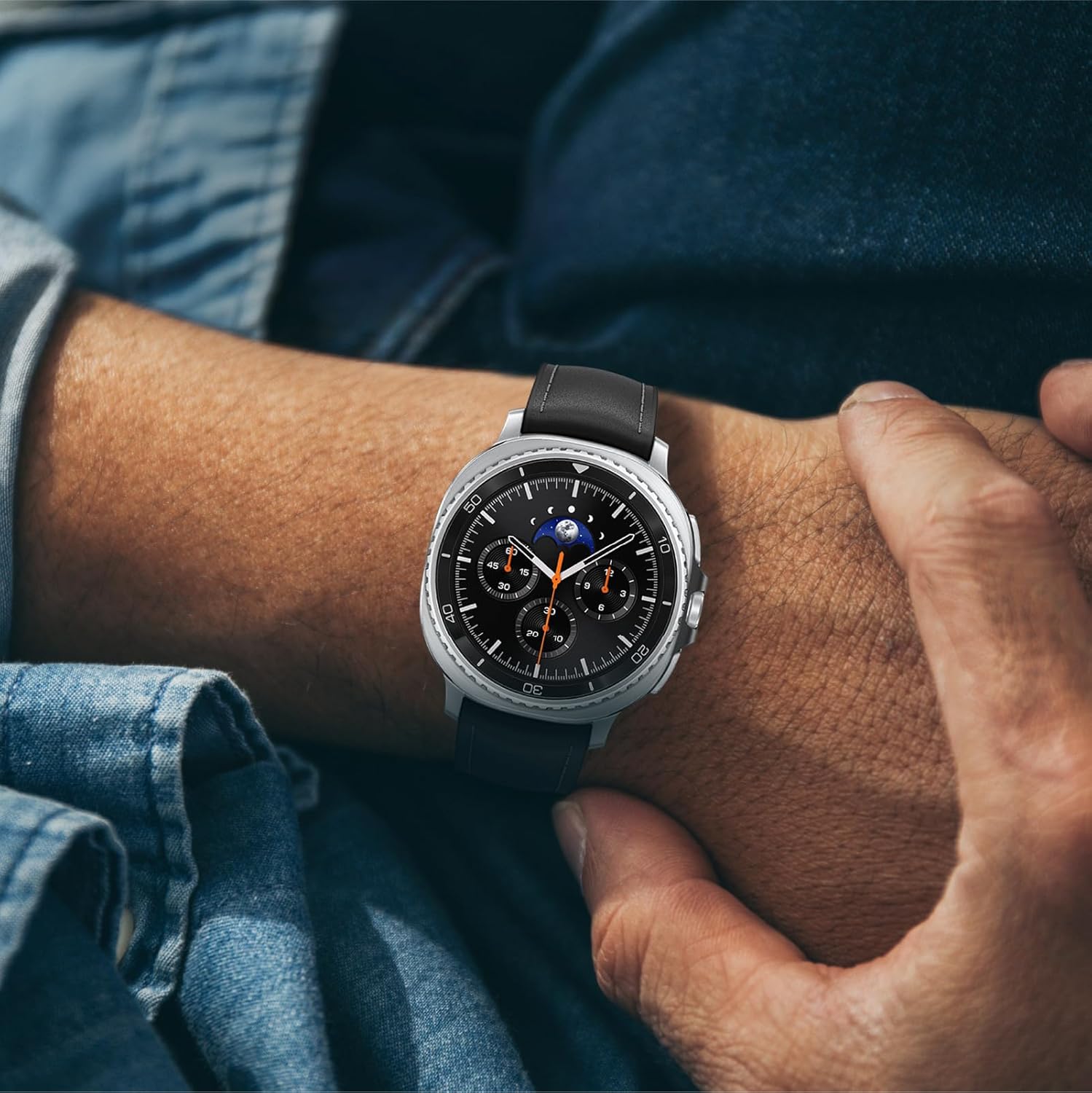
Your Galaxy Watch 8 Classic runs Wear OS 6 “powered by Samsung,” layered with One UI 8 Watch. In daily use, the interface feels quick and polished, with smooth animations that benefit from the newer 3nm chip. Swipes, app launches, and tile scrolling look clean and consistent, which matters on a 1.3-inch round display where small delays are easy to notice.
One UI 8 Watch: Multi Info Tiles, widgets, and the Now Bar
One UI 8’s biggest practical win is better “glanceable” info. Multi Info Tiles let you see more than one metric in a single view (think heart rate + steps + weather), so you spend less time jumping between screens. Widget stacks are also easy to tailor, and the Now Bar is a small but meaningful UX upgrade: it helps you resume what you were just doing—like a workout, timer, or music—without hunting through menus.
“One UI 8’s Multi-Info Tiles make the watch feel more like an extension of your phone.” — Android Central
Galaxy AI features: great, but phone-dependent
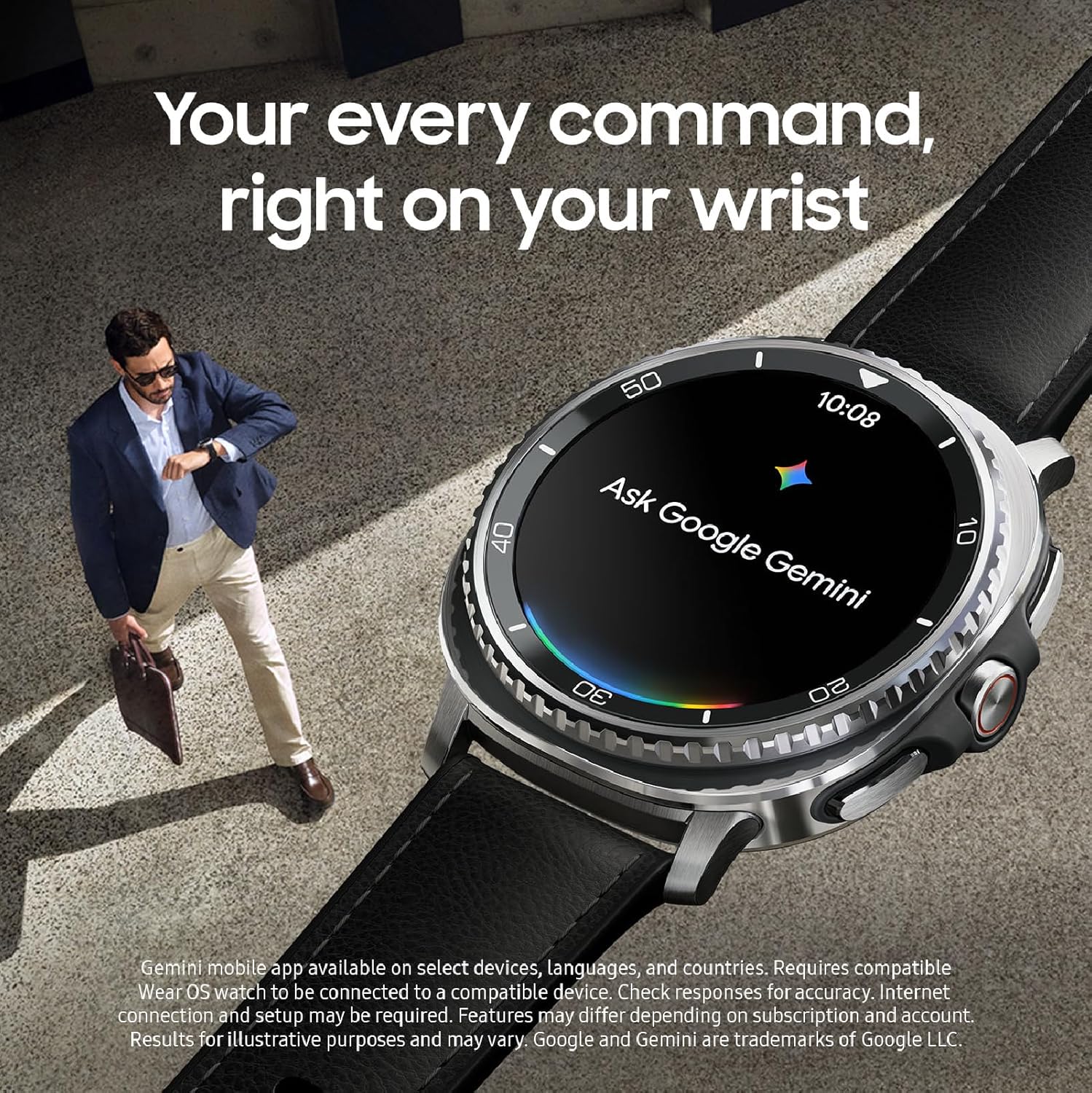
You get Galaxy AI touches like an AI-style assistant and smarter insights (including Energy Score in Samsung Health), but you should plan around compatibility. Many of the “smart” AI features and the best Now Bar experiences require a compatible Samsung Galaxy phone, plus the right apps, accounts, and permissions.
Apps, watch faces, and Samsung Health integration
Because it’s Wear OS 6, you can use third-party apps and plenty of watch faces. Still, the strongest experience is inside the Samsung ecosystem, where Samsung Health sync is seamless for Sleep Coaching, Running Coach, and heart metrics (not intended for medical use).
- Software: Wear OS 6 + One UI 8 Watch
- Notable UI: Multi Info Tiles, Now Bar, customizable widgets
- Listed memory: 64 GB storage, 64 GB RAM
4) Specs, Price & Policies: Hard Numbers You’ll Care About
Price check (ASIN matters)
If you’re buying the Watch 8 Classic 46mm Bluetooth US version on Amazon, the retail price is $499.99 under ASIN B0F7PS35R2. Want a lower entry point? A Used - Like New option starts around $358.37, which can make the Galaxy Watch 8 feel far more reachable without changing the core experience.
Core specs: what you actually get
On paper, this is a premium wearable built for speed, storage, and daily comfort. You get a crisp round display and plenty of room for apps, music, and offline data thanks to 64GB Storage.
| Spec | Galaxy Watch 8 Classic (46mm BT) |
|---|---|
| Display | 1.3-inch round touchscreen, 438 x 438 |
| Brightness | Up to 3000 Nit Brightness (insights) |
| Battery | 445 mAh |
| Storage / RAM | 64 GB / 64 GB |
| Weight | 63.5 g |
Battery life is the one spec you’ll feel day to day: the 445 mAh cell lands between one and two days in real use, depending on display brightness, GPS workouts, sleep tracking, and how often you tap Galaxy AI features.
Policies, delivery, and return window
- Warranty: 2-year coverage (US version)
- Status: Listed as in stock with expedited delivery options on Amazon
- Holiday returns: Purchases from Nov 1–Dec 31, 2025 are returnable until Jan 31, 2026
Variants and practical add-ons
You can choose other sizes (40mm, 44mm), colors (Silver, White, Graphite), and LTE versions. For protection, many buyers pair it with SPGUARD or Tensea screen protectors.
“Samsung positions the Watch 8 Classic as a premium wearable that blends iconic design with new sensors.” — Samsung
5) Real-World Use, Reviews & Trade-offs
What daily use feels like (Smartwatch Review)
In real life, the Galaxy Watch 8 and Watch 8 Classic lean into a premium, “wear it everywhere” experience. The rotating bezel and Quick Button make navigation fast when you’re walking, commuting, or mid-workout, and the 1.3-inch display stays crisp and easy to read. For Health Tracking, you get a strong mix of sleep, running, heart rate, SpO2, EKG, stress, and vascular load tools through Samsung Health.
Market reception and user feedback
As of Dec 2025, Amazon shows a 4.5/5 rating from 837+ reviews, plus a #12 Best Sellers Rank in Smartwatches—strong signals that most buyers are happy with the overall package. Review themes are consistent: refined design, smooth performance, and fitness tools that feel reliable. Many users also highlight seamless pairing with Samsung Galaxy phones and deep watch-face customization.
“Users call it elegant, user-friendly, and ideal for a range of lifestyles.” — Amazon customer consensus (summary)
Trade-offs you should plan for
- Battery variability: some users report up to two days, while others recharge daily, especially with heavy Always-On Display, GPS workouts, and Galaxy AI features.
- Samsung phone dependency: several Galaxy AI and advanced features require a compatible Samsung Galaxy phone, apps, and accounts—so your experience may be limited on other Android devices.
- Fit and setup quirks: strap fit can be personal, and a small number of buyers mention rare regional device lock issues.
Quick comparison alternatives
- Garmin Forerunner 970 ($749.99): better for serious training focus.
- Amazfit Active 2 ($129.99): budget-friendly basics with fewer premium extras.
Wild Cards: Imagined Scenarios & Quick Tips
If your Galaxy Watch 8 could coach a 10K
Skip the spec sheet for a day and run a simple real-world test. Set up Running Coach, download a podcast or playlist, and start a 10K with your usual settings (GPS, auto-detect, heart rate, and your preferred brightness). This is where you learn what “battery life” really means for you, because small accessories and real use often reveal more than numbers. If you finish the run with enough charge for the rest of your day, you’ve found your baseline. If you don’t, you’ll know which features to dial back before race day.
Overnight check: sleep, comfort, and sensors
Do one “full sleep” night with Sleep Coaching, pulse ox, and stress tracking enabled, then check how you feel about comfort and strap fit in the morning. Reviews often praise the wellness tools, but comfort is personal—and it’s the kind of detail you only notice after eight hours. If the stock band feels stiff or pinchy, a third-party band is a cheap upgrade that can change the whole ownership experience.
SPGUARD and Tensea: small add-ons, big peace of mind
Before you baby the watch, protect it. A SPGUARD or Tensea screen protector is an easy win, especially if you wear the Classic to the gym, on runs, or while traveling. It’s a low-cost way to keep the display looking new, and it helps you worry less about daily bumps.
Rotating Bezel: the “camera aperture” moment
The Rotating Bezel is more than navigation—it’s a feeling. Picture it like turning a camera aperture: precise, smooth, and oddly satisfying. That tactile joy matters because you use it constantly.
“The bezel isn’t just control — it’s a tiny delight you use every day.” — Android Central



