.png&w=1280&q=75)
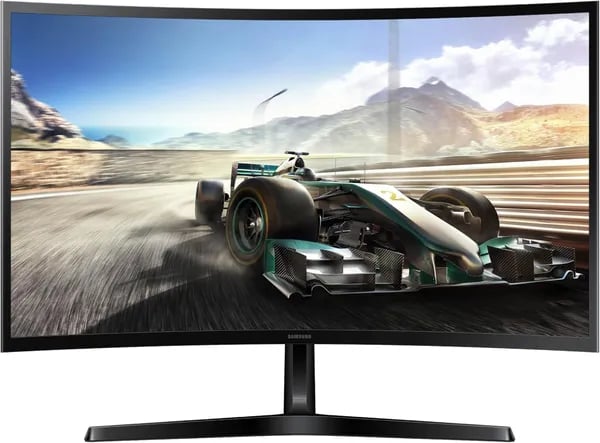
You’re setting up a better desk and want a screen that doesn’t nag your eyes or your wallet. I remember swapping my old flat monitor for a curved panel and suddenly emails felt less tedious — that little bend made long afternoons easier. This outline walks you through the Samsung 27" Essential S3 (released Aug 19, 2024) in plain terms: what it shines at, what to watch for, and whether it’ll actually make your daily grind (or weekend gaming) more pleasant.
1) Comfort-first: How the curve and TÜV tech help you work longer
1800R curve: less distraction, more natural focus
The Samsung 27" Essential S3 (S36GD) uses an 1800R curved screen that gently wraps more of your field of vision. Instead of your eyes constantly “checking the edges” of a flat panel, the curve keeps the whole image feeling more centered and consistent. That can mean fewer peripheral distractions and a smoother sense of depth—especially when you’re juggling spreadsheets, timelines, and side-by-side windows.
In day-to-day work, the curve feels subtle, not dramatic. But after a few hours, you may notice you’re doing less micro-adjusting—less leaning in, less squinting, and fewer moments where your attention drifts off-screen.
TÜV Certified Comfort: Eye Comfort Technology that’s built for long sessions
Comfort is a core part of this monitor’s design, thanks to Eye Comfort Technology backed by TÜV Certified Comfort. Samsung’s Advanced Eye Comfort features are designed to support you during long sessions by combining:
- Blue Light Reduction (via Eye Saver Mode) to help limit harsh light that can feel tiring over time
- Screen Flicker Reduction with a Screen Flicker Free approach to reduce the subtle pulsing that can contribute to eye strain
This isn’t a “miracle fix,” but it can make a real difference when you’re working late, reading dense text, or doing repetitive tasks where your eyes don’t get many breaks.
What it feels like in real life (editing marathons included)
If you’ve ever finished an afternoon of editing, research, or admin work and felt that heavy, dry-eye fatigue, this is where the S3’s comfort features can show up. You’ll likely feel a tangible ease—not magic, just less strain building up hour after hour.
Veronica (Amazon reviewer): "Huge upgrade — comfortable for long work sessions; my eyes thank me."
Practical tip: use light to boost the anti-glare benefit
To get more out of the anti-glare surface and curved design, pair the monitor with a neutral-tone task light (aimed at your desk, not the screen). It helps keep your workspace evenly lit, so you’re not fighting reflections or harsh contrast while you work.
2) Specs & performance: What the numbers mean for you
27" FHD 1920x1080: the sweet spot for everyday work
On a 27-inch screen, FHD 1920x1080 gives you a practical balance: text stays readable, apps have room to breathe, and your PC doesn’t need a powerful GPU to keep things smooth. For office work, you’ll notice easier side-by-side multitasking (docs + browser + chat), and for casual gaming, you can often hit higher frame rates without turning settings way down.
100Hz Refresh Rate + 4ms: why it feels “snappier”
The jump from 60Hz to a 100Hz Refresh Rate is one of those upgrades you feel right away. Scrolling web pages looks cleaner, mouse movement feels more direct, and fast camera pans in games look less smeared. Samsung pairs that with a 4ms response time, helping pixels change faster so motion looks clearer.
D. Peters (Amazon reviewer): “Colors are sharp, and the 100Hz makes everything feel snappier than my old 60Hz screen.”
Daniel Kim, Display Analyst: “The S3 provides an excellent balance of refresh and response for its price bracket.”
Motion Blur Reduction & Minimal Input Lag: clearer action in real scenes
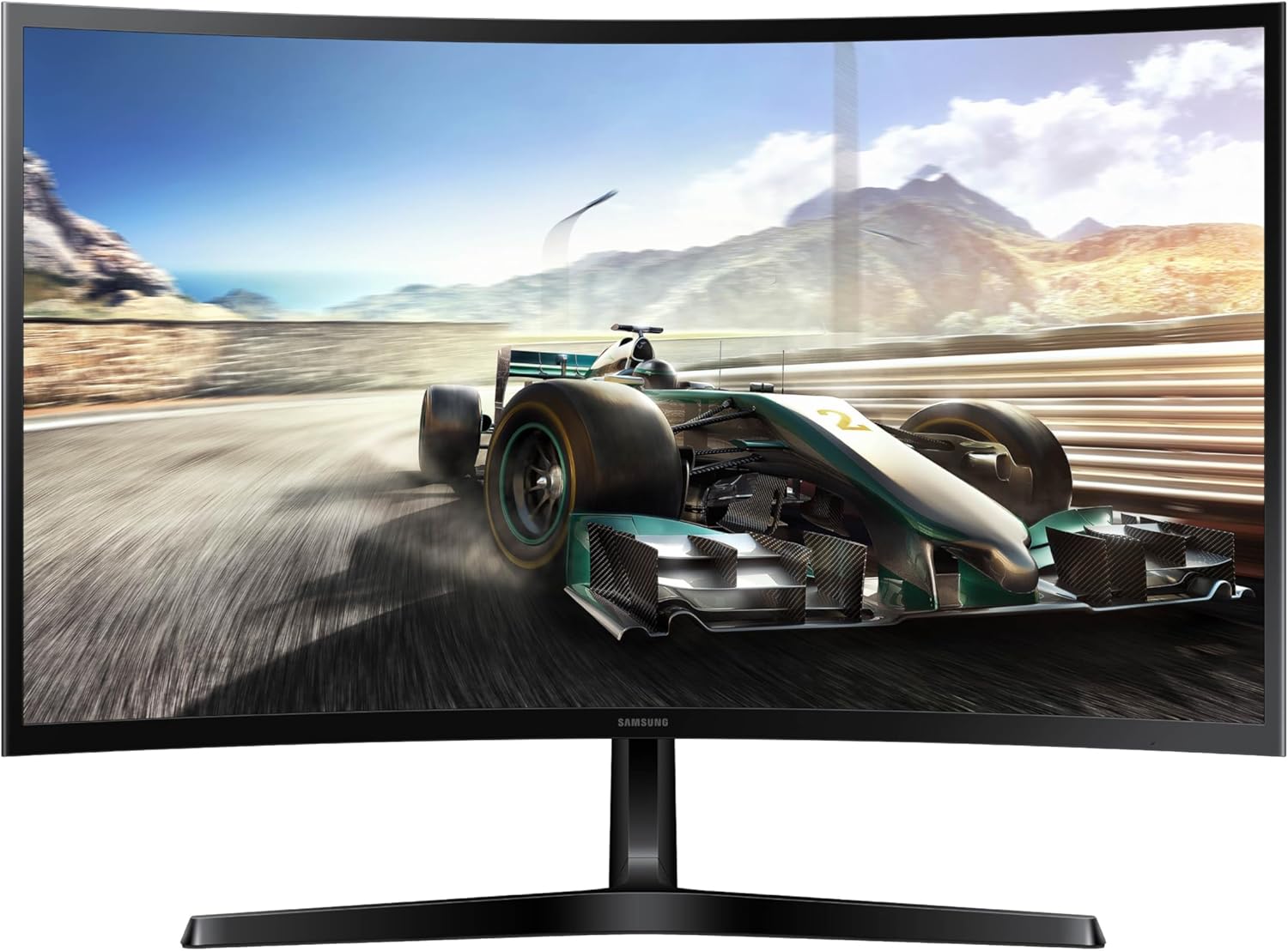
When you’re watching sports, streaming action movies, or playing shooters and racing games, Motion Blur Reduction helps keep edges cleaner during fast movement. Combined with Minimal Input Lag, your inputs (mouse, controller) feel more in sync with what you see—especially helpful in quick reactions and tight timing windows.
250 cd/m² brightness & Vibrant Color Accuracy: better for streaming and light editing
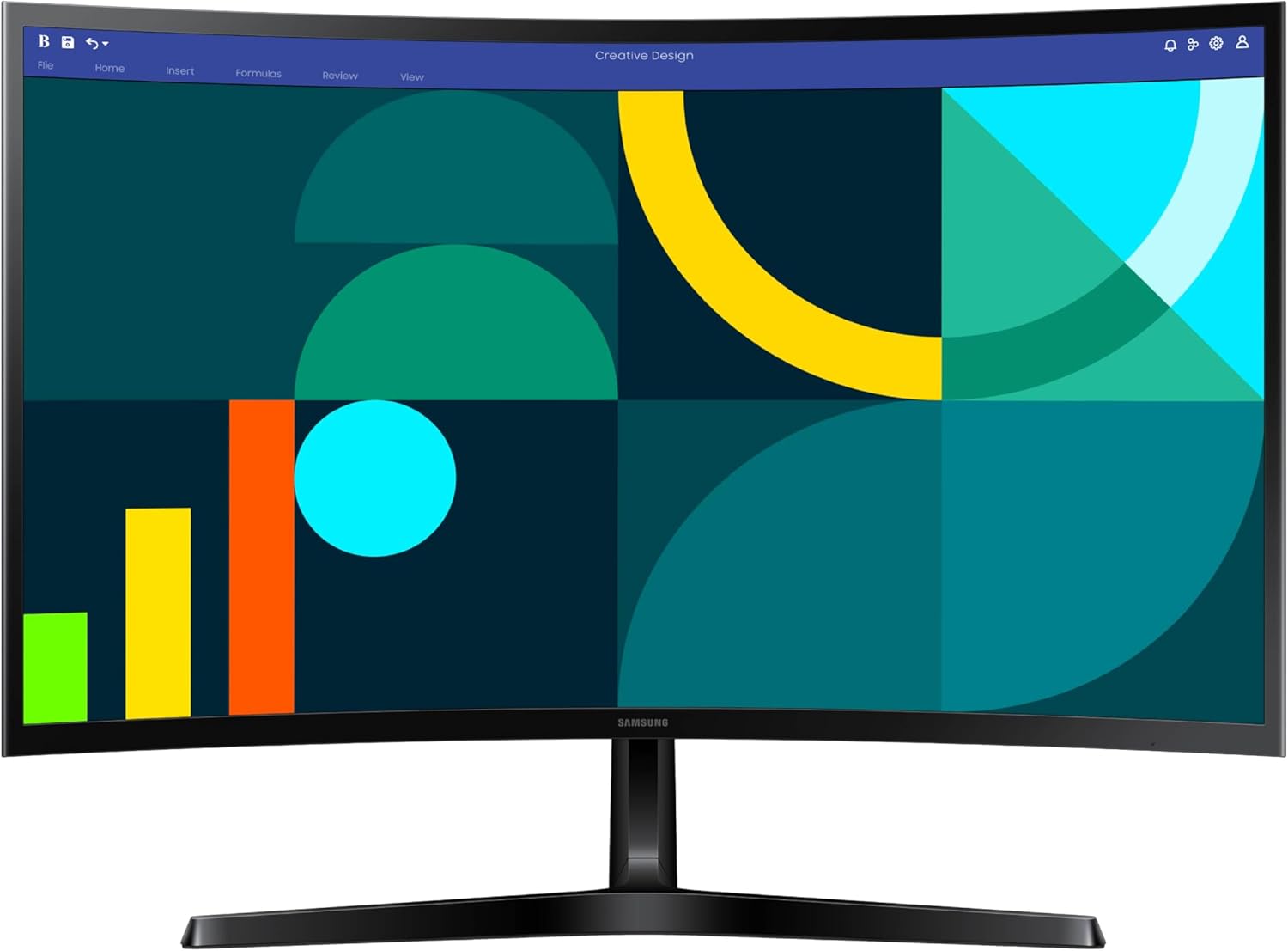
At 250 cd/m², brightness is well-suited for typical indoor rooms and work-from-home setups. Colors come through with a lively look that supports Vibrant Color Accuracy for everyday creative tasks like basic photo tweaks, thumbnails, and content viewing—without looking washed out.
Quick real-world test you can try
- Launch a game that runs around 60–120 FPS (Fortnite, Rocket League, Valorant, etc.).
- Play for 2 minutes with Game Mode off, then toggle it on.
- Look for improved frame clarity during fast turns and less blur on moving objects.
| Spec | What you notice |
|---|---|
| 27" FHD 1920x1080 | Easy productivity + solid gaming performance |
| 100Hz Refresh Rate | Smoother scrolling and motion |
| 4ms response | Less ghosting in fast scenes |
| 250 cd/m² | Comfortable indoor brightness |
3) Real-world trade-offs: ports, speakers, and mounting
HDMI D-Sub Connectivity: simple, but not “everything-at-once”
The Essential S3 keeps things straightforward: you get one HDMI input plus a D-sub (VGA) port. For many people, that’s enough for a Remote Work Monitor setup—think one modern device (PC or laptop) on HDMI, and an older office PC on VGA.
Where you’ll feel the limit is if you juggle multiple HDMI devices (like a work laptop, a personal desktop, and a Nintendo Switch). With only a single HDMI port, you’ll either swap cables or add a small switcher.
- Practical tip: check your laptop/console outputs before you buy, and budget for a basic HDMI switcher if you need quick toggling.
- If your laptop is USB-C only, you’ll want a USB-C to HDMI adapter.
Built-In Speakers: not included (and that’s the point)
There are no Built-In Speakers here. If you’re used to monitor audio for YouTube, meetings, or casual gaming, you’ll need another plan. The good news: most users prefer external sound anyway, because it’s clearer and louder than typical monitor speakers.
- For calls: a USB headset keeps things clean and private.
- For everyday audio: compact desktop speakers are an easy upgrade.
This trade-off helps keep the monitor focused on value—especially if you already have headphones or speakers on your desk.
Easy Setup Process, but the stand is tilt-only
Day-one use is simple: plug in power, connect HDMI or VGA, and you’re done—an Easy Setup Process that matches the monitor’s Sleek Super-Slim Design and Ultra-Thin Bezels. The bigger compromise is the included stand: it’s fixed with tilt only, with no height adjustment.
If you want better posture, eye-level alignment, or a clean dual-screen layout, a VESA arm or desk mount is the common fix.
MikeCap (Amazon reviewer): “Set up was a breeze, but I added a cheap desk mount for better ergonomics.”
| Area | What you get | What to plan for |
|---|---|---|
| Ports | 1x HDMI + D-sub | HDMI switcher for multiple HDMI devices |
| Audio | No speakers | External speakers or headset |
| Stand | Tilt-only | VESA arm for height + flexibility |
4) Value, reviews, and alternatives: money-smart choices
What you pay (and why it feels like a win)
The Samsung 27" Essential S3 (S36GD Series, 2024 Model Release on August 19, 2024) often lands around $110.39 with Prime shipping, which is why many buyers call it a “huge upgrade” without the huge bill. It even ranks #5 in Computer Monitors and #242 in Electronics on Amazon—strong signals that it’s a popular value pick in its price bracket.
If you need a fast replacement for work or school, Prime’s free shipping (often next-business-day) can matter as much as the specs. Set Price Drop Alerts and you’ll usually catch small dips during Prime promos or weekend deals.
S36GD Series Review: what real buyers keep praising
In this S36GD Series Review snapshot, the big story is consistency: 1,531+ reviews, a 4.5/5 average rating, and 79% five-star ratings. That’s a clear sign of Customer Satisfaction High for a curved 27-inch FHD monitor at this cost.
- Easy setup (plug in HDMI or D-sub and go)
- Sharp picture and pleasing color for office work, streaming, and casual gaming
- Comfort for long sessions thanks to eye-comfort features
Brandi (Amazon reviewer): “For the price, it’s hard to beat — vivid colors and quick delivery.”
Common trade-offs show up too: only one HDMI port, no built-in speakers, and a stand that tilts but doesn’t raise. If you swap between a PC and console, plan on an HDMI switch.
Alternatives worth comparing (Amazon + Best Buy)
| Model | Typical Price | Best for |
|---|---|---|
| Samsung 24" S3 (S36GD) | $89.99 | Saving space and cash |
| Samsung 27" S3 (S39GD) | $129.99 | Staying Samsung, slightly higher tier |
| Dell S2725HS | $128.99 | Eye comfort focus (TÜV Eye Comfort 4 Star) |
5) Wild cards: a tiny thought experiment and a quote
Immersive Viewing Experience in a small space
Picture this: you’re in a studio apartment after a long day, and your desk is also your dining table. You pull up a movie, dim the lights, and the Samsung 27" Essential S3 becomes your mini “movie screen.” That 1800R curve gently wraps your field of view, so the image feels wider than a typical flat panel. Add the Ultra-Thin Bezels, and the edges fade away faster—less “frame,” more scene. It’s a simple setup, but it can feel surprisingly cinematic for a monitor that still fits neatly on most desks.
Depth Perception Enhancement: the curve’s quiet trick
Here’s the small twist: curved screens can create a subtle Depth Perception Enhancement because the sides of the display sit closer to your eyes than they would on a flat screen. In real life, that can make spreadsheets feel less “stretched” at the edges and make games and videos feel more natural to scan. It’s not magic, but it’s one of those comfort upgrades you notice most during long sessions—especially with the TÜV-certified eye comfort features reducing blue light and flicker.
Two 24" flats vs one 27" curve (a quick mental swap)
Now imagine you replace two basic 24-inch flat monitors with one 27-inch curved screen. You might lose a bit of total workspace and some vertical flexibility, but you also remove the center bezel gap and simplify your setup. For some people, that trade feels worth it: fewer distractions, a cleaner desk, and a more focused Immersive Viewing Experience. If you’re chasing a Sleek Super-Slim Design vibe, one curved display can look more modern than a mismatched dual-screen stack.
Daniel Kim, Display Analyst: "For users balancing budget and comfort, the S3 hits a sweet spot — few compromises for most day-to-day use."
That’s the real wildcard here: at a value-friendly price, you’re getting a curved, 100Hz screen that feels more premium than it needs to be—so your work setup and your downtime both get an easy upgrade.



