.png&w=1280&q=75)
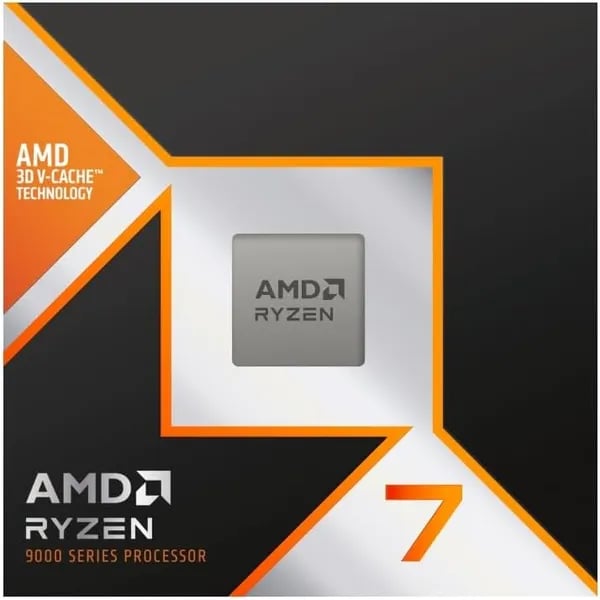
You probably remember upgrading from a frustratingly stuttering rig — I do. The day I slid a 9800X3D into a friend's AM5 testbed, you could feel the smoothness: menus that no longer hiccuped, streams that didn't drop frames, and a weirdly satisfying silence from the case fans. This post is for you if you want a hands-on, human take (with a few imperfect tangents) on why the AMD Ryzen 7 9800X3D might be the CPU that finally keeps your rig calm while you max settings and multitask.
Delivering Performance for Gamers
If your goal is a real gaming performance improvement in 2025, the AMD Ryzen 7 9800X3D is built for the moments that actually decide a match: fast camera swings, busy fights, and heavy open-world scenes. Its Zen 5 design pairs with 2nd Gen 3D V-Cache to deliver a huge 96MB L3 cache, which helps keep game data close to the cores. That means lower latency, steadier frame delivery, and fewer “random” dips when the action spikes.
Why 1% low matters for 4K, 144Hz, and 240Hz+
Average FPS looks great on a chart, but your hands feel the dips. Your 1% low is the frame rate you hit during the toughest moments—like explosions, big raids, or crowded towns. A large L3 cache is known to improve minimum frame rates, so you get smoother motion and less stutter, especially at 4K and on 144Hz or 240Hz+ monitors where inconsistency is easy to notice.
- Higher 1% lows = fewer hitchy moments and better aim tracking
- More consistent frames = smoother camera pans and cleaner input feel
- Less CPU bottleneck = your GPU can stretch its legs at high refresh
Real-world speed: Zen 5 + clocks that stay high
With a reported ~16% IPC uplift over previous generations, the 9800X3D can do more work per clock—great for game engines that lean on fast single-thread bursts. You also get up to 5.2GHz max boost, and some users report 5.4GHz in cool, stable conditions. Sustained high clocks reduce stutter because the CPU can keep up when a scene suddenly gets complex.
Jim Anderson: "The gaming legend continues — Ryzen 7 9800X3D shows how architecture and cache come together to lift real-world play."
Games where you’ll feel it most
In modern titles like Expedition 33, Wuchang, World of Warcraft, and Gears of War, you’re not just chasing peak FPS—you’re chasing stability. The cache-heavy design helps keep minimum FPS stronger, so big fights and busy areas land with fewer stutters and smoother 1% low performance.
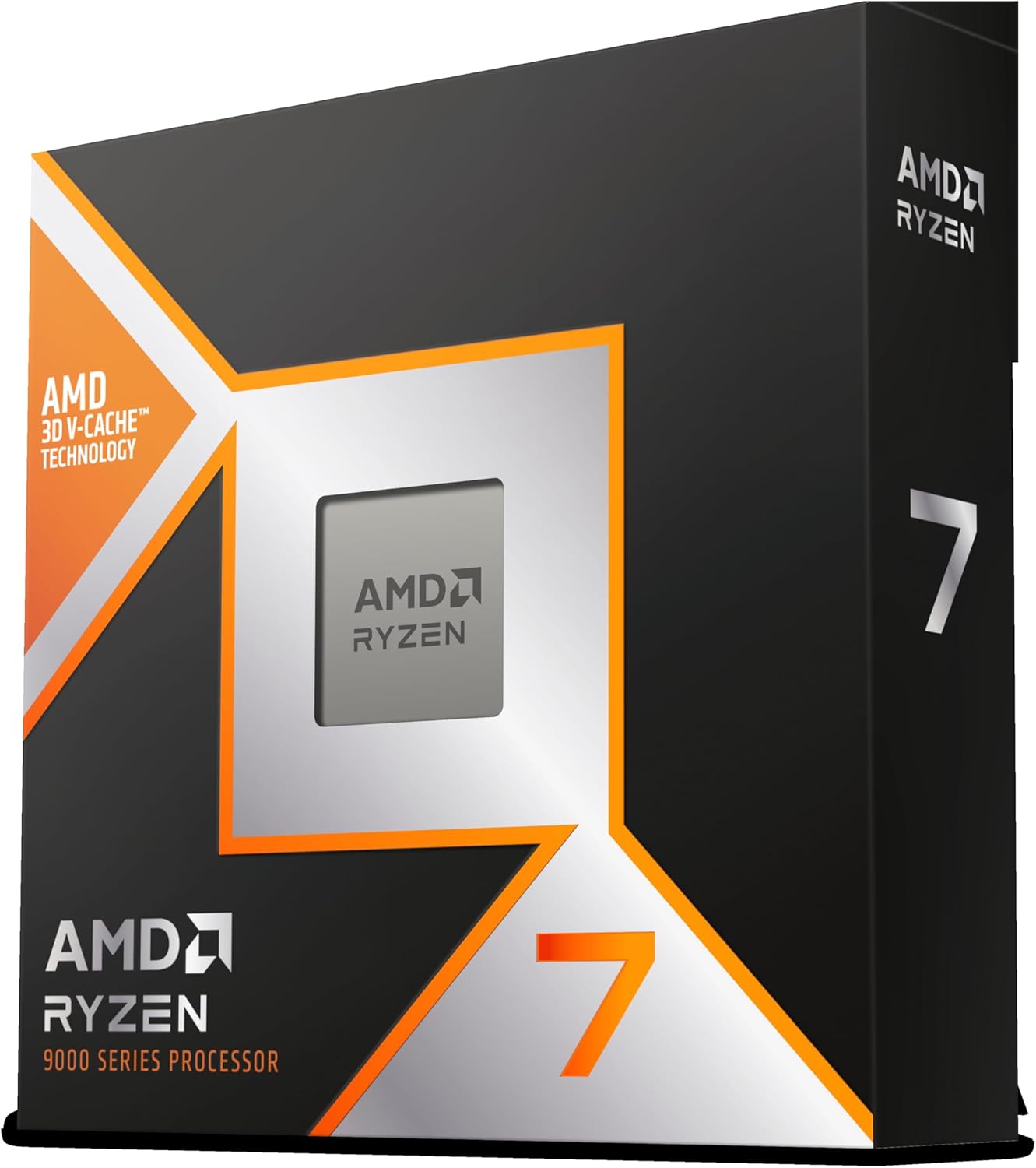
The Latest Technologies Under the Hood
Zen 5 cores + hybrid-bonded 3D V-Cache technology (2nd Gen)
At the heart of the Ryzen 7 9800X3D is Zen 5, built to deliver a noticeable IPC uplift while staying efficient. But the real gaming magic comes from AMD’s 2nd Gen 3D V-Cache technology, giving you a huge 96–104MB total L3 cache (often listed as 96MB L3). That extra cache helps your CPU keep more game data close, cutting latency and boosting your “1% lows” so your frame rate feels steady, not spiky.
This generation also benefits from cache relocation beneath the compute die. By moving the stacked cache under the hot compute area, heat can spread more evenly into your cooler. The result is better thermal behavior and more thermal headroom, which helps the chip hold higher clocks for longer compared to earlier X3D parts.
AMD also uses hybrid bonding to improve the cache-to-core connection. In simple terms, it’s a tighter, faster link between the compute die and the stacked cache—supporting better bandwidth and responsiveness when games hammer the CPU.
Dr. Lisa Su: "Delivering innovative cache and architecture lets players and creators push performance without breaking thermal budgets."
Socket AM5 platform: PCIe Gen 5 + DDR5 (EXPO-ready)
Because it’s on Socket AM5, you’re buying into a platform designed for longevity. You get modern I/O like PCIe Gen 5 for next-gen GPUs and ultra-fast storage, plus DDR5 support. Pair it with AMD EXPO memory profiles and you can enable tuned RAM speeds in BIOS without manual tweaking.
- Socket AM5 compatibility for easier future CPU upgrades
- PCIe Gen 5 support for GPUs and NVMe SSDs
- DDR5 + AMD EXPO for simple, stable memory tuning
- Extra ecosystem upside when paired with Radeon features, including growing Radeon AI tooling
Power, boosting, and cooler-running tweaks
The 9800X3D is rated at 120W TDP and supports Precision Boost Overdrive (PBO), letting the chip boost harder when your cooling can handle it. If you want lower temps without losing performance, many builders use Curve Optimizer and light undervolting to reduce heat and keep clocks high under load.
- Enable
PBOif your cooler is strong. - Use
Curve Optimizer(negative offset) to cut voltage. - Stress-test for stability, then enjoy quieter fans and steadier boosts.
General Specifications & Build Notes
The Ryzen 7 9800X3D launched on November 7, 2024, and the Amazon.com listing commonly shows it at $469 with Amazon’s Choice status and a #1 bestseller in Computer CPU Processors. You’re also buying into strong real-world confidence: 4.8/5 stars from 3,757 reviews, 10,000+ units sold, and a 91% five-star rate.
Quick spec checklist (copy into your build notes)
- CPU: AMD Ryzen 7 9800X3D
- Cores/Threads: 8 cores 16 threads
- Base / Boost: 4.7 GHz base / 5.2 GHz boost (some users report ~5.4 GHz)
- Cache: 96MB L3 with 3D V-Cache; Total Cache 104MB is commonly cited
- Power: 120W TDP
- Platform: Socket AM5 platform (DDR5 + PCIe 5.0 support)
- Dimensions: 1.57 x 1.57 x 0.04 inches
In practice, the magic combo is the high boost clocks plus the huge L3 cache, which gives you extra gaming headroom and smoother “1% lows” when scenes get heavy. That’s why it’s so often recommended for high-refresh play at 144Hz/240Hz+.
Tom's Hardware: "Devastating gaming performance — the 9800X3D often tops the charts in real-world titles."
Practical build tips (what you’ll actually do)
- No cooler is included, so plan cooling up front—especially if you stream, render, or run long sessions.
- For heavy loads, many builders recommend a strong AIO like the ARCTIC Liquid Freezer III Pro 360.
- During installation, keep your motherboard’s plastic bracket handy so mounting goes smoothly.
Compatibility notes (boards, GPUs, and thermals)
You get easy upgrades on the Socket AM5 platform, with drop-in support reported on boards like X870E and B850 (update BIOS if needed). Users also report no obvious CPU bottlenecks even with top GPUs like the RTX 5090 or RTX 5070 Ti.
Thermals are a highlight: with quality cooling, many users report temps often under 60°C. If you want extra headroom, undervolting and tools like Curve Optimizer can help you keep clocks high while staying cooler.
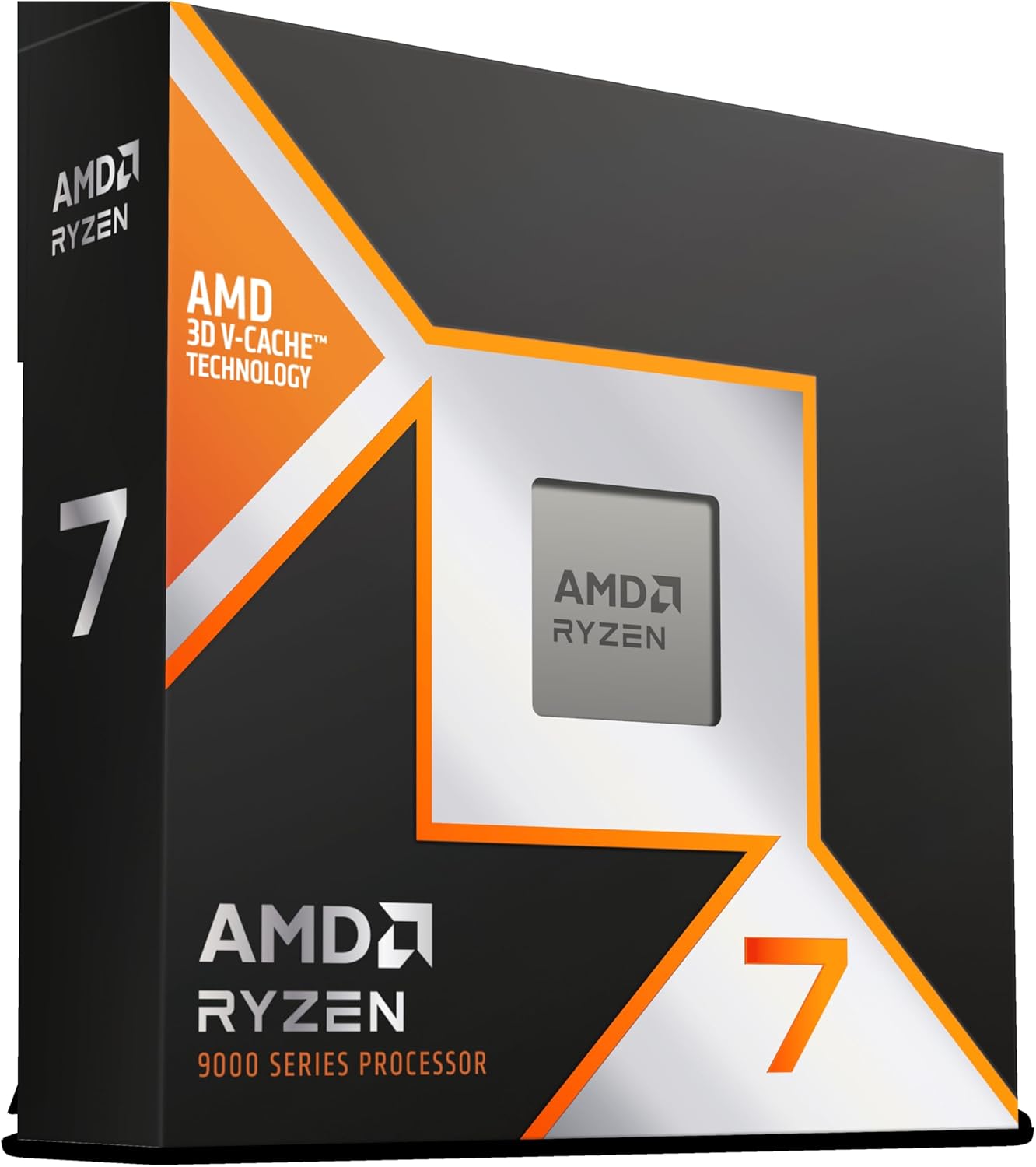
Buying Guide, Alternatives & Value
Is the Ryzen 9800X3D price of $469 worth it?
If you care most about smooth frame times, strong 1% lows, and a CPU that won’t hold back high-end GPUs, $469 is a fair ask for a premium gaming CPU 2025 build. In this Ryzen 7 9800X3D review context, you’re paying for Zen 5 + 3D V-Cache (96MB L3) and the kind of stability that shows up when games get heavy at 144Hz/240Hz+. Tom’s Hardware sums it up well:
"For those chasing peak gaming numbers, the 9800X3D is a clear top pick despite the premium price."
Value comparisons: mainstream and budget picks
Amazon’s “also viewed” carousel makes the trade-offs clear. If your goal is “good enough” gaming or a cheaper upgrade, these can make more sense:
| CPU / Option | Price | Best for |
|---|---|---|
| Ryzen 7 9800X3D | $469 | Top-tier gaming + multitasking, best frame stability |
| Ryzen 5 5600X | $223.22 | Mainstream gaming on a tighter budget |
| Ryzen 5 3600 | $73 | Ultra-budget builds, older GPUs, basic productivity |
Still, if you’re building around modern high-end graphics, the 9800X3D is the safer long-term buy—especially if you stream, multitask, or hate stutters.
Why the AM5 platform adds resale and upgrade value
Staying on the AM5 platform (DDR5 + PCIe 5.0) helps you avoid a full rebuild later. That usually means better resale for your CPU/motherboard and an easier drop-in upgrade path on boards like X870E or B850.
Amazon perks that reduce the risk
- Prime delivery can land as early as Dec 27 or Dec 29.
- Refund/replacement window runs through Jan 31, 2026.
- Detailed product imagery helps you confirm compatibility before you buy.
When you should choose another route
- Small-form-factor simplicity: a mini PC like the GEEKOM AX8 Max ($649+) can be easier than sourcing parts.
- No-build convenience: a prebuilt like the BEASTCOM Q5 Pro ($899.99) fits if you want plug-and-play.
- Strict budget builds: the Ryzen 5 3600 or 5600X may be the smarter spend if you’re not chasing top-end FPS.
Wild Card: Scenarios, Analogies & Slightly Personal Tangent
Your streaming marathon: content creation performance without the “PC panic”
Picture this: you’re chasing a silly-but-serious world record stream. The game is running, OBS is encoding, chat is flying, alerts are popping, and you’ve got a browser tab open for guides you swear you won’t need. This is where the Ryzen 7 9800X3D feels less like a spec sheet and more like a calm teammate. Those 8 cores and 16 threads keep your content creation performance steady, while the big 96MB L3 cache helps the game stay responsive when the scene gets messy. The best part isn’t just higher averages—it’s the minimum frame rates that stop dipping at the worst moments, so your stream looks smooth even deep into hour six.
Analogy time: 3D V-Cache as the backstage crew
Think of 3D V-Cache like a backstage crew in a theater. Your threads are the actors, and the cache is the crew handing them props instantly. When the props are always within reach, the show doesn’t pause. That’s the vibe here: fewer little waits, fewer “why did that hitch happen?” moments, and better perceived smoothness over long sessions. It’s also why small UX wins—less fan ramping, fewer stutters—can matter more than raw numbers for a lot of people.
Slightly personal tangent: the 7800X3D swap you can “feel”
I’ve seen the common story: you swap from a 7800X3D, boot up a 4-hour raid, and you notice fewer microstutters. Yes, that’s subjective. But it’s also the kind of subjective that changes how much you enjoy a game night. Reviewers back up the vibe, too—10,000+ units sold and a 4.8/5 from 3,757 reviews doesn’t happen by accident.
Gavin Bonshor (Reviewer): "Switching to the 9800X3D felt like the moment my rig finally stopped apologizing for its performance."
And can we talk about improved thermals? Users often report sustained temps under 60°C, which means quieter fans and fewer “why is my PC yelling?” moments. Just remember the simple install note: keep your motherboard plastic bracket handy.
Finally, imagine your upgrade timeline. Staying on AM5 (PCIe 5.0, DDR5) can help resale value and keep future swaps simple—so you’re not rebuilding your whole life just to stay fast in 2025.



