.png&w=1280&q=75)
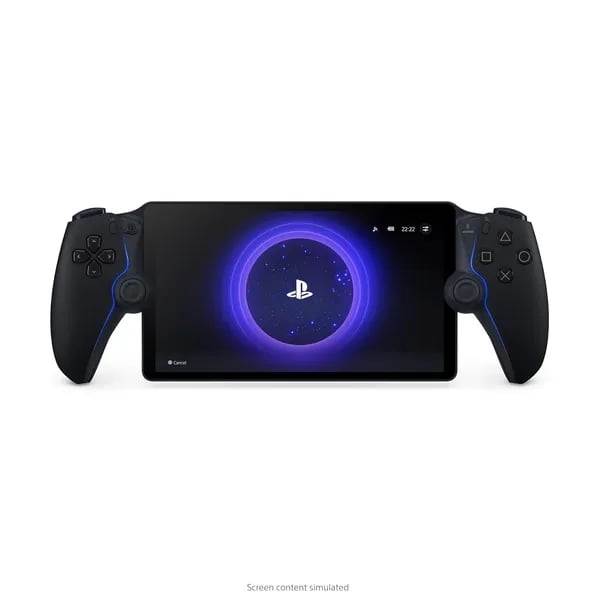
Imagine sneaking a few rounds of Ratchet & Clank while your roommate hogs the living room TV. You grab the PlayStation Portal, connect to Wi‑Fi, and keep playing as if you never left the couch. In this short guide you’ll learn what the Portal does, when it shines (and when it doesn’t), and whether it’s the right remote-player for your PS5-centered life.
1) First Impressions: Design, Comfort, and Controls
DualSense controller feel, now with an 8-inch LCD in the middle
The first time you pick up the PlayStation Portal, it feels instantly familiar—because it’s basically a DualSense controller split in half with a screen placed between the grips. That screen is a bright 8-inch LCD running at 1080p and up to 60fps, so your PS5 games look sharp and smooth even though they’re being streamed.
What really sells the “this is still PlayStation” vibe is how Sony kept the signature DualSense tech. You still get Haptic feedback for texture and impact, plus Adaptive triggers that add resistance when a game calls for it. It’s the same kind of tactile response you’re used to on the couch—just moved to a handheld format.
Jordan Reyes, Gaming Hardware Analyst: "The Portal cleverly preserves DualSense features—it's the closest you can get to console feel while streaming."
Comfort and balance for longer sessions
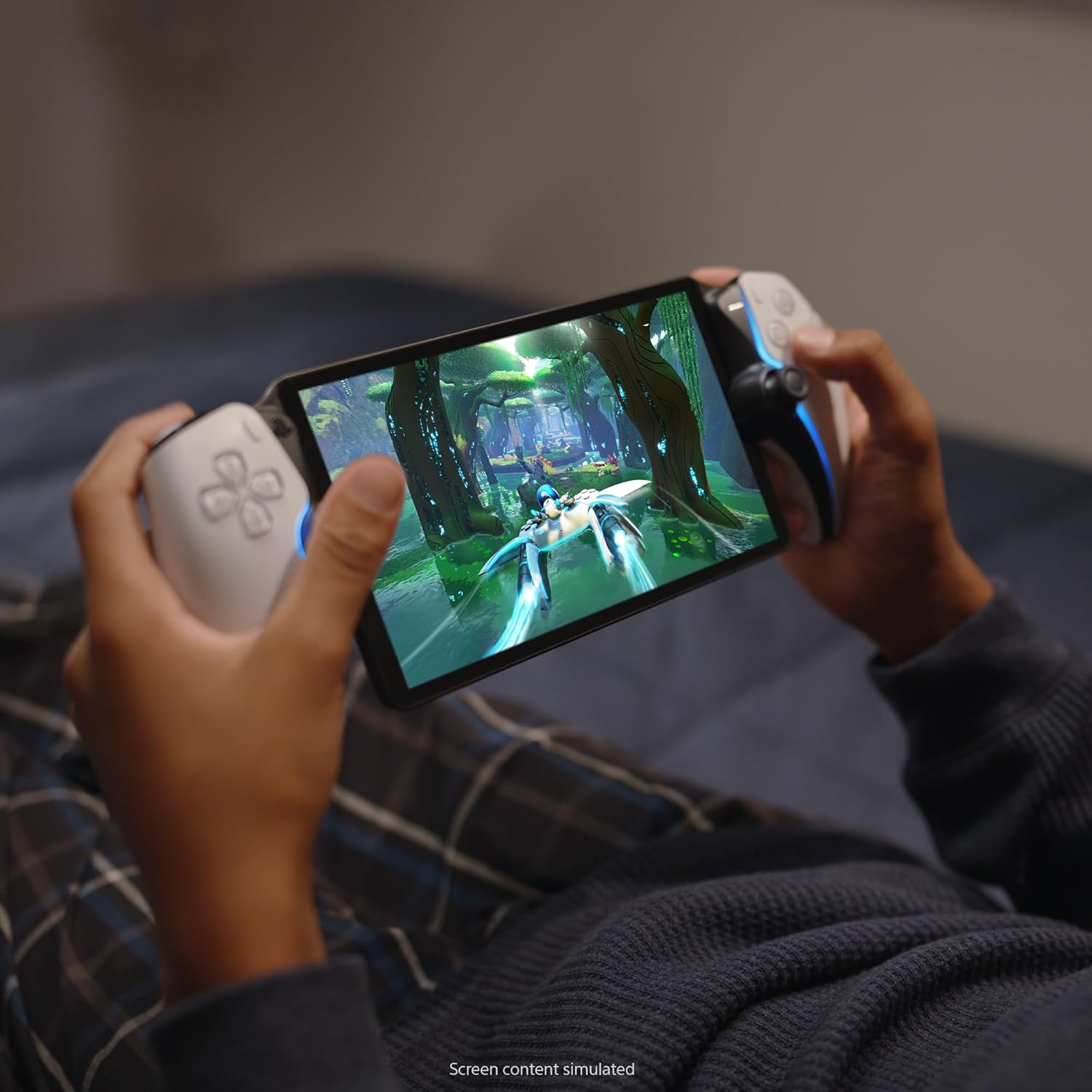
Ergonomics matter on a device you’ll hold up for hours, and the Portal’s shape does the heavy lifting here. The grips sit naturally in your hands, the buttons land where your thumbs expect them, and the overall build feels light enough for relaxed play in bed, on the sofa, or while the TV is busy.
Battery life is typically 3–5 hours per charge, which fits the Portal’s “pick up and play” style. It’s long enough for a solid session, and short enough that you’ll want to keep a charger nearby if you’re planning a marathon.
Controls and audio touches that keep immersion intact
Because the Portal mirrors the DualSense layout, you don’t have to relearn anything. Your muscle memory carries over, and that’s a big deal when timing matters. You also get support for Tempest 3D AudioTech, helping games sound spacious and directional when you use compatible audio gear.
Colors and customization options
- Midnight Black (
ASIN B0DSLTZ6M3) for a sleek, low-key look - White (
ASIN B0CJT5DJ16) to match the classic PS5 style
If you like personalizing your setup, the color choice also makes it easy to match cases, screen protectors, and charging stands for extra protection and style.
2) Performance & Streaming: What You Need to Stream Smoothly
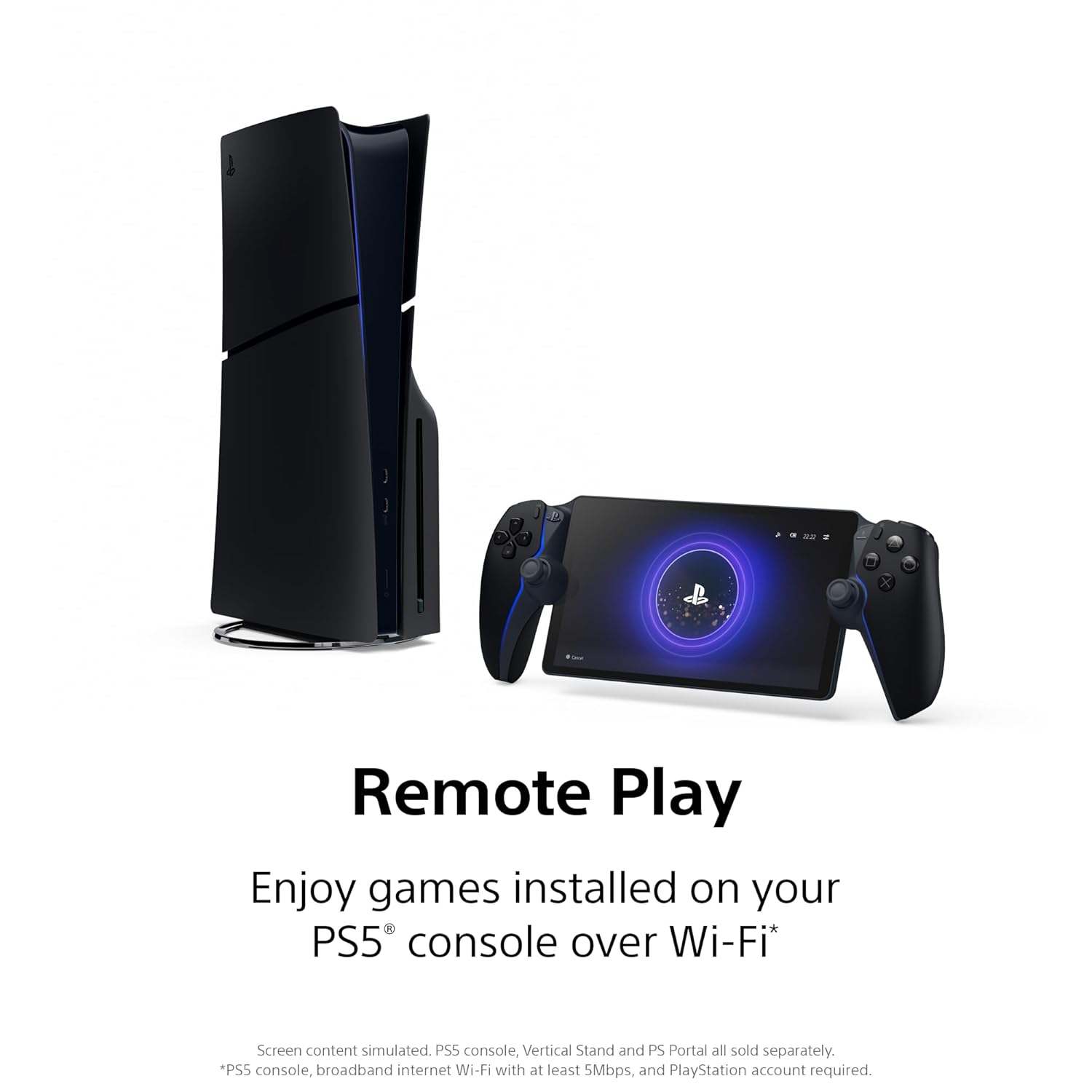
The PlayStation Portal is a Wi-Fi streaming device, not a handheld that runs games by itself. Think of it as a high-quality screen and controller that receives your game from your PS5 console. That means your PS5 must be connected to the internet and either powered on or in Rest Mode for Remote Play to work.
1080p Resolution + 60fps Gameplay (When Your Network Can Keep Up)
Under good conditions, the Portal streams at up to 1080p resolution with up to 60fps gameplay. When your connection is stable, it can feel “console-grade,” with sharp visuals and responsive controls. But your experience will track closely with your network—if your Wi-Fi dips, you’ll notice it fast through blur, frame drops, or input lag.
Jordan Reyes, Gaming Hardware Analyst: "A fast and stable network is the Portal’s lifeline—treat your router like a teammate."
Broadband Internet Speed: Minimum vs. Recommended
Sony’s baseline is 5Mbps, but that’s closer to “it runs” than “it feels great.” For smoother play and lower latency, aim for 15Mbps recommended (or higher), especially if other people are streaming video at the same time.
| Requirement | What to Expect |
|---|---|
| 5Mbps minimum | Playable, but more stutter and lag risk |
| 15Mbps recommended | More stable image, better responsiveness |
Network Environment: The Real Performance “Setting”
- Strong Wi-Fi signal = clearer picture and steadier frame pacing.
- Poor network environment = latency spikes, compression artifacts, and visual hiccups.
- If possible, keep your PS5 on a reliable connection (wired helps) and play closer to your router.
Audio That Matches the Action
For sound, you get flexibility: Tempest 3D AudioTech support for immersive spatial audio, plus both wireless PlayStation Link and a 3.5mm jack for wired headsets. If your Wi-Fi is busy, wired audio can also help keep your setup simple and consistent.
If you use cloud access through PlayStation Plus Premium, you can reach more titles beyond local storage—but streaming quality still depends on your Broadband internet and Wi-Fi stability.
3) Setup, Compatibility, and Real-World Use
Quick setup with your PS5 console (plug-and-play for most homes)
Getting started is simple: connect the PlayStation Portal to your Wi‑Fi, pair it with your PS5 console, and sign in to your PlayStation account. In many households, the first pairing feels almost plug-and-play—once you’re linked, your library shows up fast and you can jump right back into your games without fighting menus.
- Connect Portal to a strong Wi‑Fi network
- Pair it to your PS5 and log in
- Start Remote Play and pick a game from your library
If you plan to play away from home, leave your PS5 set to PS5 Rest Mode so the Portal can wake it and stream when you’re ready.
Remote Play compatibility: what works (and what doesn’t)
The Portal is built for Remote Play, meaning it streams games from your PS5 rather than running them on its own. You can play many PS5 titles and a large number of PS4 games that your PS5 can run, but compatibility has limits.
- Works best: standard controller-based titles that map cleanly to DualSense controls
- May not work: games that require VR headsets, PS Move controllers, a camera, or other extra peripherals
- Not a standalone handheld: your PS5 must be online and powered on or in PS5 Rest Mode
Your access also depends on what’s installed on your PS5 console or what you can pull from PS Plus Premium, including the Game Catalog and Classics Catalog.
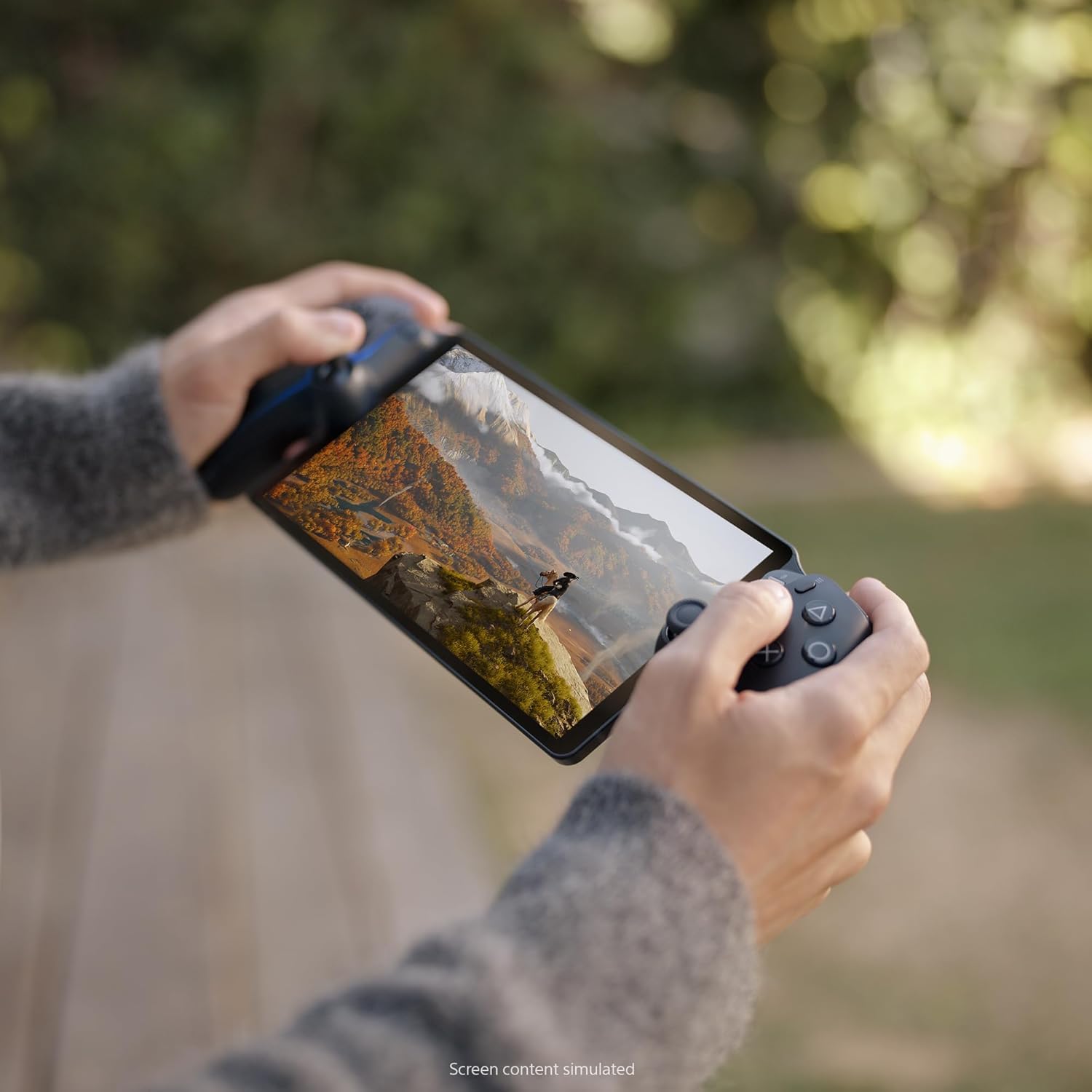
Real-world use: sharing the TV, playing anywhere, and traveling
This is where the Portal shines. You can keep the living room TV free while you keep playing, move to another room without stopping, or travel while your PS5 stays at home in PS5 Rest Mode. As Jordan Reyes, Gaming Hardware Analyst, puts it:
"The Portal reshapes how you ‘share’ your PS5—it's about flexible access, not replacing the console."
Real-world experience varies by region and network quality. Players in the United States, India, and Brazil often praise the freedom and low-latency feel when Wi‑Fi is strong. Aim for at least 5Mbps (with 15Mbps recommended) to reduce blur, stutter, and input delay—especially when you’re not at home.
4) Accessories, Price, and Value — Is It Worth Price $199?
Price $199: a mid-range PlayStation Portal add-on, not a full handheld
The PlayStation Portal lands at a clear Price $199, which puts it in “specialty accessory” territory rather than “new console” territory. You’re paying for a focused job: streaming your PS5 library to an 8-inch 1080p screen with DualSense-style controls. If your home setup is solid (good router, stable Wi‑Fi, PS5 in Rest Mode), the price-to-function balance makes sense for PS5 owners who want more flexibility without buying a second TV.
Jordan Reyes, Gaming Hardware Analyst: "At $199 the Portal hits a sweet spot—it's accessory-level pricing for console-grade streaming."
Gaming accessories that protect your Portal (and make it easier to live with)
Because you’ll likely carry it around the house—or toss it in a bag—Gaming accessories can be a smart part of the real cost. The good news: most add-ons are affordable, and they meaningfully improve longevity and day-to-day use.
| Accessory | Price | Why it helps |
|---|---|---|
| CoBak Hard Carrying Shell Case | $39.99 | Better protection for travel and storage |
| PowerA Charging Station (Lumectra RGB) | $29.99 | Simple dock charging so you play more, hunt cables less |
| FYOUNG 3-in-1 Accessories Bundle | $38.99 | Convenient starter kit for basic protection |
| ivoler Tempered Glass Screen Protectors | $8.99 | Cheap insurance against scratches |
Amazon ranking, reviews, and the Return policy that lowers risk
On credibility, the Portal’s Amazon ranking is strong: #66 in Video Games and #2 in PlayStation 5 Controllers, with 7,000+ units sold and a 4.4-star average from 5,000+ reviewers. That kind of volume suggests broad adoption and generally positive real-world results.
Buying confidence also improves with the Return policy: free refunds or replacements until Jan 31, 2026 for purchases made Nov 1–Dec 31, 2025, plus fast, free shipping often available.
When $199 feels worth it (and when it doesn’t)
- Worth it if you share the TV often or play around the house on reliable Wi‑Fi.
- Less worth it if you travel a lot without stable internet and consistent access to your PS5.
5) Conclusion, Wild Cards & Final Recommendation
Conclusion: PlayStation Portal is at its best on strong Wi-Fi
If you want flexible access to your PS5 games without moving the console, the PlayStation Portal Remote Player is a smart, well-priced streaming receiver at $199. It feels like a real PlayStation device (because it basically is a DualSense with a screen), and when your Wi-Fi connection is solid, handheld gaming on the 8-inch 1080p display can look and feel surprisingly close to playing on your TV. The key is the environment: Portal excels when your PS5 is in Rest Mode, your router is strong, and your network is stable—ideally 15Mbps+ for smooth play.
Jordan Reyes, Gaming Hardware Analyst: "For the typical PS5 household, Portal is a practical and elegant extension of the console ecosystem."
That word—extension—matters. The PlayStation Portal isn’t a replacement for owning a PS5, and it isn’t a standalone handheld. It also won’t fit every game style, especially titles that need VR or extra peripherals beyond a DualSense.
Small tangent: can you play competitively?
Some users say that with decent Wi‑Fi, you can play competitively and still feel in control. Others report occasional hiccups on weaker networks—usually the kind of stutter that reminds you this is streaming, not local play. Treat your router like part of your gaming kit, and you’ll get more value out of the Portal.
Wild Card #1 (Hypothetical): what if Sony added cellular?
If Sony added built-in cellular or independent cloud-native streaming, the Remote Player could become true on-the-go PS5 streaming without relying on your home PS5. That could be a game-changer for commuters, but it might stay niche if data costs and latency make it hard to justify.
Wild Card #2 (Analogy): a telescope for your PS5
Think of the Portal as a telescope for your PS5—you’re not moving the planet, you’re just changing your vantage point. You keep your library, your saves, and your DualSense feel, but you play where it’s convenient.
Final recommendation
Buy it if you often share TV time or want living-room-free handheld gaming around the house. Skip it if you need a standalone handheld or you travel without reliable access to your home PS5. Final tip: pair it with a charging stand and a screen protector, and upgrade your router before you blame the Portal.



