.png&w=1280&q=75)
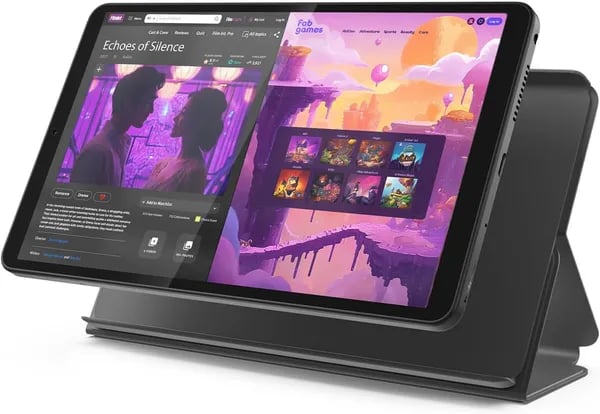
You know that moment when you need a second screen that won’t weigh you down or empty your wallet? Picture slipping a slim tablet into your tote, firing up a manga chapter on the subway, and not worrying about battery life until you get home. That’s the promise of the Lenovo Tab One. In this outline you’ll get practical takeaways, a few sideways tangents (because why not?), and a candid look at whether this $89.99 tablet actually earns its hype.
1) Hardware & Performance — Small but Spry
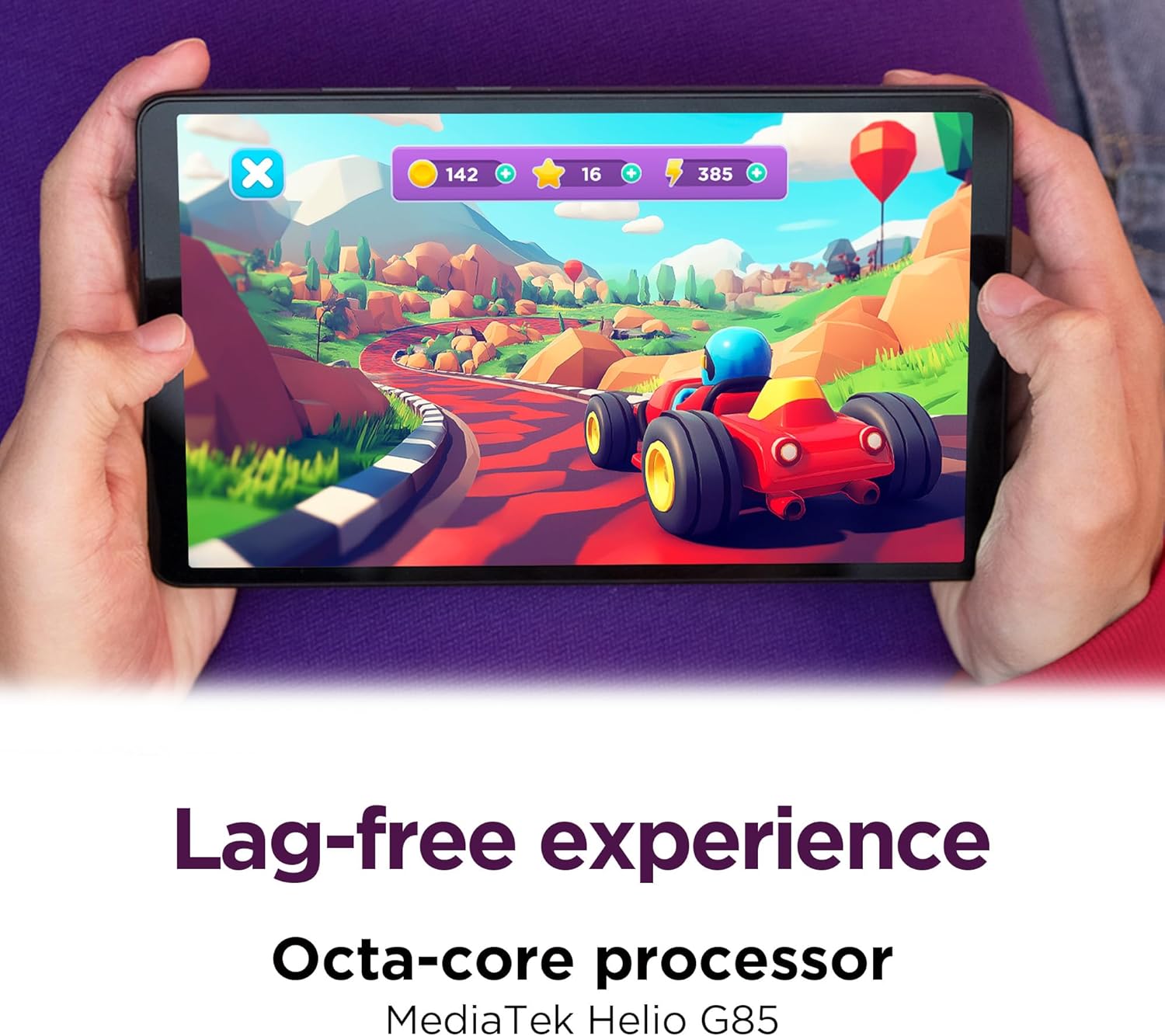
MediaTek Helio G85: Smooth for everyday, honest about limits
The Lenovo Tab One keeps things simple: it’s built to be a budget tablet you can grab anytime without thinking twice. Powering it is the MediaTek Helio G85, a modern low-to-midrange chip that feels quick for daily tasks. You can scroll social feeds, open a few shopping tabs, stream YouTube, and jump into light games without constant stutters.
That said, you’ll notice the ceiling if you push it hard. With lots of apps open, heavy multitasking, or too many browser tabs, you may see occasional lag or slower app switching. As Sarah Kim, Tablet Analyst, puts it:
“For under $100, the Lenovo Tab One finds the sweet spot between usable performance and a pocketable design — just don't expect flagship multitasking.”
4GB RAM + 64GB Storage (and Expandable Storage that actually matters)
For the price, the memory setup is a real win. You get 4GB RAM and 64GB Storage (eMMC), which is a clear step up from many older entry tablets that feel cramped fast. It’s enough for your core apps, school files, and a solid chunk of offline music or shows.
And when you run out of room, Expandable Storage via microSD makes the tablet much more practical long-term—especially if you download movies, save photos, or keep large manga/PDF libraries.
- 4GB RAM helps keep everyday apps responsive
- 64GB eMMC fits essentials and offline media
- microSD support adds flexible storage on a budget
Compact recycled build, easy ports, and travel-ready extras
At 11.3 oz and just 4.91 x 8.31 x 0.22 in, it’s made for one-hand reading and bag-friendly carry. The recycled plastic chassis helps keep weight down and costs affordable, while still feeling clean and modern. You also get a bundled folio case for quick protection.
Nice practical touches include a headphone jack, plus an LTE option for on-the-go data. GPS support is available even on the WiFi model, and the box includes a SIM tray pin for setup.
2) Display & Media Experience — Bigger Than It Sounds
8.7-inch Display that feels bigger in real use
The Lenovo Tab One’s 8.7-inch Display hits a sweet spot: small enough to hold with one hand, but large enough to enjoy shows, comics, and web pages without squinting. Because the bezels are kept in check, you get an 86% screen ratio, so more of what you see is actually screen—not frame.
IPS Display clarity: 1340x800 Resolution + 480 Nits Brightness
This is an IPS Display, which means you get wide viewing angles and steady colors when you tilt it or share the screen with someone next to you. The 1340x800 Resolution looks crisp for the size and price, especially for reading, casual browsing, and streaming.
Brightness is a real highlight. With 480 Nits Brightness, the panel is bright enough for indoor use, reading near windows, and handling mixed lighting in kitchens, bedrooms, or classrooms. It’s not a flagship OLED experience—blacks won’t look “ink deep”—but for an $89.99 tablet, it’s surprisingly easy on the eyes.
Dolby Atmos speakers: louder, wider, and more fun
Budget tablets often sound thin, but the Tab One’s dual Dolby Atmos speakers make a clear difference. You get fuller dialogue, better left-right separation, and enough volume for a small room—great for YouTube, video calls, and casual gaming without immediately reaching for headphones.
Michael Ortiz, Family Tech Blogger: "I handed this to my teen for a movie night and both the picture and the Dolby Atmos-tuned speakers punched above their weight."
Netflix HD streaming (Widevine L1) + YouTube notes
For streaming, the big win is DRM support: Widevine L1 is present, which is what you want for Netflix HD playback (as long as the app/software side cooperates). That’s a standout feature in this price range.
YouTube can play videos up to 1440p, though some users report occasional choppiness at higher settings. For the smoothest experience, you’ll usually be happiest around 720p–1080p, especially if you’re multitasking or your Wi‑Fi is busy.
- Refresh rate: 60Hz (smooth enough for everyday scrolling)
- Best use: reading, indoor streaming, and casual media playback
3) Battery Life & Charging — Endurance That Lets You Forget the Plug
When you buy a compact budget tablet, Battery Life is often where corners get cut. With the Lenovo Tab One, it’s the opposite—endurance is one of the main reasons it feels like a “daily” device instead of a backup. As Priya Desai, Mobile Reviewer, puts it:
"For commuters and families, battery life is the silent hero here — you rely on it more than you notice it."
Battery Test Results: What You Can Expect in Real Life
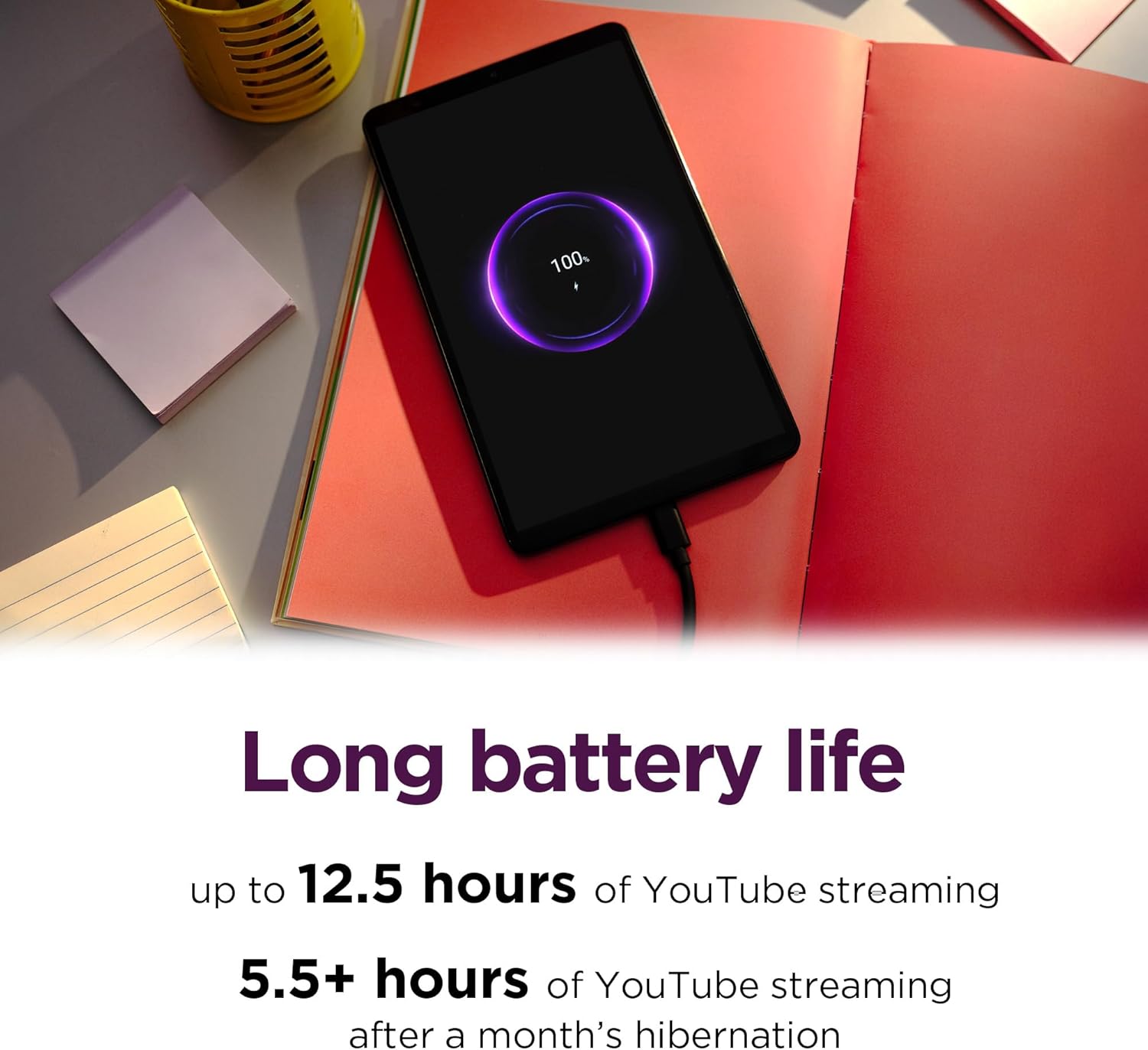
Lenovo claims up to 12.5 hours of YouTube Streaming on a charge. That’s a best-case number, but it’s not unrealistic if you keep brightness moderate and stick to streaming and light browsing.
In a tougher Battery Test scenario—video playback at max brightness—independent results land around ~8 to 8.75 hours. That’s still strong for an $89.99 tablet, especially one built for grab-and-go use.
| Scenario | Expected Battery Life |
|---|---|
| YouTube Streaming (claimed) | Up to 12.5 hours |
| Video playback (max brightness tests) | ~8–8.75 hours |
Multi-day Use: Easy If You’re Reading or Browsing
If your routine is lighter—reading Kindle books, scrolling news, checking email, or knocking out a few chapters of manga—Multi-day use is very realistic. You can read multiple manga volumes, handle casual browsing, and still not feel battery anxiety. It’s the kind of tablet you can toss in a bag for a weekend and not automatically pack a charger.
15W Charging: Practical Speed, Less Downtime
When you do need power, 15W charging helps you get back to watching and reading faster. It’s not “flagship fast,” but it’s the sweet spot for this price: quick top-ups between classes, during dinner, or before a commute—so your tablet spends more time in your hands and less time stuck to the wall.
- Best for: travel, long reading sessions, and extended streaming
- Big win: strong endurance even under demanding brightness settings
4) Family, Software & Everyday Extras — Kid-Friendly and Practical
Android 14 + Two Years of Security Patches (Simple, Safer Daily Use)
Right out of the box, you’re getting Android 14, which keeps the Lenovo Tab One feeling modern for everyday tasks like streaming, reading, and video calls. Lenovo also promises two years of security patches, so you’re not stuck with a tablet that feels outdated or risky after a few months. For an $89.99 device, that extra peace of mind matters—especially if your tablet gets shared around the house.
Family Friendly Controls with Google Kids Space + Family Link
If you need something truly Family friendly, Lenovo’s built-in kid features are a big win. Google Kids Space gives your child a curated, age-appropriate home screen with vetted apps, books, and videos. Pair it with Family Link, and you can manage screen time, approve downloads, and set content limits from your phone—without constantly hovering.
Daniela Ruiz, Parent & Tech Writer: "Google Kids Space plus Family Link means you can hand this to younger kids and actually relax — a rare thing with screen time."
Bundle Folio Case + In-the-Box Extras (Better Value-Per-Dollar)
Lenovo also boosts the value with practical accessories, so you can start using the tablet immediately—no extra shopping trip required. The Bundle folio case helps protect the tablet in backpacks, on couches, and at the kitchen table, which is exactly where family tablets tend to live.
- Folio case (included)
- 9V battery (charging accessory included; charger details may vary)
- SIM tray pin
- Quick start guide
- Warranty info
Preinstalled Apps & Occasional Sluggishness (Usually Fixable)
With a strong 4.3-star rating (155 reviews) and 3,000+ units sold, most buyers are happy—but a few mention preinstalled apps and occasional slowdowns, especially with lots of tabs or apps open. The good news: you can often fix this by removing or disabling apps you don’t use and keeping your home screen clean. If you’re setting it up for kids, that cleanup also makes the experience simpler and less distracting.
5) Real-World Verdict, Comparisons & Buying Advice (Wild Card)
Real-world verdict: big value at a Budget Price
If you want a small tablet that feels easy to live with, the Lenovo Tab One delivers more than you’d expect for $89.99. In daily use, it’s best at the basics: reading, streaming, browsing, video calls, and light schoolwork. That lines up with what buyers report too—its 4.3-star rating (155 reviews) and over 3,000 units sold suggest most people feel they got a fair deal. Its Amazon rank also backs that up: #1,129 in Electronics and #28 in Computer Tablets.
Ethan Park, Gadget Reviewer: "If you're upgrading from an older budget slate, you'll notice more fluidity in everyday tasks — but the Tab One isn't for intense multitaskers or demanding gamers."
That quote sums it up: you’ll notice the faster feel versus older devices like a 2020 Kindle or Galaxy A7 Lite, plus microSD expansion is a real win. Just keep expectations realistic—too many browser tabs can cause lag, the screen is modest next to premium tablets, and you may want to remove or disable some preinstalled apps.
Who should buy it (and who shouldn’t)
You should buy the Lenovo Tab One if you’re a reader, student, parent, traveler, or casual gamer who wants a cheap, solid tablet without flagship frills. If you’re a power user who lives in split-screen, heavy multitasking, or high-end gaming, you’ll be happier spending more.
Tablet Comparison: what to consider instead
For a step up, look at the Lenovo Tab M11 if you want a larger screen and more room to grow, or the Idea Tab Plus if you’re chasing a more premium experience. If you’re shopping purely by specs, a Tablet Comparison with brands like DigiLand, CHUWI, Suicoey, and YLEEBG can be worth it—just balance screen size, RAM, and long-term support before you trade Lenovo’s brand reliability for a slightly better spec sheet.
Wild card: the “grandparent gift” test + Return policy peace of mind
Imagine gifting it to a grandparent: the lightweight build, bundled folio case, and simple Android interface make it feel thoughtful, not complicated. And if it’s a holiday buy, Amazon’s extended Return policy through Jan 31, 2026 (for 2025 holiday purchases) makes the decision easier.



