.png&w=1280&q=75)
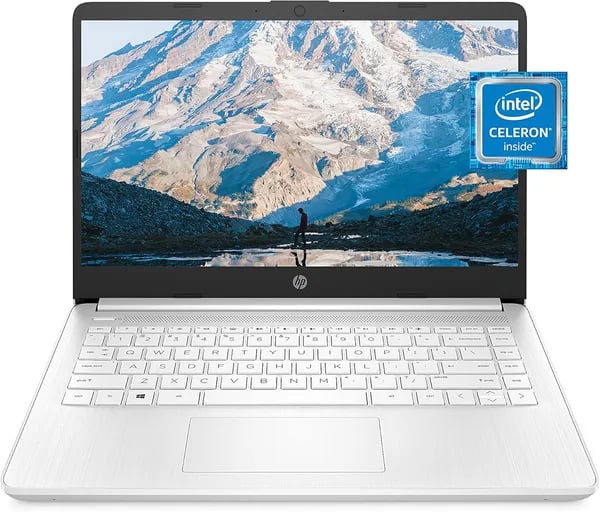
You’re hunting for a no-fuss laptop that won’t strain your bag or your wallet. Picture this: you sling a slim Snowflake White notebook into your backpack and it barely registers—yet it’s ready for essays, emails, and ugly but reliable video calls. That’s the HP 14 in a nutshell. I’ll walk you through why it works for everyday life, where it trips up, and how to squeeze the most out of limited storage and memory—no tech-speak marathon, just honest advice.
About the HP 14
Overview: a simple, budget Windows laptop for daily life
If you want a lightweight, low-cost computer for school, email, web browsing, and streaming, the HP 14 Laptop is built for that role. The most common version is the HP 14-dq0040nr, a budget-friendly 14-inch HD notebook aimed at students and everyday users who need the basics without paying for extras. It’s also a smart pick as a secondary device for travel or quick work on the go.
Design & portability: Snowflake White, thin, and easy to carry
This model stands out with its clean Snowflake White finish, a modern micro-edge bezel, and a sleek profile that looks more premium than the price suggests. With a thickness of <0.71 inches and a weight around 3.24 pounds, you can slide it into a backpack and carry it all day. The 14-inch HD display (1366 x 768) also delivers a 79% screen-to-body ratio, so you get more screen and less border for everyday tasks.
Out of the box: Windows + Microsoft 365 (watch for SKU variations)
Most listings ship with Windows 11 Home, but some SKU variations (including related models like dq0020nr and other HP 14 SKUs) may come with Windows 10 Home in S mode or even a different Wi‑Fi module. You also get a 1-year Microsoft 365 subscription included—just be sure to activate it within six months of setting up Windows.
Dorla Lopez: “excelente portatil economico.”
| Spec | HP 14-dq0040nr |
|---|---|
| Weight | 3.24 lb |
| Thickness | <0.71 in |
| Screen-to-body | 79% |
| OS | Windows 11 Home (or Windows 10 Home in S mode) |
| Included | 1-year Microsoft 365 (activate within 6 months) |
Display, Keyboard & Touchpad
14 inch display: BrightView micro-edge (1366 x 768)
Open the lid and you’ll see a 14 inch display with a modern micro-edge bezel and a roomy 79% screen-to-body ratio. It’s an HD BrightView panel at 1366 x 768, which keeps text readable and makes streaming and schoolwork feel more immersive than older, thick-bezel budget laptops. For everyday browsing, Google Docs, and YouTube, it does the job without fuss.
Sarah Kim, Tech Editor: “The HD panel is perfectly fine for studying and streaming—don’t expect magazine-worthy colors, but the micro-edge look is modern and pleasant.”
Display brightness & color: good indoors, limited for creative work
In real use, display brightness is around ~220 nits. That’s comfortable indoors, but you may need to hunt for shade near bright windows. Color coverage is about ~45% NTSC (one review reports roughly 58.4% sRGB), so vivid photos can look a bit washed out. If you’re doing color-critical photo or video editing, you’ll want a wider-gamut screen—but for notes, email, and casual Netflix, it’s perfectly fine.
Keyboard, touchpad, and HP True Vision camera
The keyboard feels straightforward and familiar for typing papers and messages. The main trade-off: there’s no keyboard backlight on this model, which is common at this price. The touchpad supports Precision Touchpad gestures, so scrolling and switching apps feels smooth once you get used to it.
For calls and classes, the HP True Vision 720p webcam and dual-array microphones help you look and sound clear enough for Zoom and Teams.
- Panel: 14-inch HD BrightView micro-edge
- Resolution: 1366 x 768
- Brightness: ~220 nits
- Color: ~45% NTSC
Performance
Everyday speed with Intel Celeron N4020 + 4 GB RAM
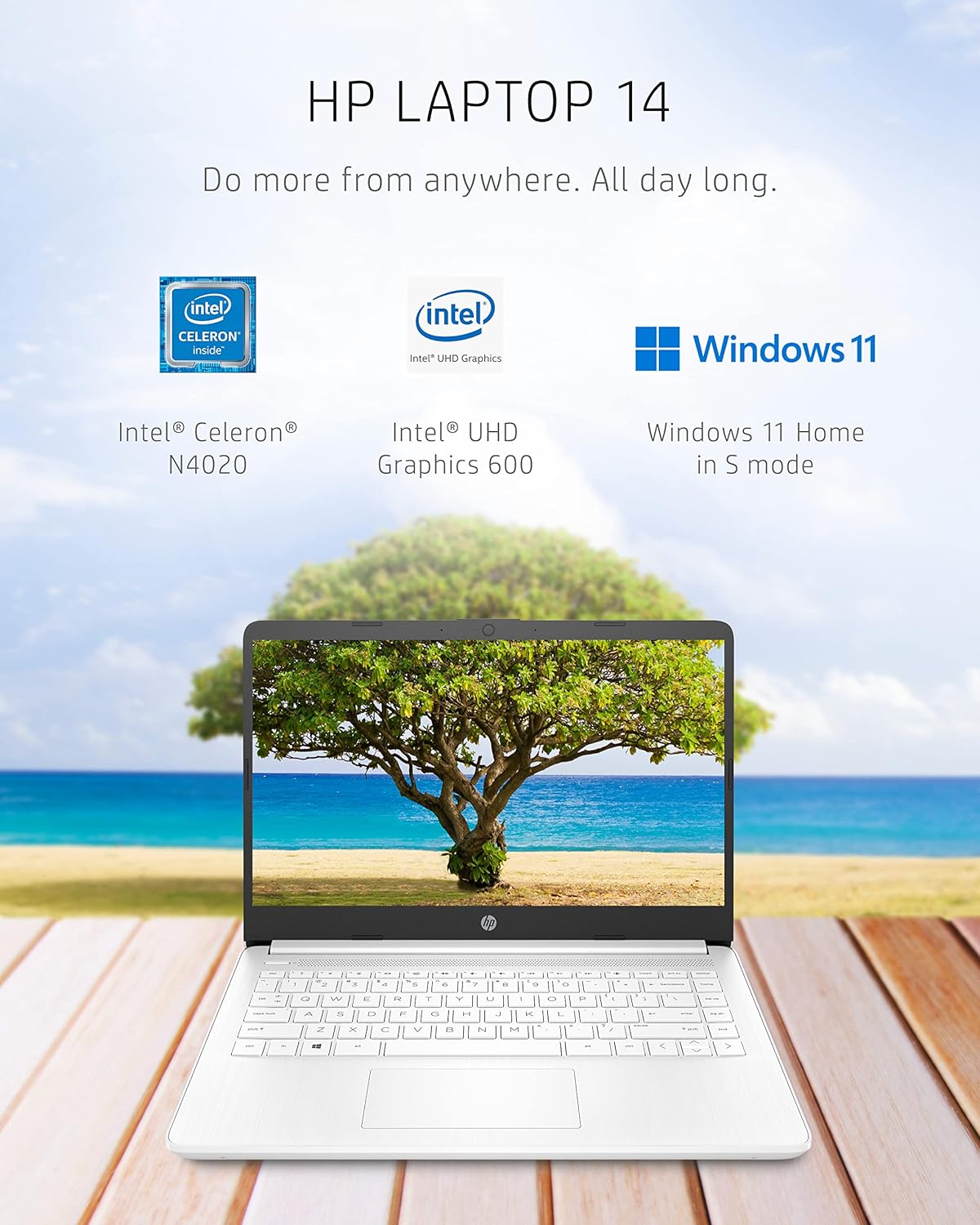
The HP 14 keeps things simple, and that’s the point. With the Intel Celeron N4020 (an entry-level, low-power chip) and 4 GB RAM, you get smooth performance for the basics: web browsing, email, Google Docs, and Microsoft 365 apps like Word and PowerPoint. Light multitasking is fine in small doses—think a few tabs, a document, and music in the background.
Where you’ll notice limits is when you push it like a bigger laptop. Too many browser tabs, heavy background apps, or long sessions can slow things down, especially over time. As Jamal Rivera, a CS student, puts it:
“For essays, Zoom, and Spotify on the side, it’s fine. Open too many tabs and you’ll feel it—plan on light use.”
64 GB eMMC storage: reliable, but tight
The built-in 64 GB eMMC flash storage works well for essential apps and school/work files, but it fills up fast. It’s also slower than a typical SSD, so big installs and large updates can feel sluggish. If you rely on lots of photos, videos, or games, you’ll want off-device storage.
Intel UHD Graphics 600: good for video, not for gaming
Intel UHD Graphics 600 is integrated graphics that’s 4K-ready for media playback, so streaming and casual visuals look clean. Just don’t expect strong gaming performance or smooth video editing—this laptop isn’t built for content creation.
Tips to keep it running smoothly
- Keep browser tabs limited and close apps you’re not using.
- Use cloud storage (OneDrive/Google Drive) to stretch the 64 GB eMMC.
- Uninstall preloaded apps you don’t need.
- Add a USB drive or external SSD for extra space.
Battery life typically lands around 10 to 11.5 hours, depending on brightness, streaming, and how many apps you keep open.
Technical details & Product Specifications
Ports & I/O (USB 3.1 Gen 1, HDMI 1.4b port)
For a compact 14-inch laptop, you get a practical mix of ports for school, work, and travel. Port selection is reasonable for the class, and the lack of an optical drive helps keep the chassis thin and easy to pack.
- USB 3.1 Gen 1 (often Type-C; data-only on some SKUs)
- USB-A ports (a mix of 2.0/3.0 depending on listing)
- HDMI 1.4b port for an external monitor or TV
- Headphone/microphone combo jack
- AC smart pin for charging
Tip: the exact USB layout can vary by seller, so check the product page before you buy.
Power & battery (45 W adapter + battery fast charge)
You’ll appreciate how travel-friendly the charging setup is. The laptop ships with a 45 W adapter (HP 45 W Smart AC adapter), and many retail specs list battery fast charge support—often around 50% in ~45 minutes (listing-dependent). With typical use, battery life is commonly rated around 10–11.5 hours.
Maya Chen, IT support specialist: “The 45 W adapter and Fast Charge are surprisingly handy—perfect for a campus sprint between classes.”
Wi‑Fi and Bluetooth + built-ins
Wireless is built for everyday streaming and browsing, with Wi‑Fi and Bluetooth support that’s usually Wi‑Fi 5 (802.11ac) and Bluetooth 4.2 (some SKUs note Bluetooth 5). Since the wireless module can vary by SKU, confirm the listing details.
- HP True Vision 720p HD camera
- Dual speakers
- Dual-array microphones
- Precision Touchpad support
Real-world use, Reviews & Buying tips
HP 14 Review: what it’s like day to day
In real use, the HP 14 Notebook feels made for simple, everyday work: email, Google Docs, school portals, Zoom, and light streaming. You’ll likely love how easy it is to carry, and the Snowflake White finish looks clean and modern. Battery life is a common win, especially if you keep your tabs and apps under control. But as a budget Windows laptop, it can slow down when you push it—4GB RAM and 64GB eMMC fill up fast, and heavy multitasking (lots of Chrome tabs, big downloads, or long streaming sessions) can feel laggy. Also note: there’s no backlit keyboard, and some owners mention driver or OS hiccups after Windows 11 updates.
Reviews snapshot (4,632+ ratings)
This model has 4,632+ Amazon reviews with a 4.1-star average, and 65% of reviewers gave it 5 stars. Many buyers praise the lightweight build, quick setup, and battery life.
Dorla Lopez: “excelente portatil economico.”
It’s also ranked #16 in Computers & Accessories and #3 in Traditional Laptop Computers (at the time of listing), which matches its popularity as a basic, affordable pick.
Prices, price used, and alternatives
- New: as low as $174.20 (example: Superdealstore)
- Used: as low as $130 (example: technewworld)
- Alternatives (FUNYET, Lenovo, CHUWI, AVENKA): $158.88–$358.69 for more RAM/storage
Buying tips: avoid surprises
- Confirm the exact SKU (ex:
14-dq0040nr) and check for OS differences (Windows 11 vs S mode) and Wi‑Fi module details. - Read the seller return policy; some listings note holiday returns extending into 2026.
- Buy from reputable sellers so you have clearer support if updates or drivers act up.
Wild Cards: Tiny thought experiments and a quote
Boarding-pass-only travel mode with the HP 14 Laptop
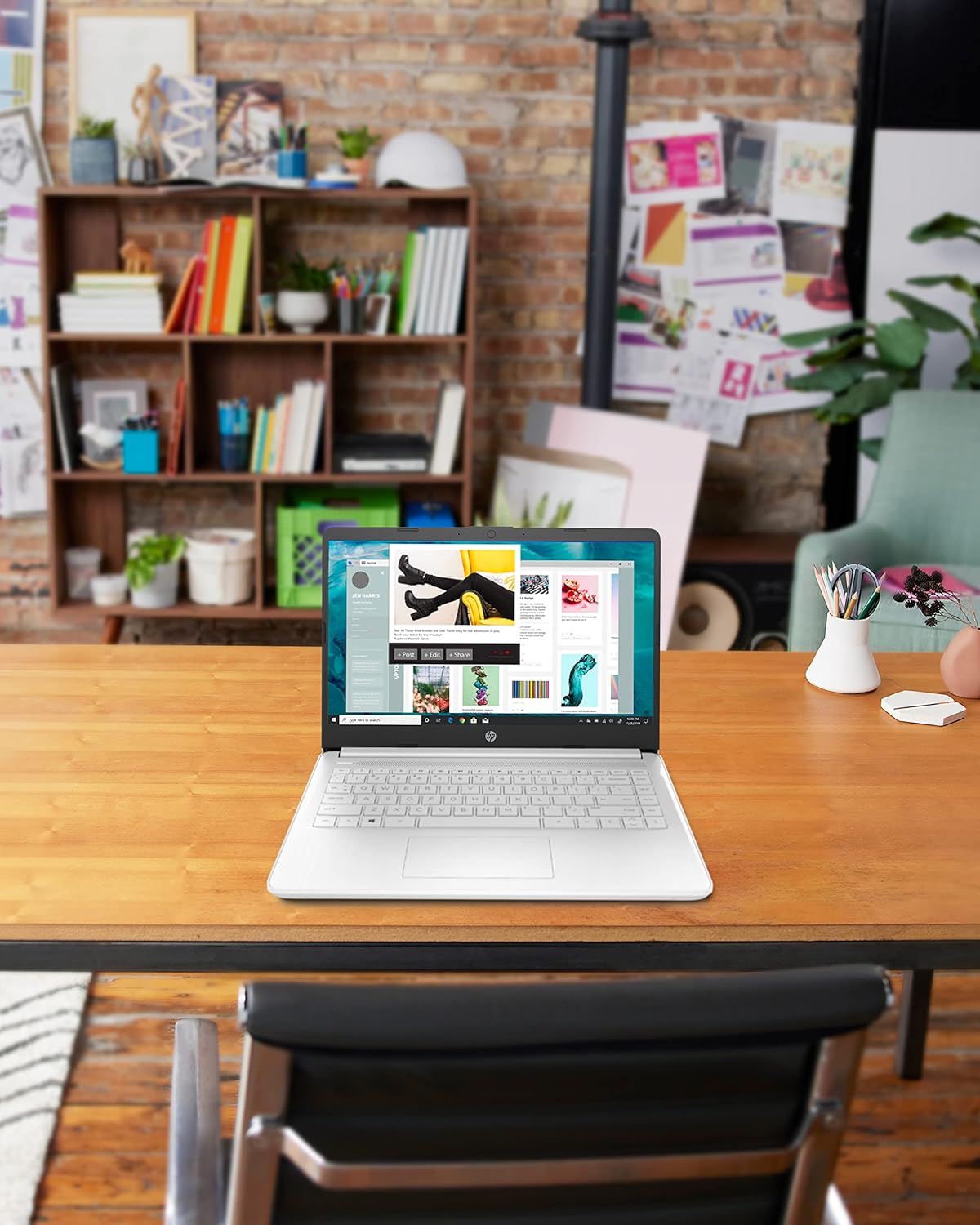
Imagine you’re heading to the airport with one goal: travel light. No heavy backpack, no “just in case” gear—only a boarding pass, earbuds, and a lightweight laptop that won’t make your shoulder regret it. The HP 14 Laptop in Snowflake White fits that vibe. At around 3.24 pounds and under 0.71 inches thick, it’s the kind of device you can slide into a tote and forget it’s there until you’re at the gate.
Now picture the gate-to-gate routine: you open it for a quick email, polish a doc in Microsoft 365, or pull up a streaming show while you wait. The 14-inch micro-edge display feels roomy enough for everyday tasks, and the battery life is built for long stretches away from an outlet. It looks clean and modern too—durable-looking in that “I can handle a few trips” way, even if you’re not treating it like a rugged work machine.
A simple analogy: commuter bike energy
Think of this HP 14 Laptop like a commuter bike. It’s light, affordable, and made for short trips that happen all the time—class notes, web browsing, budgeting spreadsheets, and basic work. It’s not trying to win a race, and you shouldn’t ask it to. With 4 GB RAM and 64 GB eMMC storage, you’ll feel the limits if you load it up with heavy apps, huge files, or too many tabs. But for the daily ride? It’s steady, simple, and gets you where you need to go.
Dorla Lopez: “excelente portatil economico.”



