.png&w=1280&q=75)
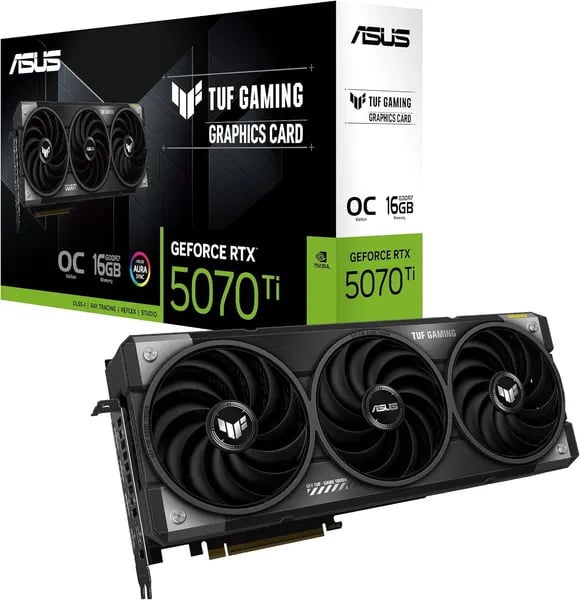
You’ve probably upgraded a GPU and felt that same mix of excitement and mild anxiety — will it fit, will it run cool, will your favorite game look better? This outline walks you through the ASUS TUF GeForce RTX 5070 Ti so you can decide with confidence. Think of this as a short conversation over coffee (you with the keyboard, me with too many benchmark tabs), touching specs, real-world notes, and the tiny annoyances nobody warns you about until you’re halfway through a build.
1) Future-proof performance: Blackwell, DLSS 4, and memory
Blackwell Architecture + CUDA Cores: built for today’s games and tomorrow’s AI
With the ASUS TUF GeForce RTX 5070 Ti (launched February 20, 2025), you’re stepping into NVIDIA’s Blackwell Architecture—a real upgrade for both gaming and creator workloads. You get 8960 CUDA Cores for strong raster performance, plus fifth-gen Tensor Cores and fourth-gen RT Cores to push ray tracing and AI features harder without tanking your frame rate.
That matters if you stream, edit, or experiment with AI tools, because the card’s AI throughput is rated at 1406 TOPs. And when you want extra headroom, the Boost Clock hits 2610 MHz in OC mode (or 2588 MHz default), helping you keep high refresh gameplay smooth at 1440p and still be capable at 4K with the right settings.
Evan Thompson, GPU Analyst at TheFPSReview: "Blackwell's combination of advanced Tensor and RT cores with DLSS 4 makes the 5070 Ti a leap in both visuals and AI-driven performance."
DLSS 4 + Multi Frame Generation + NVIDIA Reflex: smoother pacing, sharper results
DLSS 4 is the feature you’ll feel every day. In supported games, Multi Frame Generation can lift perceived FPS while keeping motion looking more stable—especially when you’re pushing ray tracing. You can expect cleaner edges, better detail retention, and less shimmer than older upscaling approaches, while still keeping performance high.
Pair that with NVIDIA Reflex support and you get lower input latency—so your mouse clicks and aim feel more direct, which is a big deal for competitive shooters and fast action games.
16GB GDDR7 + PCIe 5.0: bandwidth for 4K textures and modern engines
The 16GB GDDR7 memory isn’t just a number—it’s your buffer against modern texture packs and heavy ray tracing. Running at 28 Gbps on a 256-bit interface, it delivers the texture bandwidth you need for high-res assets, big open worlds, and creator timelines that don’t fit neatly in smaller VRAM pools.
- PCIe 5.0 helps keep data moving efficiently in newer platforms.
- Up to 7680 x 4320 max resolution and support for up to 4 displays fits high-end monitor setups.
- Full ray tracing support keeps you ready for next-gen lighting and reflections.
2) TUF reliability: cooling, build quality, and fit
TUF Gaming durability you can trust
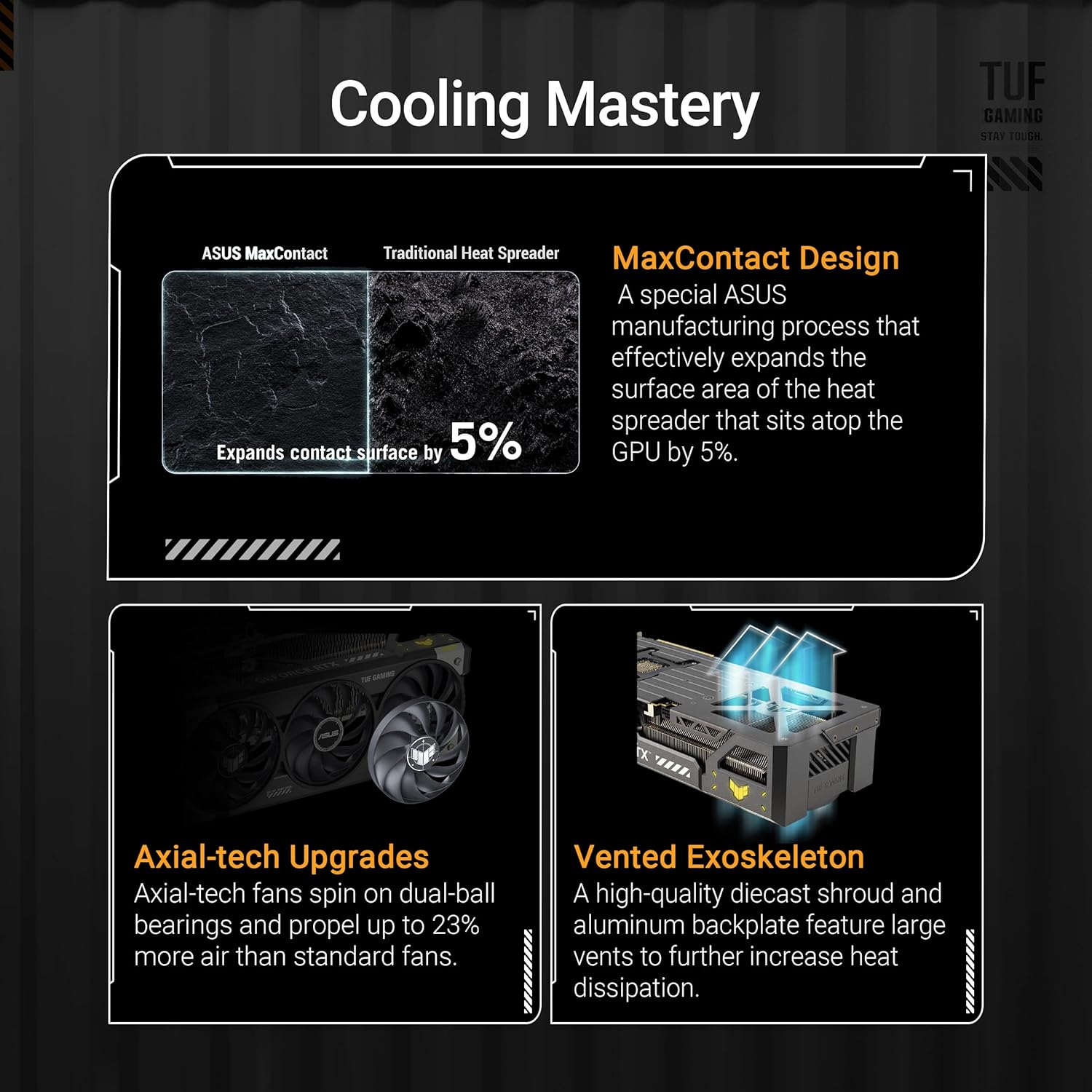
When you buy a TUF Gaming card, you’re choosing a design that’s meant to keep working day after day—not just look good in a spec sheet. The RTX 5070 Ti OC Edition leans on military-grade components for steady power delivery, plus a protective PCB coating that helps guard against moisture, dust, and grime over time. For long-term stability, ASUS also uses a phase-change GPU Thermal Pad, designed to maintain strong contact and consistent heat transfer as the card heats up and cools down across many gaming sessions.
Samantha Lee, Hardware Reviewer: "The TUF variant balances industrial durability with surprisingly quiet acoustics—it's built to be left running for months."
Triple Fan cooling + 3.125-slot airflow
Cooling is where this card earns its “reliability” label. The thermal setup combines a massive fin array with an axial-tech Triple Fan layout, pushing a lot of air without needing aggressive fan speeds. The 3.125-slot chassis isn’t just for show—it creates more room for heatsink volume and smoother airflow through the cooler, which helps you sustain performance under heavy loads.
In real use, that design pays off with temps routinely reported under 75°C in demanding games and creative workloads. Lower temps also support Quiet Operation, so you can game or render without your PC sounding like a desk fan.
Fit, install, and sag control in modern cases
Even with its beefy cooler, the card stays practical for many builds thanks to its manageable size and weight. It measures 13 x 5.5 x 2.5 inches and weighs about 3.6 pounds, which tends to fit well in modern mid-towers while still maximizing airflow around the GPU.
- Included TUF Graphics Card Holder helps reduce sag risk
- Extra accessories like velcro/magnet pieces make cable routing and support easier
- Subtle ARGB lighting adds a clean look without being flashy
| Spec | Detail |
|---|---|
| Dimensions | 13 x 5.5 x 2.5 inches |
| Weight | 3.6 pounds |
| Slot design | 3.125-slot |
| Reported load temps | Under 75°C |
3) Real-world performance: games, content creation, and comparisons
Benchmarks you’ll care about: RTX 5070 Ti + 1440p Gaming + DLSS 4
If your goal is smooth 1440p Gaming with high settings, the RTX 5070 Ti delivers where it matters. In real play, Cyberpunk 2077 at 1440p Epic with DLSS 4 set to Quality lands around 80–100 FPS, and users report it feels stable—no annoying stutter spikes, and no “jet engine” fan noise. Thermals also stay in a comfortable zone, with many setups seeing the card run under 75°C even during long sessions.
Mark Davis, Senior Editor at TheFPSReview: "Real-world testing shows the 5070 Ti nails 1440p with high frame rates and stays cool—it's a solid mid-high tier pick for 2025 builds."
How it feels vs older cards (RTX 4060, RTX 3070 Ti)
Coming from an RTX 4060 or RTX 3070 Ti, the upgrade isn’t just a number on a chart—you’ll notice smoother camera motion, cleaner frame pacing, and more headroom for higher settings. The jump is especially clear in heavy games where older GPUs tend to dip hard during busy scenes. With the TUF model’s cooling and build focus, many owners also call out better thermals and reliability than other 5070 Ti variants they’ve tried.
Creator + multi-monitor setups: DisplayPort 2.1b and HDMI 2.1b
For streaming, editing, or a desk full of screens, the port selection is a real win. You get 3x DisplayPort 2.1b plus 2x HDMI 2.1b, with support for up to 4 displays. That makes it easy to run a high-refresh main monitor, a preview display, and extra panels for chat, timelines, or tools—without adapters.
- Outputs: 3x DisplayPort 2.1b, 2x HDMI 2.1b
- Max displays: Up to 4
- User sentiment: 4.6-star average (330+ reviews), 81% 5-star
Price reality (and why it varies)
Pricing swings based on model and supply, typically ranging from $569.99 to $899.99. Your best value comes when you’re paying for the features you’ll actually use—quiet cooling, strong ports, and consistent real-world FPS—rather than just chasing the lowest listing.
4) Buyer's checklist, setup quirks, and tiny sabotage moments
Quick buyer’s checklist (so nothing derails install day)
- Slot + space: You’re dealing with a chunky 3.125-slot card—measure your case clearance first.
- Power: Confirm your PSU has the right leads for 12V-2x6 (or room for the included adapter).
- Platform: Make sure your GPU slot is ready for PCIe 5.0 (it will still work on older PCIe, but you want the cleanest path).
- Support: Plan for anti-sag—use the included TUF Graphics Card Holder, or a longer bracket if your case layout is awkward.
Power and cables: PCIe 5.0 + 12V-2x6 can be touchy
The card uses a 12V-2x6 PCIe Express 5.0 connector. ASUS includes an adapter, and it can work fine—but this is also where “tiny sabotage moments” happen: a plug that isn’t fully seated, a tight side panel that bends the cable, or an adapter that gets nudged during cable management.
Alex Chen, PC Builder and Streamer: "That included adapter works, but a dedicated 12V cable eliminates a lot of 'did it crash because of cables?' anxiety."
If you want fewer variables, many builders recommend a dedicated Fasgear 600W 12v 5.0 cable for stability. Whatever you use, push the connector in firmly until it’s fully seated, then avoid sharp bends right at the plug.
850W PSU + April 2025 BIOS (the boring fixes that save hours)
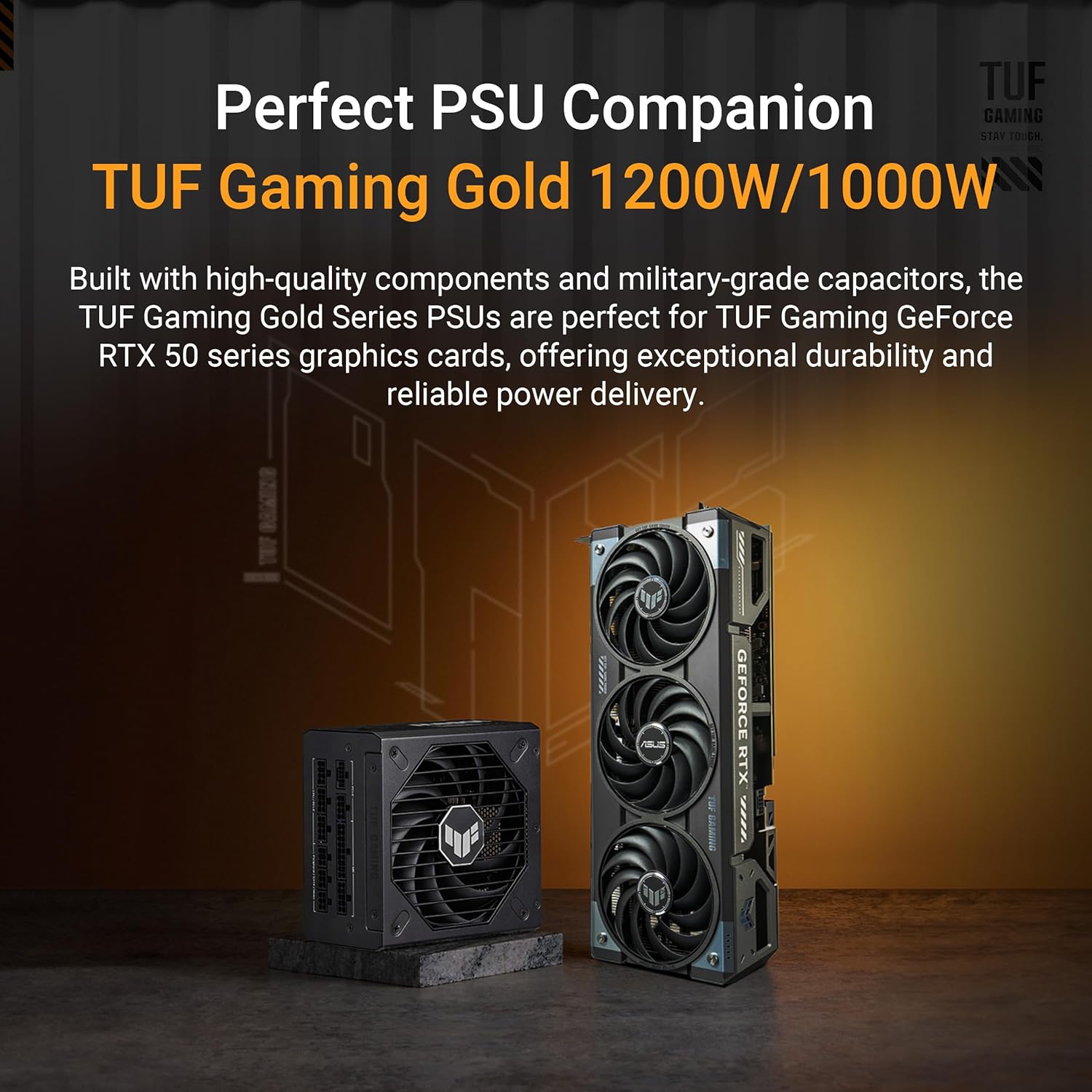
For peace of mind, plan on an 850W PSU, especially if you’re pairing the GPU with a high-end CPU or lots of drives and fans. Also check your motherboard BIOS—April 2025 or later is a smart target to reduce weird compatibility issues (boot loops, black screens, or flaky detection).
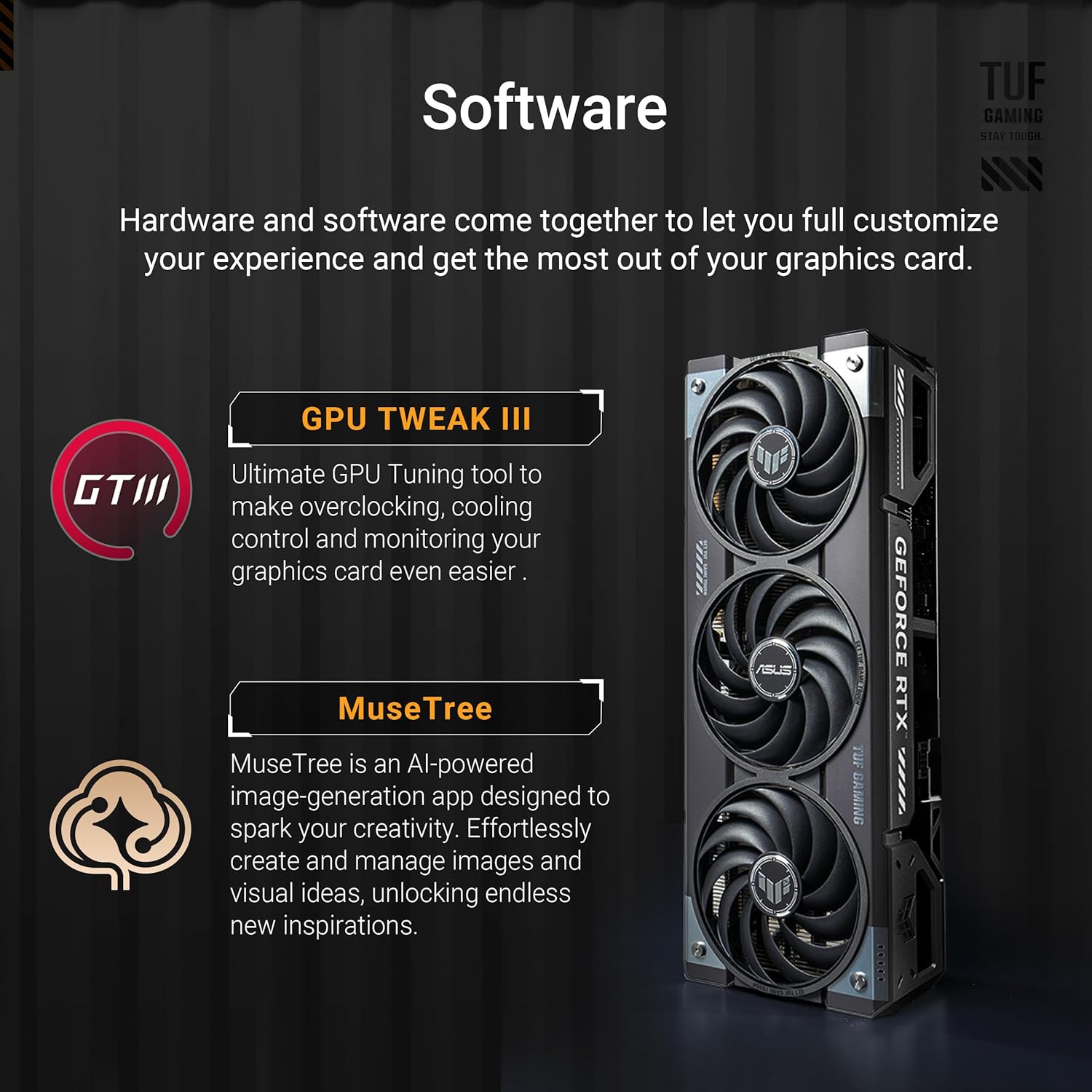
Sanity check: After install, confirm the GPU is detected and drivers install cleanly before you start tweaking clocks in GPU Tweak III.
Shipping, seller choice, and the 30-day return safety net
Most buyers in the US, Mexico, and Canada report fast delivery and intact packaging. One user in Japan flagged seller-dependent recognition/return issues—so if you can, buy from the official Amazon store. If something feels off, Amazon’s 30-day return window gives you a clean exit.
Wild cards: creative analogies and a hypothetical build
A GPU Upgrade that feels like a luxury commuter car
Think of the ASUS TUF GeForce RTX 5070 Ti as a luxury commuter car. It’s not trying to be the loudest track monster in your neighborhood, but it is built to start every morning, handle bad roads, and stay calm in traffic. That’s the vibe you get here: strong Blackwell performance, DLSS 4 doing the heavy lifting, and a cooler that’s designed to stay controlled instead of showing off. For you, that means your GPU Upgrade feels less like a risky mod and more like a dependable daily driver—fast when you need it, quiet when you don’t.
Hypothetical build: a Silent PC for 4K Streaming
Now picture a “silent studio” setup where you game, edit, and do 4K Streaming without your mic picking up fan noise. You drop the TUF 5070 Ti into a roomy case, then lean into what it already does well: that big fin stack, axial-tech fans, and the phase-change thermal pad. You set a custom fan curve so it ramps gently, not suddenly—because smooth airflow is what makes a Silent PC feel premium.
Power is where small choices pay off. You pair it with a 1000W PSU for headroom (even if you don’t “need” it today), and you skip the adapter in favor of a braided Dedicated PCIe Cable (12V-2x6 / PCIe 5.0). It’s a tiny spend that can save you from random black screens, heat at the connector, or that nagging feeling that your build is “almost” done.
Laura Kim, Systems Engineer: "Treat your GPU like a pet: give it good airflow, decent food (power), and it’ll behave most of the time."
And yes, you add a reinforced GPU bracket—because sag is the slow, boring villain of long-term stability. Also, if you’ve ever swapped a GPU and then wondered why the system acted weird, you’re not alone. Maybe you forgot the BIOS update first (April 2025 or later is a safe target). That’s not failure; it’s just PC building. With this card, a few small “grown-up” upgrades turn great hardware into a calm, reliable rig you’ll enjoy for years.



