.png&w=1280&q=75)
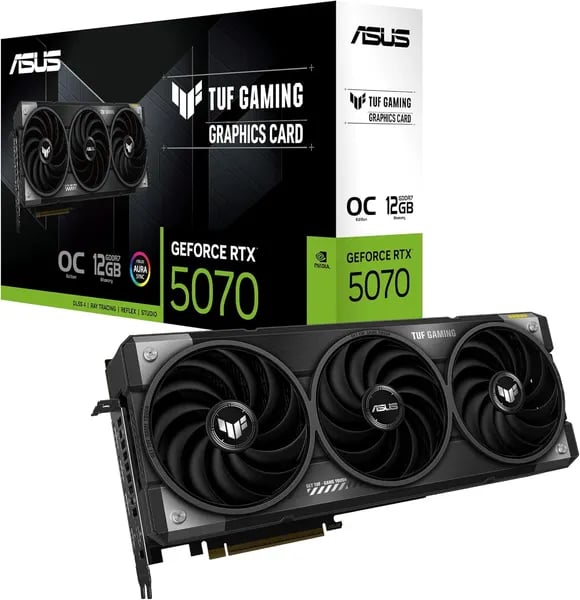
You know the feeling: you boot a new game and your old card coughs like it’s out of breath. I was in the same boat last spring—trading a GTX 1080 for something that wouldn’t choke on 1440p ultra settings. Enter the ASUS TUF Gaming GeForce RTX 5070 OC Edition. This outline walks you through why this card might be the painless, future-ready upgrade you’ve been waiting for—without sounding like a specs sheet. Expect practical takeaways, a couple of nerdy tangents, and one mildly embarrassing story about a misplaced GPU support bracket.
Why this card matters to you (real reasons, not hype)
Future-ready tech that actually shows up in your games and apps
When you upgrade, you’re not just buying more frames—you’re buying time before your next upgrade. The ASUS TUF Gaming GeForce RTX 5070 (released February 28, 2025) puts you on the NVIDIA Blackwell architecture with DLSS 4, plus 5th-gen Tensor Cores and 4th-gen RT Cores. In plain terms: newer games can look better with ray tracing, while DLSS helps keep performance smooth at 1440p and 4K. If you’re experimenting with AI tools locally, those Tensor upgrades can also make supported workloads feel less “wait and hope.”
Price-to-performance that makes sense at $599.99
At $599.99 new (and used listings starting around $551.99), this card hits the sweet spot buyers keep asking for: strong performance without jumping into “flagship tax” pricing. That balance is exactly why so many people call it a practical upgrade—especially if you’re coming from older cards like a GTX 1080 or 1660 Ti and want a clear, immediate jump in modern features and frame rates.
| Spec/Signal | Why you care |
|---|---|
| $599.99 MSRP | Competitive for this generation’s performance tier |
| 4.7 stars (1,893 reviews) | Real-world reliability, not just benchmarks |
| Prime eligible | Fast shipping + easier returns if needed |
A smoother everyday experience (less tinkering, fewer headaches)
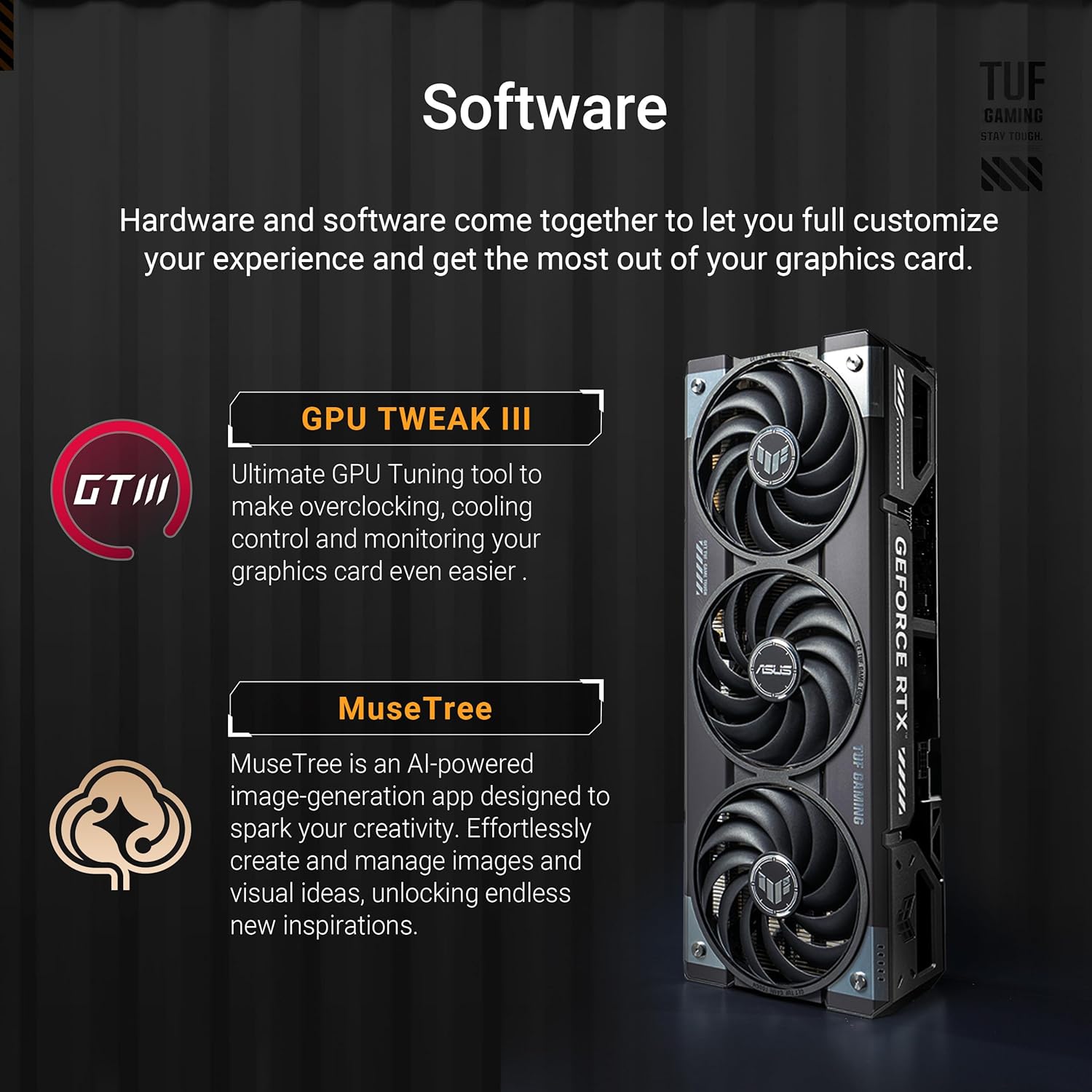
The “TUF” part isn’t marketing fluff. You’re getting military-grade components, Protective PCB Coating, and a cooler designed to stay quiet under load. That matters when you’re gaming for hours, rendering a timeline, or running longer AI tests—because stability and temps affect everything. With GPU Tweak III, you can monitor temps, set fan curves, or undervolt without turning it into a weekend project.
Erik: “An absolute beast—huge FPS uplift from my GTX 1080 and temps are surprisingly low.”
Alexa: “Installed easily, silent fans, and 4K performance was flawless in my streaming setup.”
Quick tech specs (the facts you’ll actually use)
You don’t need a spec sheet to enjoy the ASUS TUF GeForce RTX 5070—but a few numbers do help you buy with confidence. These are the details you’ll actually feel in games, creative apps, and AI tools, pulled from ASUS and consistent third-party listings.
Memory & throughput: 12GB GDDR7 + Memory Interface 192-bit
This card pairs 12GB GDDR7 with a fast 28 Gbps memory speed on a Memory Interface 192-bit bus. In real life, that means smoother 1440p/4K textures, fewer “VRAM wall” moments, and better breathing room for larger creative timelines or AI datasets.
Core specs: CUDA Core 6144 + PCI Express 5.0
Under the hood, you’re getting CUDA Core 6144 and modern platform support via PCI Express 5.0. If you’re buying the OC model, listings commonly report OC-mode engine clocks up to ~2640 MHz, giving you a small but welcome bump without extra effort.
Connectivity & power: Power Connectors 16-pin + Recommended PSU 750W
For displays, you’ve got 3 x DisplayPort 2.1b and 2 x HDMI 2.1b, which is great if you run multiple monitors or a high-refresh main screen. Power is simple: Power Connectors 16-pin (single) and a Recommended PSU 750W. Also note the size—this is a chunky ~3.125-slot card, so measure your case clearance.
Liam: “Tech specs checked out—installation was straightforward and the card looks built like a tank.”
Erik: “OC mode gives a nice clock bump; ASUS bundled the bracket and support which helped my cramped build.”
Specs box (save this)
| Spec | ASUS TUF RTX 5070 OC |
|---|---|
| Memory | 12 GB GDDR7 |
| Memory speed | 28 Gbps |
| Memory bus | 192-bit |
| CUDA cores | 6144 |
| Engine clock (OC) | Up to ~2640 MHz |
| Interface | PCI Express 5.0 |
| Outputs | 3x DP 2.1b, 2x HDMI 2.1b |
| Power | Single 16-pin; Recommended PSU 750W |
| Size | ~329 x 140 x 62.5 mm (~3.125 slots) |
| AI performance | 988 TOPs |
Real-world performance: games, streams, and benchmarks
RTX 5070 performance at 1440p and 4K (what you’ll actually feel)
With the ASUS TUF GeForce RTX 5070 OC, you’re not just buying specs—you’re buying smoother play where it counts. Across 1,893 Amazon reviews (avg 4.7 stars), owners consistently report that 1440p is the “set it and forget it” sweet spot, while 4K stays stable and competitive versus older cards like the 3070/4070 class—especially once you turn on DLSS 4 technology and Frame Generation.
One user report that keeps popping up is Final Fantasy XIV performance: 144 fps in real play, not a lab run. That kind of headroom is what makes high-refresh monitors finally feel “worth it.”
Erik: “144 fps in FFXIV was the first time I stopped worrying about frame drops—temps stayed way lower than my old card.”
Thermals, noise, and sustained boost clocks
The TUF cooler design matters in long sessions. The triple axial-tech fans, phase-change GPU thermal pad, and full-metal build help you keep performance steady without sounding like a vacuum. Reviewers commonly cite:
- <30°C idle
- 45–50°C typical load
- <60°C at 4K load
That translates to fewer thermal spikes, less fan ramping, and more consistent frame pacing. Most users call it quiet, with only occasional minor coil whine mentioned.
Alexa: “Fans are essentially silent; only heard a tiny coil whine once during a stress test.”
Features that change the experience: Fourth-gen Ray Tracing + Game-Winning Responsiveness
When you enable Fourth-gen Ray Tracing, you can keep the lighting and reflections you want without tanking your FPS—because DLSS 4 technology (including Frame Generation/neural rendering) boosts perceived smoothness and can even help reduce “heavy” feeling input in many games. For competitive play, NVIDIA Reflex 2 is the switch you flip for Game-Winning Responsiveness, tightening latency so your clicks feel more instant while you’re streaming or running high FPS.
Build quality, cooling, and long-term reliability
Engineered to last with Military-class components
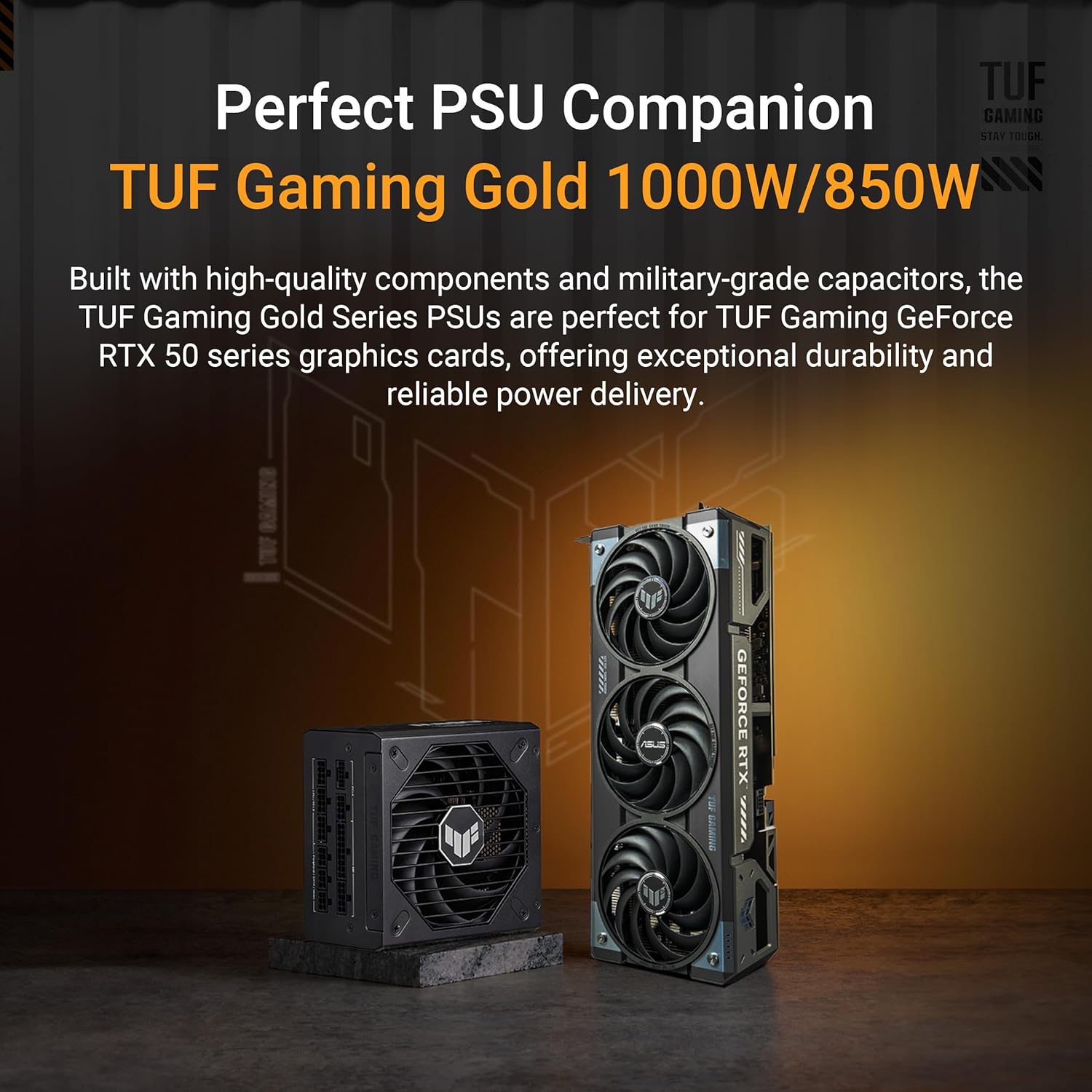
The ASUS TUF GeForce RTX 5070 OC doesn’t just look tough—it’s built to stay stable for years. You’re getting Military-class components designed to handle heat, load spikes, and long gaming sessions without feeling fragile. Add the Protective PCB Coating, and you’ve got extra defense against dust, humidity, and the small “oops” moments that can happen in real-world builds.
ASUS also leans into a rugged, practical design: a full-metal shroud and a sturdy, full-metal bracket help reduce flex and stress on the PCB. That matters more than people think, especially with a 3.125-slot card that’s going to live in your case for the long haul.
Alexa: “The protective coating and sturdy bracket made installation worry-free.”
Cooling that stays quiet under pressure
Cooling is one of the biggest reasons builders pick TUF models, and you’ll feel that difference fast. The card uses 3 axial-tech fans plus a phase-change GPU thermal pad to move heat away efficiently. In user reports, that translates into impressively low temps—often 45–50°C under load, staying below 60°C even at 4K, and under 30°C at idle. The best part: it does this without sounding like a vacuum cleaner.
Liam: “Triple-fan cooler and the metal shroud feel premium—my case temps dropped overall after install.”
Small extras that make installation easier
In cramped cases, the little things reduce friction. Many OC bundles include the TUF Graphics Card Holder to fight GPU sag, plus handy extras like velcro and a magnet for cleaner cable management.
Software tuning, safer experimenting, and long-term support
With ASUS GPU Tweak III, you can monitor temps, set fan curves, and apply a mild OC without guesswork. And if you like to tinker, Dual Bios support gives you a safer way to experiment—switch profiles and keep a fallback option if your settings get too aggressive. Pair that with NVIDIA Game Ready/Studio drivers and solid warranty support, and you get day-to-day peace of mind, not just peak FPS.
Wild cards: weirdly useful extras & futureproofing
AI Performance 988 TOPs: your “wait, it can do that?” upgrade
You’re not buying the ASUS TUF GeForce RTX 5070 just to push frames. The fun wild card is how usable it can be for hobby AI work. With AI Performance 988 TOPs, it’s surprisingly capable for local experiments—think running small inference demos, testing lightweight models, or speeding up AI-powered tools inside your creative apps without living in the cloud.
Erik: “I tested a few AI inference demos locally—surprisingly snappy for hobby projects.”
It’s not a data-center card, but for learning, tinkering, and “good enough” local workflows, it’s the kind of bonus you’ll actually use months after the gaming hype fades.
NVENC is the quiet productivity cheat code
Another weirdly useful extra: NVIDIA’s NVENC encoder. I once used the card to transcode a week’s worth of footage overnight, and it was faster than my old CPU-only workflow while staying nearly silent. If you stream, edit, or just archive a lot of video, this is the sort of futureproofing that saves real time—without you needing to become a settings wizard.
Small-case reality check: Uyubao GPU Support Bracket + workstation add-ons
This TUF card is built like a tank, and that usually means it’s not tiny. If your case is compact or you move your PC often, a Uyubao GPU Support Bracket is a cheap, smart add to help prevent sag and keep the install stable long-term.
And if you’re building a mixed workstation/storage rig, pairing your GPU build with something like a SAS HBA card (for serious drive expansion) can turn a “gaming PC” into a do-it-all box for editing caches, backups, and large project libraries.
Liam: “If you need a small rig, check the laptop SKU references; desktop card size is still quite large.”
ASUS TUF Gaming F16 + alternatives like RTX 4070 Super
If you want the RTX 5070 ecosystem without the big desktop footprint, the ASUS TUF Gaming F16 shows how flexible the platform is, using an RTX 5070 laptop GPU variant with 8GB GDDR7 (often around 115W TGP). And if you’re cross-shopping, models like the RTX 4070 Super (or 4070 Dual Fan cards) still hit that familiar 12GB-class value lane. If you’d rather skip building entirely, prebuilts like the BEASTCOM Q5 Pro or TOPGRO T1-Pro can also make sense—just compare cooling, noise, and upgrade room before you commit.



