.png&w=1280&q=75)
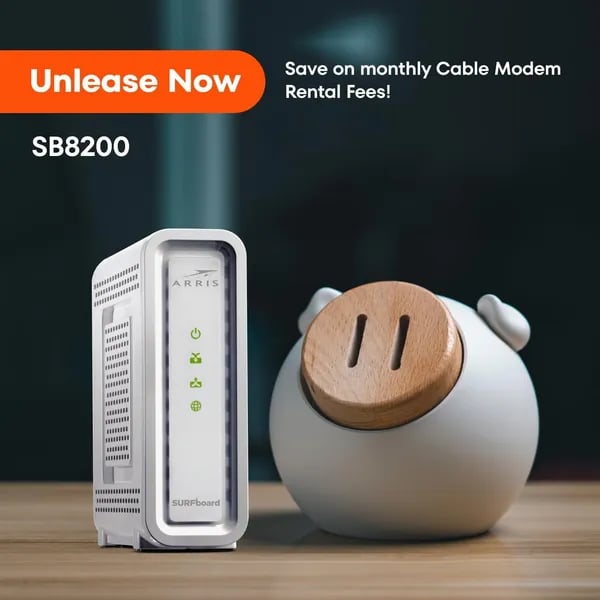
You know that feeling when your movie buffers at the cliffhanger and you swear this time you'll do something about your network? I did—after a marathon of frozen frames I bought the ARRIS SURFboard SB8200. What followed was a tidy little victory: fewer rental fees, a sleeker cable box on the shelf, and clearer rules about what the modem actually controls (hint: not your Wi‑Fi). This outline walks you through why the SB8200 might be worth the swap, what hiccups to watch for, and a few personality-rich detours because tech should never be boring.
1) Quick Take & Technical Specs
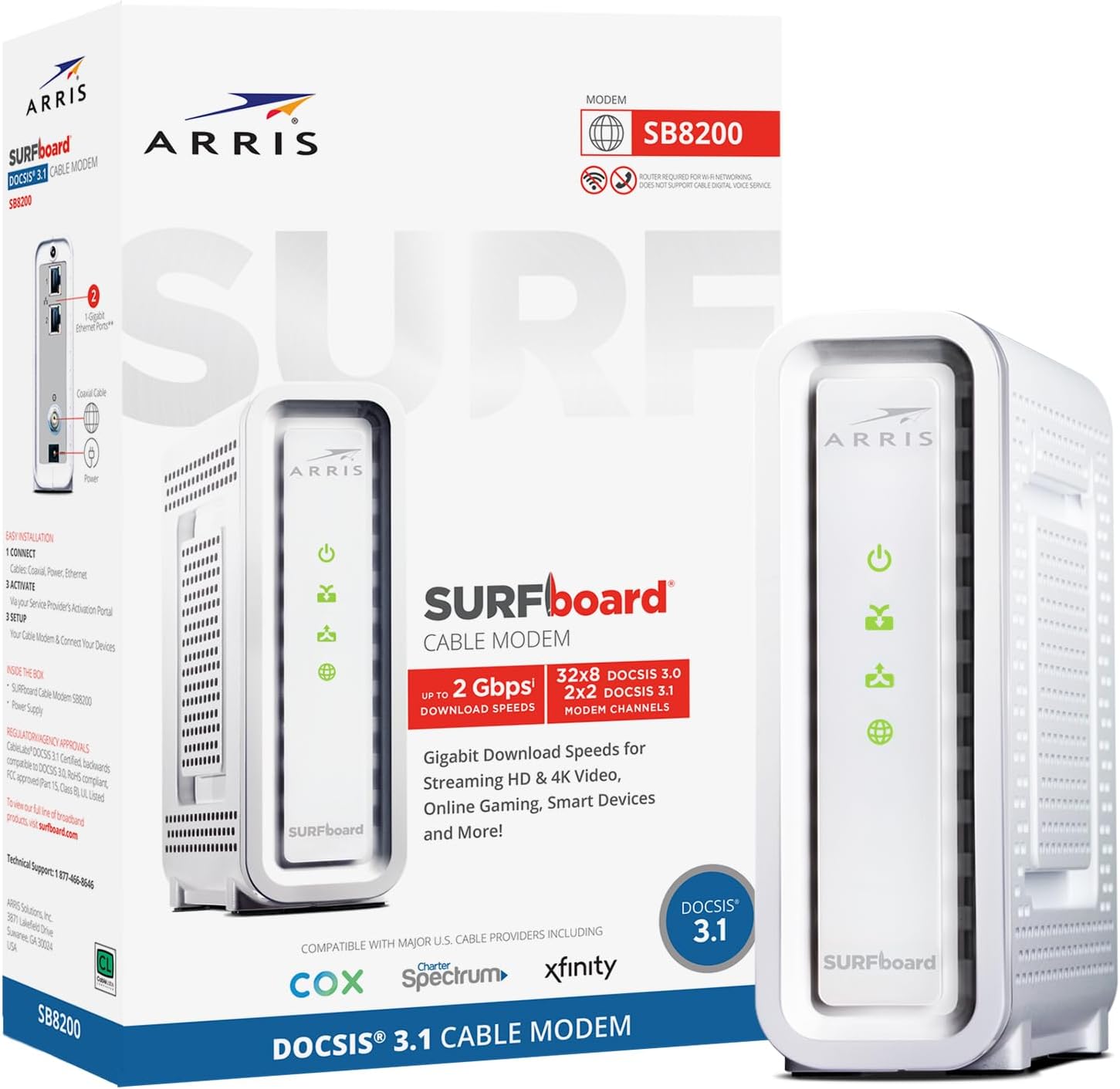
ARRIS SURFboard SB8200: DOCSIS 3.1 Cable with 32x8 Channels
If you want to stop renting your ISP’s gear and push your cable plan to its limits, the ARRIS SURFboard SB8200 is a smart place to start. It’s a DOCSIS 3.1 Cable modem built for modern service tiers, with 32x8 Channels for strong downstream capacity and broad support across major providers like Xfinity, Cox, and Spectrum (always confirm your exact plan and approved list first). It’s also CableLabs certified, which helps reduce compatibility surprises during activation.
Gigabit Ethernet Ports + Link Aggregation (2 Gbps Speeds on Paper)
On the back, you get two Gigabit Ethernet Ports (2 x 1Gbps). That matters because the SB8200 can use link aggregation to combine both ports for 2 Gbps Speeds in ideal setups. In plain terms: you’ll need a router that supports link aggregation (and a plan that can exceed 1Gbps) to benefit. Otherwise, you’ll typically connect a single Ethernet cable and run at standard gigabit limits.
Real-world performance is usually near-gigabit—think ~950–1000 Mbps peak in many tests—because of overhead and network conditions.
Dana Rivera, Network Engineer: "For most homes the SB8200 is a balanced mix of value and performance — especially if you pair it with a solid router."
Compact Build and Simple Status Lights
The SB8200 is easy to place on a shelf or media cabinet. It measures 1.75 x 5.13 x 5.25 inches and weighs 1.46 pounds. Up front, you get straightforward LED indicator lights so you can quickly check power, downstream/upstream, and online status without opening an app.
Price Snapshot, Warranty, and Review Signal
- New price: about $134.99 (often fluctuates)
- Used/refurb: around $80 depending on condition and seller
- Warranty: commonly referenced as 2 years
- Amazon feedback: 20,200+ reviews, about 4.2 / 5 average
| Spec | ARRIS SURFboard SB8200 |
|---|---|
| Standard | DOCSIS 3.1 |
| Channels | 32x8 |
| Ethernet | 2 x 1Gbps (link aggregation) |
| Size / Weight | 1.75 x 5.13 x 5.25 in; 1.46 lb |
2) Setup, Compatibility & Real-World Use (Expectations vs Reality)
Modem Setup Guide: Simple Steps (and What You’ll Actually Do)
In theory, the ARRIS SURFboard SB8200 is a plug-and-go upgrade. You connect the coax cable, plug in power, and activate service with your ISP. In real life, it’s still easy—just expect a few minutes of app prompts and waiting for the modem to lock onto the signal.
- Connect coax from the wall to the SB8200.
- Plug in power and wait for the status LEDs to settle.
- Connect Ethernet to your router (or a PC for first-time testing).
- Activate using your provider flow or the SURFboard Manager / Xfinity app.
Amazon bundles can make the router decision easier, especially if you’re pairing the modem with a proven Wi‑Fi 6E router. Just remember: the SB8200 is only a modem—you still need a separate router or mesh system for Wi‑Fi.
Modem Compatibility: Xfinity Cox Spectrum (Check Before You Buy)
The SB8200 is CableLabs certified and widely supported, with strong Modem Compatibility across Xfinity Cox Spectrum plans. Still, you should double-check your ISP’s approved modem list before you order—especially if your plan includes specific voice/TV requirements or you’re on a newer mid-split upload tier.
- Works with: Xfinity, Cox, Spectrum (most cable internet plans)
- Activation: Often easiest through provider apps (like Xfinity) or SURFboard Manager
- User feedback: 20,200+ Amazon reviews, ~4.2/5 average rating
Expectations vs Reality: Speeds Depend on Your Line, Not Just the Modem
Yes, DOCSIS 3.1 and dual Ethernet ports sound like instant 2Gbps magic—but your final speeds often land near gigabit (around 950–1000 Mbps) depending on your router, device, and plan. Some users also report uploads coming in lower than expected.
Marcus Allen, ISP Field Technician: "Often the bottleneck is the neighborhood node or old coax in the wall—not the modem itself."
If you see random drops or slowdowns, don’t assume the modem is bad. Low signal-to-noise ratios, weak signal levels, or neighborhood node congestion may require an ISP technician visit—not a modem swap. Also note Amazon’s extended 2025 holiday returns can help if your setup needs extra time to validate.
3) Money Matters: Buy vs Rent and Long-Term Savings
Save Rental Fees by Owning Your Modem
If you’re still renting your modem from your ISP, you’re likely paying $10–$15 per month just to use basic hardware. Buying the ARRIS SURFboard SB8200 lets you Save Rental Fees immediately, and those small monthly charges add up fast. As personal finance blogger Evelyn Park puts it:
Evelyn Park, Personal Finance Blogger: "Swapping a rented modem for one you own is a small move that often nets steady savings—do the math for your own plan."
Payback Math: New vs Used ARRIS SURFboard SB8200
A new SB8200 is priced around $134.99, while used/refurb units can dip to about $80. If your rental fee is $10–$15/month, the break-even point is usually quick.
| Option | Upfront Cost | Typical Payback (at $10–$15/mo) |
|---|---|---|
| New SB8200 | $134.99 | ~9–14 months |
| Used/Refurb SB8200 | ~$80 | ~6–8 months |
After that, the savings are yours each month—especially helpful if you’re on a fast plan where you want a Best Cable Modem that can keep up (the SB8200 supports plans up to 2Gbps with DOCSIS 3.1).
Warranty, Returns, and “Hidden” Costs to Watch
- 2 Year Warranty: The SB8200 typically includes a 2 Year Warranty, which helps protect your upfront spend compared to renting.
- Return window: Amazon’s extended 2025 holiday return timing can lower your risk if you’re buying during peak season.
- Support and signal issues: Some problems blamed on the modem are actually line/signal issues your ISP must fix—so factor in the time (and possible service visit) if your connection needs tuning.
- Bundle value: Amazon bundles (like pairing with a router such as the TP-Link AXE5400) can reduce total setup cost since the SB8200 is modem-only.
4) Alternatives, Upgrades & Future-Proofing
Stick with the ARRIS SURFboard SB8200 if you want flexibility
The ARRIS SURFboard SB8200 is still a strong pick in 2025 because it’s a Powerhouse Modem that focuses on one job: delivering fast, stable cable internet (up to 2Gbps plans) without locking you into a built-in Wi‑Fi system. If you like upgrading your Wi‑Fi every few years (Wi‑Fi 6E today, Wi‑Fi 7 tomorrow), using a separate modem and router is often the cleanest path. You keep the modem and simply swap your router or mesh kit when you want better coverage or newer features.
Want one box? Consider a Modem Router Combo upgrade
If you’d rather reduce clutter and manage fewer devices, look at the ARRIS G54 DOCSIS 3.1 modem/router combo. It adds WiFi 7 support plus smart features designed to keep your network steady in busy homes.
Jordan Lee, Tech Reviewer: "A combo device like the G54 blurs the line between modem and smart home hub—great if you want fewer boxes and smarter automation."
- ARRIS G54 DOCSIS 3.1: Higher price, but you get WiFi 7, self-healing automation, and intelligent channel management for smoother performance.
- ARRIS G36: A more budget-friendly combo option if you want the convenience of an all-in-one setup.
Other contenders worth comparing
If you’re shopping for the Best Cable Modem for your ISP and signal conditions, these alternatives come up often:
- Motorola MB8600: A popular alternative that some users call more “plug-and-play” robust out of the box, especially if they’ve had mixed experiences with ARRIS support.
- NETGEAR Nighthawk M6 Pro: Not a cable modem—this is a mobile hotspot option for travel, backup internet, or places where cable isn’t reliable.
- Zyxel WiFi 6 AX3000 Access Point: Not a modem—pair it with the SB8200 if you want stronger Wi‑Fi coverage without replacing your router.
Quick upgrade rule
If you want convenience, go combo (like the G54). If you want future-proof upgrades, keep the SB8200 and upgrade your router/Wi‑Fi system separately.
5) Troubleshooting, Support Stories & Human Tangents
Customer Feedback: what usually goes wrong (and what doesn’t)
With 20,200+ reviews and a 4.2/5 average, Customer Feedback on the ARRIS SURFboard SB8200 is mostly positive—but the complaints are consistent. The big three you’ll see are Upload Speed Issues, heat buildup, and “the modem is broken” moments that turn out to be your ISP’s signal. The good news: most of these have clear next steps, and you can often fix them without buying anything new.
Modem Overheating: ventilation is your cheapest upgrade
Modem Overheating is more likely when you stack the SB8200 under a router, wedge it into a tight cabinet, or press it against a wall. Give it breathing room on all sides, keep it upright, and avoid enclosed media boxes. If it feels hot and your connection drops during long gaming or streaming sessions, treat airflow like part of the setup—not an afterthought.
Upload Speed Issues: don’t assume the SB8200 is the villain
If your uploads don’t match your plan, start simple: reboot, check coax tightness, and confirm your router isn’t the bottleneck. Then look at the modem’s signal page and ask your ISP to verify levels. One Comcast story in reviews is a classic: the SB8200 got blamed, swapped, blamed again—until a technician found low signal-to-noise and corrected line issues outside the home. Sometimes the real fix is infrastructure, not hardware.
Firmware Update + support: fast help for some, slow for others
A Firmware Update is usually pushed by your ISP, so you may not “click update” yourself. If problems show up early, act fast. Some users reported issues within ~58 days and got prompt warranty replacements (even multiple times). Others felt support slowed down once the warranty or return window closed—so keep your box, receipts, and screenshots.
Liam Scott, Customer Support Specialist: "Document the serial, take photos, and if an ISP tech shows up, ask them to test signal levels before swapping hardware."
A human tangent: name your modem, then apologize to it
You might name your SB8200 something dramatic, blame it for a slow download, and threaten to replace it—only to discover the coax splitter was the real villain all along. That’s the SB8200 experience in a nutshell: it’s a strong modem, but your wiring, ventilation, and ISP signal decide whether it gets to shine.



