.png&w=1280&q=75)
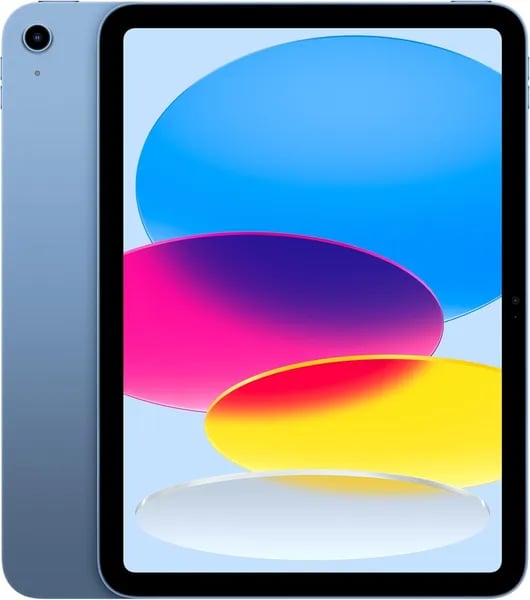
You unwrap a box, slide the iPad out, and that first swipe feels oddly intimate — like meeting a new tool that somehow understands you. Remember the last time a gadget just clicked? This is that feeling again. In this piece you'll get a practical tour (with a couple of personal asides), clear specs, and the kind of buying advice you actually use.
Feel the Speed: A16 chip performance
On the Apple iPad 11-inch (available March 4, 2025), speed isn’t just a spec—it’s something you feel every time you tap. The A16 chip performance is the reason the tablet stays smooth even when your day gets busy, whether you’re studying, editing, or jumping into a quick game.
What “A16 chip superfast” feels like in real life
When people say A16 chip superfast, they’re talking about the small moments that add up: apps open quickly, animations stay fluid, and switching tasks doesn’t cause stutters. With a 5-core CPU and 4-core GPU, the iPad handles both everyday work and graphics-heavy fun with ease.
- Smoother multitasking: move between apps without lag
- Faster app launches: less waiting, more doing
- Snappier games: steadier performance in titles like Fortnite, Roblox, and Minecraft
A real-world workflow: Safari → Keynote → video editor
Picture this: you’re researching in Safari, pulling notes into Keynote, then trimming clips in a video editor for a class project. On older tablets, that kind of hopping can feel slow. Here, the A16 chip capability keeps everything responsive—so you can switch, copy, paste, preview, and export without the iPad feeling “maxed out.”
Maya Rivera, Tech Reviewer: "The A16 chip makes the iPad feel like a tiny workstation — responsive, fast, and surprisingly powerful for creative apps."
Why A16 chip capability helps you stay future-ready
The A16 isn’t only about raw speed. Its Neural Engine supports machine learning features that help the iPad stay efficient—balancing performance and battery so you get that all-day feel (around 10 hours) while still enjoying quick responses. This matters as apps get more demanding, especially creative tools that rely on smart features like auto-enhancements, subject detection, and smoother real-time effects.
In short, A16 chip performance makes the Apple iPad 11-inch feel ready for today’s multitasking—and tomorrow’s heavier workflows.
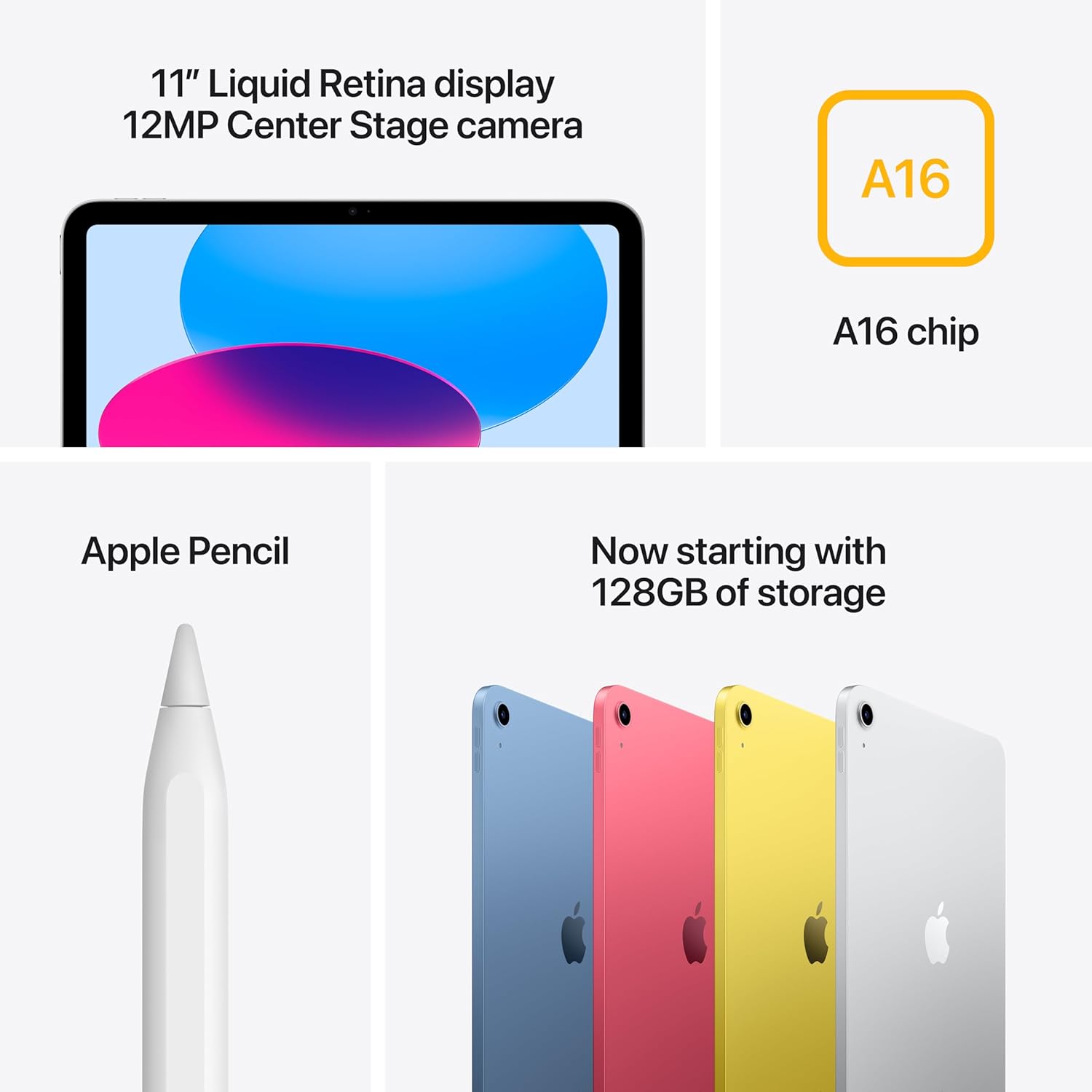 Liquid Retina display & Apple Pencil support" />
A Canvas That Pops: Liquid Retina display & Apple Pencil support
Liquid Retina display that stays easy on your eyes
On the latest 11-inch iPad models, the Liquid Retina display is the kind of screen you notice right away—especially when you’re reading, editing photos, or watching videos. You get an 11-inch panel with a sharp 2360-by-1640 resolution at 264 ppi, so text looks crisp and small details don’t blur together.
True Tone is the quiet hero here. It adjusts the screen’s color temperature to match your room, so a white page in Apple Books won’t look harsh under bright office lights or too blue at night. That means less squinting, cleaner-looking notes, and more accurate colors when you’re tweaking a photo or picking a shade for a design.
Apple Pencil support that turns it into a real creative tool
Apple Pencil support (with Apple Pencil (USB-C)) is what makes this iPad feel like more than “just a tablet.” The moment you start writing, you’ll feel how fast and controlled it is for everyday tasks like highlighting PDFs, marking up screenshots, or taking class notes while you keep Safari and Keynote open side by side.
- Pressure sensitivity helps your lines look natural—light strokes for shading, heavier strokes for bold marks.
- Tilt support makes sketching and shading feel closer to using a real pencil edge.
- Multitasking in iPadOS lets you draw in one app while referencing images or notes in another.
Glass vs. paper: you’ll miss the smudge, but love the precision
Sketching on glass isn’t the same as paper—you don’t get that dusty graphite smudge on your hand, and the surface feels smoother. But after a few minutes, the precision becomes addictive. You can zoom in for tiny details, undo instantly, and keep your “messy draft” and “final version” in the same file.
Jordan Lee, Product Designer: "The Liquid Retina display plus Apple Pencil makes the iPad feel like an instant studio — fast enough for rough drafts and refined enough for final touches."
And while Apple’s Ultra Retina XDR display sits higher up the lineup, this Liquid Retina display still delivers the clarity and color you need for serious creative work.
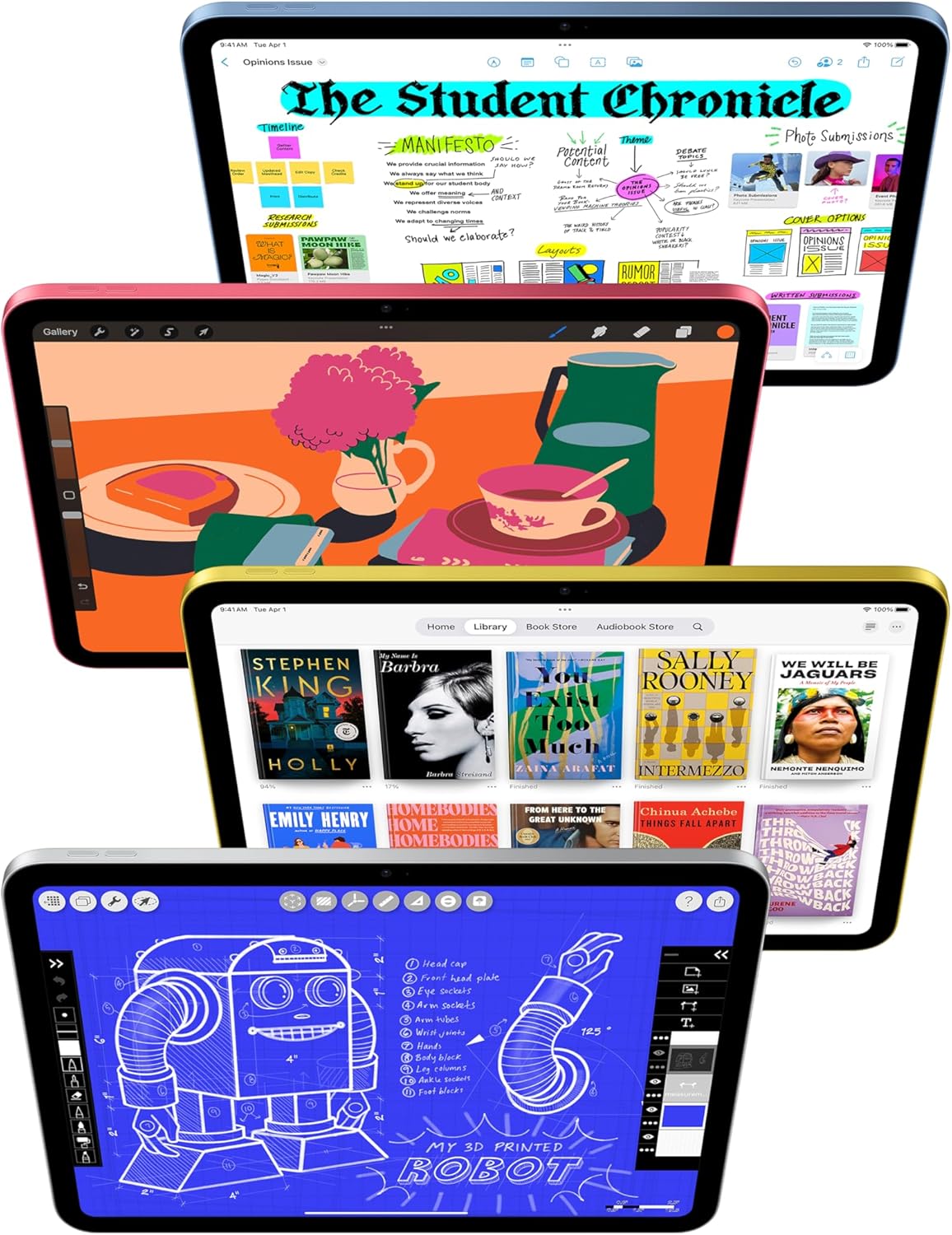
Everyday Use: Battery, Cameras, and Connectivity
All-day battery that keeps up with you
With a lightweight build (starting at 1.05 pounds) and a slim size (9.79 x 7.07 x 0.28 inches), the iPad 11-inch is easy to carry from couch to classroom. More importantly, you can actually stay unplugged. You get about 10 hours of battery life for everyday tasks like reading Apple Books, streaming shows, browsing the web, or finishing assignments—so you’re not hunting for an outlet every few hours.
12MP camera features for calls, scans, and 4K
The front camera is built for FaceTime video calls and online meetings. Its 12MP Center Stage system keeps you in the frame as you move, which is great when you’re presenting, teaching, or just talking hands-free.
Aisha Khan, Video Production Educator: "Center Stage makes remote teaching natural — you move and the camera subtly keeps you framed. It's a small thing that matters a lot."
On the back, the 12MP Wide camera with True Tone flash handles sharp photos, 4K video, and quick document scanning—handy for receipts, worksheets, and signed forms. Note: there’s no flashlight built in, which some customers point out, but the flash supports better shots in low light.
Wi-Fi 6 connectivity, optional 5G, and USB-C connector design
For day-to-day speed, Wi-Fi 6 connectivity helps your streams load faster and your downloads finish sooner, especially on busy home networks. If you choose a Wi‑Fi + Cellular model, you can also get optional 5G for working on the go.
The modern USB-C connector design makes charging simple and opens up flexible accessories. It also supports connecting to an external display, including 4K output for bigger-screen work or presentations.
Touch ID security and quick setup
Touch ID security is built into the top button, so you can unlock instantly and confirm Apple Pay purchases with your fingerprint. Customers also mention the iPad is quick to set up, and packaging typically arrives neat and undamaged.

Who It’s For: Students, Creators, and Gamers
If you’re comparing 11-inch iPad models, this one stands out because it feels built for real life: light enough to carry daily, fast enough to keep up, and simple enough that anyone in your home can use it. That shows in the numbers—4.8 stars from 16,347 reviews and over 10,000 units bought—which points to strong performance beyond the spec sheet.
Students: Notes, Reading, and Long Papers
For school, you get a clean setup that works whether you’re in class or studying at home. With Apple Pencil support (Apple Pencil USB-C), you can handwrite notes, mark up PDFs, and sketch diagrams without carrying extra notebooks. When it’s time to read, Apple Books looks sharp on the 11-inch Liquid Retina Display with True Tone, so pages stay comfortable in different lighting.
Add the Magic Keyboard Folio and the iPad becomes a practical writing machine. The two-piece magnetic design makes it easy to snap on for typing essays, then detach when you want to hold the tablet.
Noah Bennett, Educator: "For remote classes and quick grading, this iPad hits the sweet spot between portability and capability."
Creators: Video Editing Capability and Multitasking
If you create content, the A16 chip gives you the speed you need for everyday video editing capability, photo work, and layered projects. iPadOS multitasking helps you move between apps smoothly, and with over a million iPad-specific apps, you can build a workflow around tools you already know—like Keynote for decks and Safari for research.
It also supports external display use for presentations, so you can draft on the iPad and share on a bigger screen when it’s time to show your work.
Gamers: Smooth Play and Fast Everyday Use
For gaming, reviewers call out smooth performance in Fortnite, Minecraft, and Roblox, thanks to the A16 chip. You’ll also appreciate the crisp audio for action and voice chat, plus quick charging through USB-C—handy when you’re jumping back in after a break.
Real-world tips from buyers
- Older users often mention it’s easy to learn and comfortable to use.
- Many recommend a case and screen protector to keep the premium finish looking new.
Buying Guide & Variations: Storage, Color, and Deals
Choose the right iPad 11-inch specifications for how you use it
When you shop, start with the iPad 11-inch specifications that affect daily life most: storage, connectivity, and protection. If you mainly stream, browse, and take notes, the base 128GB storage capacity is a smart, budget-friendly pick. If you download lots of games, keep big photo libraries, or store school files offline, stepping up to 256GB can help you avoid constant cleanup. Power users who edit more video, manage large creative projects, or want long-term breathing room should look at 512GB.
Wi‑Fi vs cellular (including 5G cellular models)
Next, decide between Wi‑Fi and Wi‑Fi + Cellular. Wi‑Fi is perfect if you’re usually at home, school, or work with reliable internet. If you travel, commute, or want your iPad online without hunting for hotspots, consider Wi‑Fi + Cellular—often listed as 5G cellular models—so you can stay connected on the go (you’ll just add a data plan).
Four color options that match your style
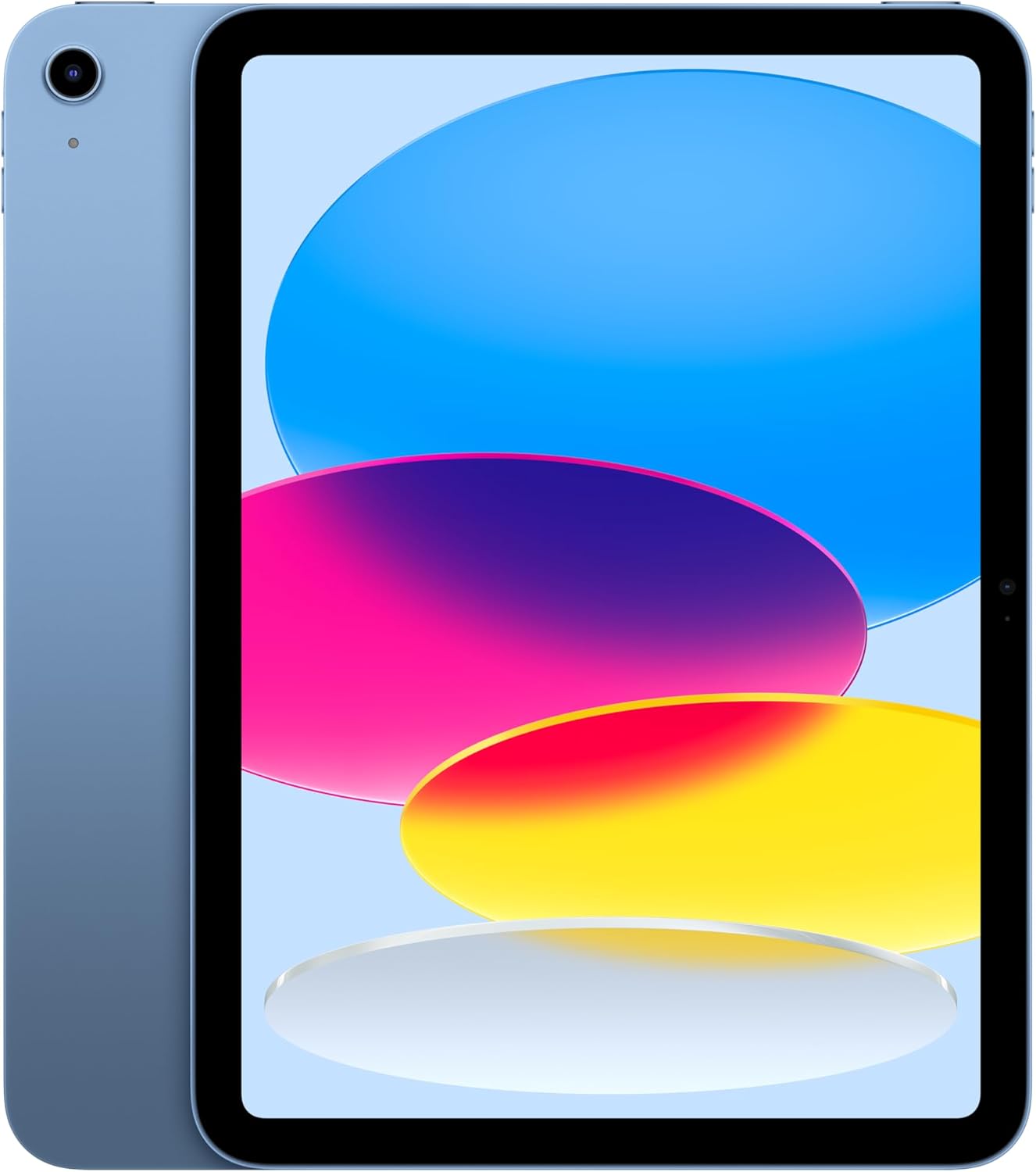
Apple keeps personalization simple with Four color options: Blue, Pink, Yellow, and Silver. If you want a fun look, Blue and Pink stand out; Yellow feels fresh and bright; Silver stays classic and professional—especially if you plan to pair it with a keyboard.
Deal snapshot, shipping, and shopping IDs
Right now, the highlighted configuration—128GB, Wi‑Fi, Blue—lands at $299.99 (was $349.00), a 14% discount that lowers the entry price for this lineup. It’s in stock, eligible for FREE Prime delivery (as soon as Friday, January 9), and backed by a free 15-day refund or replacement policy. As Lena Ortiz, Retail Analyst, says:
“Bundling fast shipping and a simple return policy makes this iPad a low-risk purchase for shoppers who want a reliable, portable device.”
To avoid buying the wrong listing, confirm Model MD4A4LL/A and ASIN B0DZ75TN5F. Reviewers also recommend adding a case and screen protector, and many note the packaging typically arrives neat and undamaged—so you can start using your iPad right away with confidence.



